Chart position — tracked daily by LaunchShots
Screenshot changes — detected by LaunchShots
Screenshot style breakdown
Sampled from 6 of Spanish Learning: Palteca's App Store screenshots — background, accent and theme, measured by LaunchShots (not something Apple publishes).
#E44C64 bg
#E76579
#F4B404 accent
#FFFFFF text
- #1Learn Spanish that sticks
- #2100% Spanish immersion
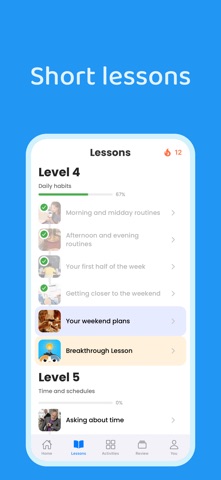
- #3Short lessons
- #4Learn practical Spanish
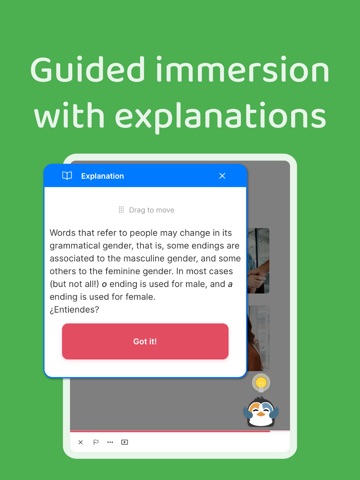
- #5Guided immersion with explanations
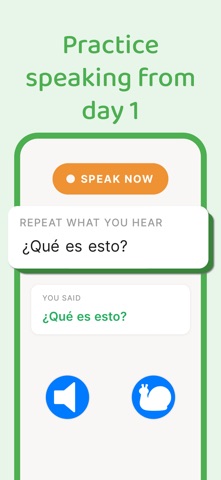
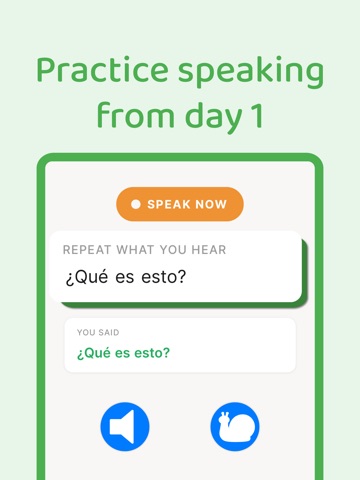
- #6Practice speaking from
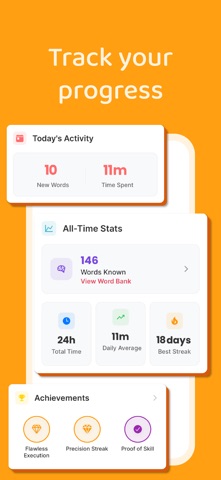
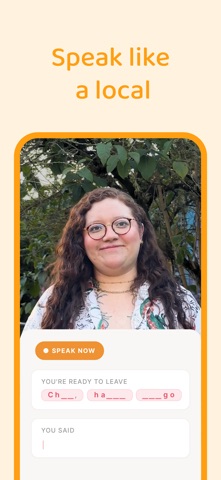
Captions read from the screenshots (OCR, may contain small errors): 6 headlines, 3.2 words on average (longest 4).
Screenshots




iPad screenshots




Icon palette
About this app
Learn Spanish the way your brain was meant to. Palteca uses teaching methods that are rooted in science, making it one of the most effective ways to quickly learn and speak Spanish. Unlike the majority of the language learning apps on the market today that try to offer a tiny bit of many languages, Palteca offers an in-depth learning experience for Spanish. --------------------------- THE PALTECA METHOD 1. WATCH REAL NATIVE SPEAKERS: Palteca uses Comprehensible Input (CI), giving you content that is entirely in Spanish spoken by real speakers in real conversations. Our curriculum is built to teach you the most important words first, and over the course of the following days/weeks, continue to reinforce these same words through repeated exposure. This makes remembering much easier 2. SPEAK FROM DAY 1: Get instant feedback so you can begin speaking confidently, while responding to re…
App details
What you can learn from Spanish Learning: Palteca
Every shipping app on the App Store has gone through the same decisions you're working through right now: which screenshot goes first, what caption sits over it, which device frame to show, what color the background should be. The 16 screenshots above are Spanish Learning: Palteca's answers to those questions — they're public, they're real, and they made it through Apple's review.
What the numbers say: Spanish Learning: Palteca runs a mixed light-and-dark set where the background shifts from screenshot to screenshot (first shot #E44C64) — each image has to stand on its own, so the captions carry more of the story. The accent colour we picked up, #F4B404, is the one to reuse for badges, arrows and highlighted words if you borrow this look. Hit Use this style to open the editor with these exact colours and drop your own screenshot in.
Notice the first screenshot in particular. It's the one users see in search results and on the product page, and it's where most apps spend their best caption and tightest design. Look at the proportion of background to phone, where the text sits, what one thing the image is trying to communicate.
Want to see how other Education apps approach the same problem? Browse more Education apps in the showcase.
Take what works into your own screenshots
Open LaunchShots and design your App Store & Google Play screenshots — pick a device frame, drop captions, ship in minutes. Free, in your browser.
Open the screenshot editor →Apps with a similar look
Closest background + accent colours among the listings we've analysed — useful when you want to see the same palette handled by a different team.