Screenshot style breakdown
Sampled from 6 of freee経費精算's App Store screenshots — background, accent and theme, measured by LaunchShots (not something Apple publishes).
#2C64F4 bg
#4979F5
#FCD474 accent
#FFFFFF text
Screenshots
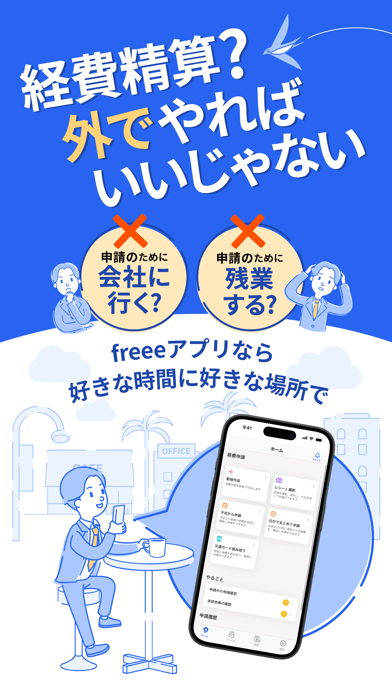


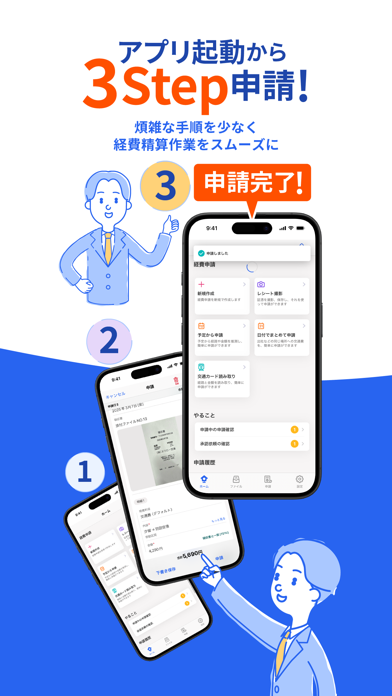

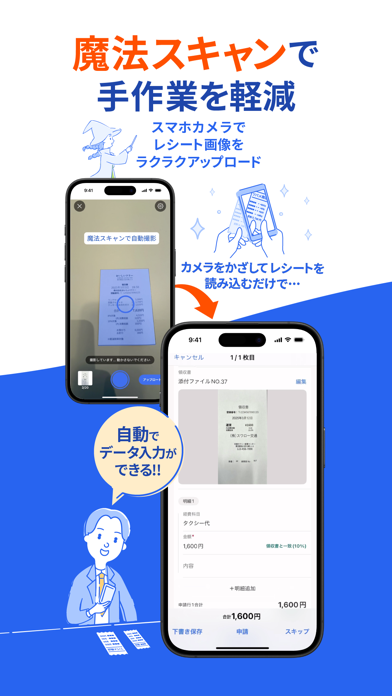

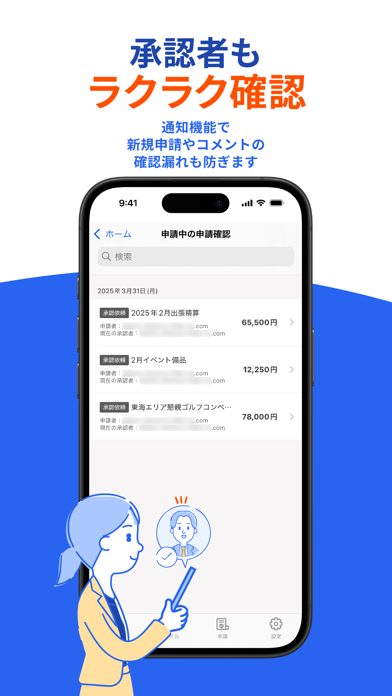
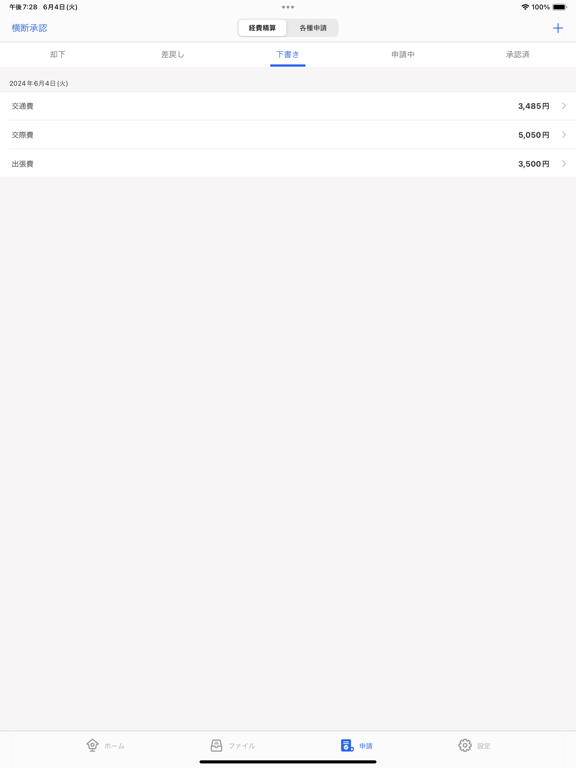
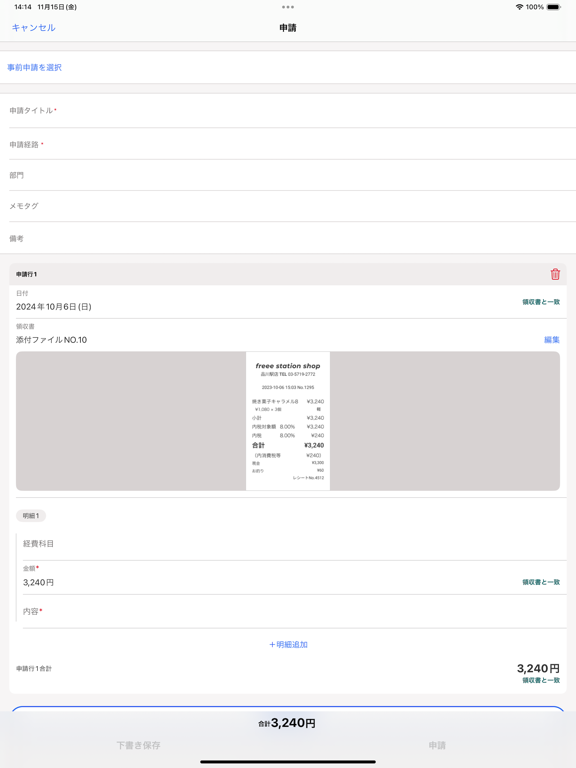
iPad screenshots



Icon palette
About this app
経費精算がもっと簡単に、もっと早く!出張や日常の立替経費をスマホ一つでお手軽に精算 法人・個人企業で働く皆様、日々の経費精算の煩わしさから解放されませんか?freee経費精算アプリは、手間を省き、業務を効率化するための機能を備えています! 外出先でも、PCがなくても、スマホ一つで作業が完結する便利さを体験してください。 ◇特徴 ・視覚的にわかりやすいデザインで、経費申請や承認を迷うことなく行える。初めての方でもすぐに使いこなせるシンプルなインターフェース ・領収書・レシートにカメラを向けるだけで、自動で切り取って撮影保存 ・領収書・レシートに書いている内容を読み取って申請書を作成(OCR機能) ・電子帳簿保存法にも対応 ・交通費や交際接待費などの立替経費精算がスマホで完結 ・SuicaやICOCAといった交通系ICカードのデータを読み取って交通費精算できる ・各種申請やワークフローの作成・承認が可能 ・データはfreee会計,freee支出管理のクラウド上に保存されるので、PCとスマホで同じデータを見れる ※このアプリは、freee会…
App details
What you can learn from freee経費精算
Every shipping app on the App Store has gone through the same decisions you're working through right now: which screenshot goes first, what caption sits over it, which device frame to show, what color the background should be. The 16 screenshots above are freee経費精算's answers to those questions — they're public, they're real, and they made it through Apple's review.
What the numbers say: freee経費精算 runs a mixed light-and-dark set where the background shifts from screenshot to screenshot (first shot #2C64F4) — each image has to stand on its own, so the captions carry more of the story. The accent colour we picked up, #FCD474, is the one to reuse for badges, arrows and highlighted words if you borrow this look. Hit Use this style to open the editor with these exact colours and drop your own screenshot in.
Notice the first screenshot in particular. It's the one users see in search results and on the product page, and it's where most apps spend their best caption and tightest design. Look at the proportion of background to phone, where the text sits, what one thing the image is trying to communicate.
Want to see how other Productivity apps approach the same problem? Browse more Productivity apps in the showcase.
Take what works into your own screenshots
Open LaunchShots and design your App Store & Google Play screenshots — pick a device frame, drop captions, ship in minutes. Free, in your browser.
Open the screenshot editor →Apps with a similar look
Closest background + accent colours among the listings we've analysed — useful when you want to see the same palette handled by a different team.