Screenshots

Icon palette
About this app
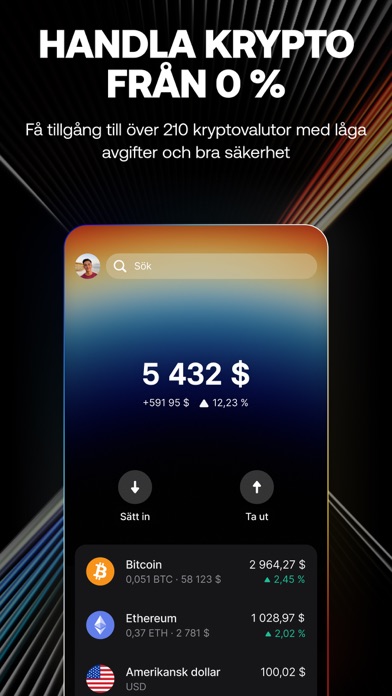
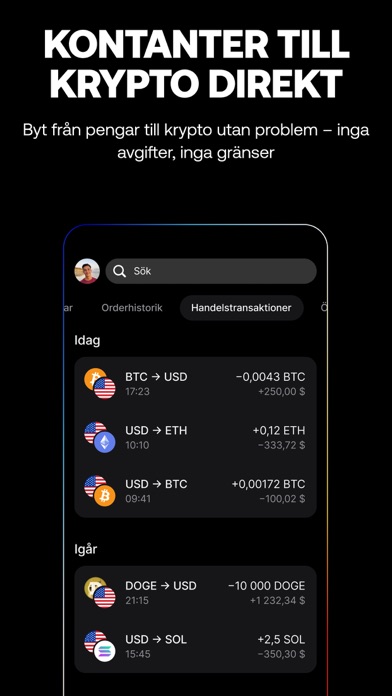
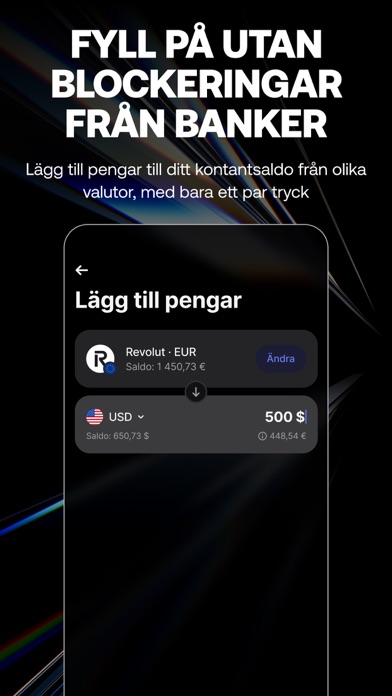
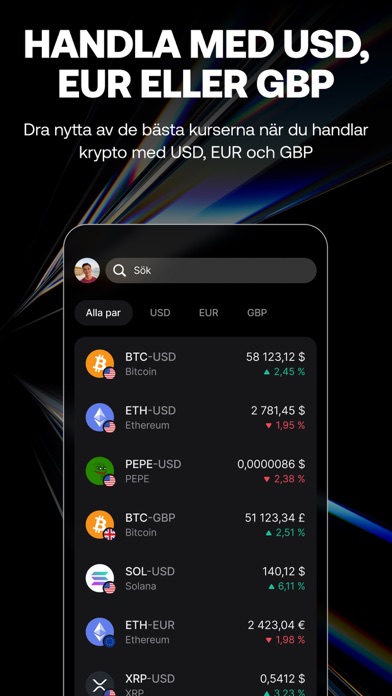
Perfekt för både nybörjare och de mer erfarna – Revolut X har verktygen för att handla och hantera din krypto, inom räckhåll från din mobil. Handla i realtid på kryptobörsen med marknadsordrar, eller få priset du vill ha med köp- och gränsordrar. Det finns över 400 tillgängliga handelspar, så du kan få ut det mesta av marknaden i USD, EUR och GPB. Från krypto till pengar och tillbaka igen utan att din bank spärrar dig – det finns inga gränser eller hinder när du använder Revolut X med ditt Revolut-konto. Majoriteten av dina pengar hålls i kall förvaring, så du kan slappna av när du vet att dina pengar är säkra. Över 50 miljoner kunder litar på att vi skyddar 20,9 miljarder £ av deras pengar, så vi är erfarna på området. Dina pengar hålls på 1:1-basis och lånas aldrig ut. Vi har specialbyggda försvar som ständigt håller koll på risker för att förhindra kontointrång. Du får även til…
App details
What you can learn from Revolut X: Köp Bitcoin, Krypto
Every shipping app on the App Store has gone through the same decisions you're working through right now: which screenshot goes first, what caption sits over it, which device frame to show, what color the background should be. The 6 screenshots above are Revolut X: Köp Bitcoin, Krypto's answers to those questions — they're public, they're real, and they made it through Apple's review.
Notice the first screenshot in particular. It's the one users see in search results and on the product page, and it's where most apps spend their best caption and tightest design. Look at the proportion of background to phone, where the text sits, what one thing the image is trying to communicate.
Want to see how other Finance apps approach the same problem? Browse more Finance apps in the showcase.
Take what works into your own screenshots
Open LaunchShots and design your App Store & Google Play screenshots — pick a device frame, drop captions, ship in minutes. Free, in your browser.
Open the screenshot editor →