Chart position — tracked daily by LaunchShots
Screenshot changes — detected by LaunchShots
Screenshot style breakdown
Sampled from 4 of スマホ制限・スタロック|アプリ制限・アプリロック・勉強集中's App Store screenshots — background, accent and theme, measured by LaunchShots (not something Apple publishes).
#FC9404 bg
#DD8203
#9C5C04 accent
#111111 text
Screenshots


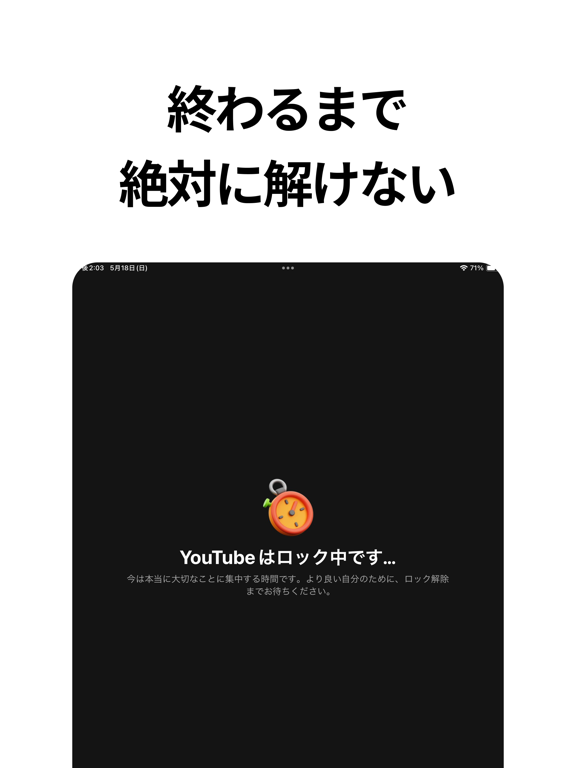
iPad screenshots



Icon palette
About this app
スマホを触らせない、いちばん確実な方法。 「勉強したいのに、気づいたらSNSを開いていた」 意志の力で我慢するのをやめて、物理的に触れない状態をつくりませんか。 スタロックは、決めた時間だけスマホをロックするアプリです。自分では解除できないから、続けられます。 ■ 世界100万ユーザーが選んだ理由 日本だけでレビュー7,900件・評価4.7 「意志が弱い自分でも続いた」という声を、いちばん多くいただいています。 スクリーンタイムの設定を自分で解除してしまう方にこそ、使っていただきたい設計です。 ■ できること 1. アプリロック SNS・ゲーム・動画など、やめられなくなるアプリだけを選んで制限できます。 2. すぐロック 今すぐ集中したいときに。時間を決めてタップするだけのスマホロックです。 3. 予約ロック 毎日の勉強時間や就寝前に、自動で作動します。設定は最初の一度だけ。 4. 許可アプリ ロック中でも、必要なアプリは使えるように残せます。辞書・音楽・連絡先など。 ■ こんな方に ・スクリーンタイムが1日6時間を超えている ・受…
App details
What you can learn from スマホ制限・スタロック|アプリ制限・アプリロック・勉強集中
Every shipping app on the App Store has gone through the same decisions you're working through right now: which screenshot goes first, what caption sits over it, which device frame to show, what color the background should be. The 8 screenshots above are スマホ制限・スタロック|アプリ制限・アプリロック・勉強集中's answers to those questions — they're public, they're real, and they made it through Apple's review.
What the numbers say: スマホ制限・スタロック|アプリ制限・アプリロック・勉強集中 runs a light set where the background shifts from screenshot to screenshot (first shot #FC9404) — each image has to stand on its own, so the captions carry more of the story. The accent colour we picked up, #9C5C04, is the one to reuse for badges, arrows and highlighted words if you borrow this look. Hit Use this style to open the editor with these exact colours and drop your own screenshot in.
Notice the first screenshot in particular. It's the one users see in search results and on the product page, and it's where most apps spend their best caption and tightest design. Look at the proportion of background to phone, where the text sits, what one thing the image is trying to communicate.
Want to see how other Productivity apps approach the same problem? Browse more Productivity apps in the showcase.
Take what works into your own screenshots
Open LaunchShots and design your App Store & Google Play screenshots — pick a device frame, drop captions, ship in minutes. Free, in your browser.
Open the screenshot editor →Apps with a similar look
Closest background + accent colours among the listings we've analysed — useful when you want to see the same palette handled by a different team.