Screenshots

Icon palette
About this app
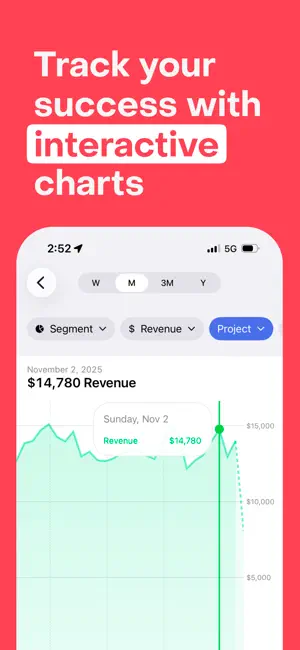
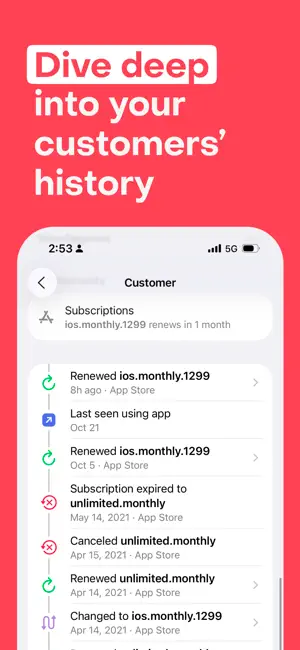
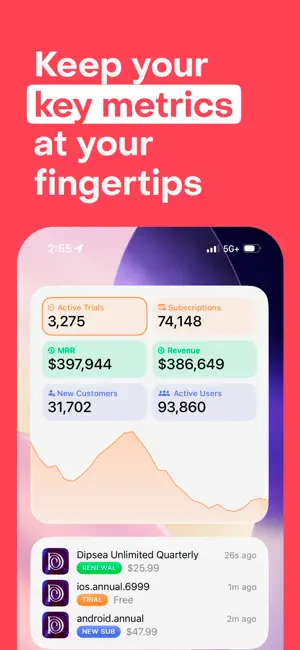
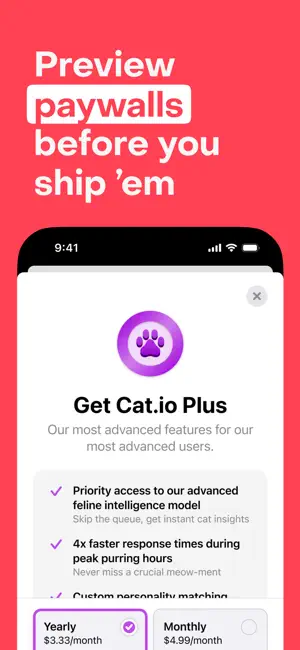
Stay on top of your subscription business, wherever you are. The official RevenueCat companion app lets you easily track in-app purchases, monitor key metrics, and test your paywalls. And with handy widgets and notifications, you’ll always know what’s going on with your app business. • Charts: Explore your subscription data with interactive charts. • Customer History: See the journey your users take to become paying customers. Easily check renewals, refunds, and upgrades. • Notifications: Be the first to know when a purchase is made. • Widgets: Active trials, live transaction feed, and more. • Paywalls: Test your flows before shipping them to customers. The official RevenueCat app is free to use, and will work with any RevenueCat account, regardless of being on a paid or free RevenueCat plan. If you have any suggestions or feature requests for this app, please write us at support@rev…
App details
What you can learn from RevenueCat Mobile
Every shipping app on the App Store has gone through the same decisions you're working through right now: which screenshot goes first, what caption sits over it, which device frame to show, what color the background should be. The 5 screenshots above are RevenueCat Mobile's answers to those questions — they're public, they're real, and they made it through Apple's review.
Notice the first screenshot in particular. It's the one users see in search results and on the product page, and it's where most apps spend their best caption and tightest design. Look at the proportion of background to phone, where the text sits, what one thing the image is trying to communicate.
Want to see how other Business apps approach the same problem? Browse more Business apps in the showcase.
Take what works into your own screenshots
Open LaunchShots and design your App Store & Google Play screenshots — pick a device frame, drop captions, ship in minutes. Free, in your browser.
Open the screenshot editor →