Screenshots
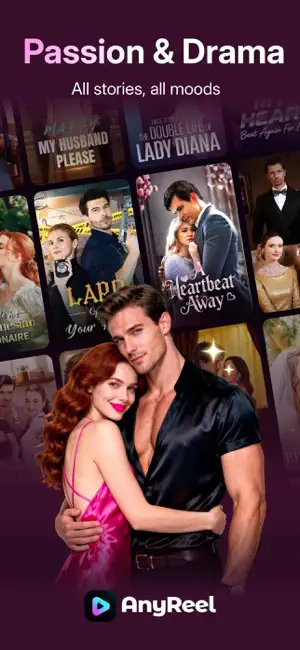
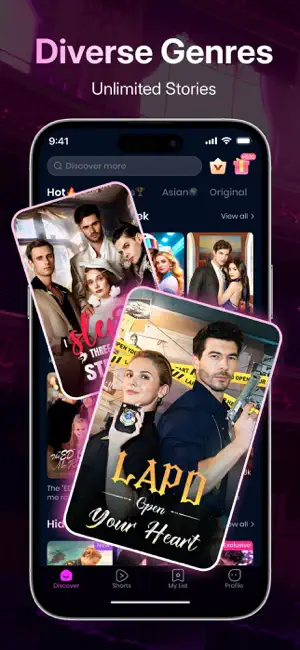
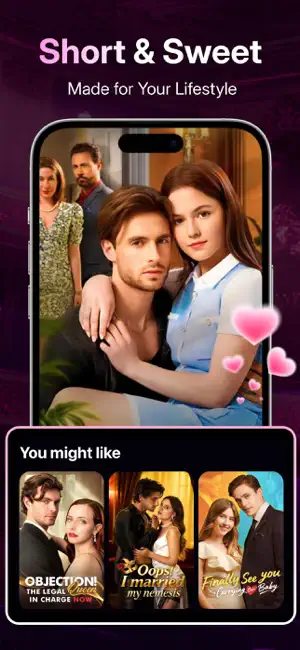
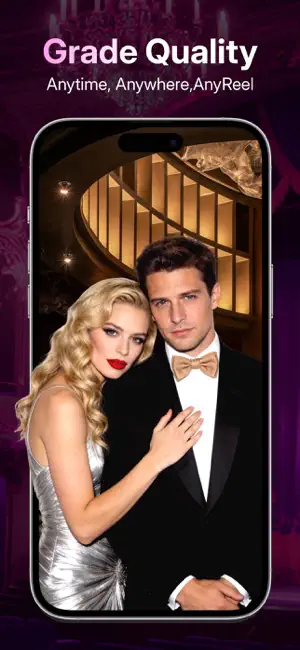

Icon palette
About this app
Welcome to AnyReel - Your Exclusive Short Drama Paradise! Step into the world of AnyReel, where a vast selection of carefully curated short dramas and movies awaits, transforming your viewing experience like never before! - Diverse Genres to Match All Your Preferences Whether it's gripping suspense, heartwarming romance, or time-traveling adventures, AnyReel brings you a variety of captivating stories. From pretend-billionaire love stories to complex mysteries, there's always something to steal your heart! - Hollywood-Quality Production, Unparalleled Excellence Crafted by top-tier Hollywood teams, AnyReel features world-class actors, meticulously written scripts, and premium costumes and sets—delivering a cinematic experience right to your screen! - Bite-Sized Dramas, Anytime, Anywhere With short episodes designed for quick viewing, immerse yourself in compelling narratives within jus…
App details
What you can learn from AnyReel - Good Short & Drama
Every shipping app on the App Store has gone through the same decisions you're working through right now: which screenshot goes first, what caption sits over it, which device frame to show, what color the background should be. The 6 screenshots above are AnyReel - Good Short & Drama's answers to those questions — they're public, they're real, and they made it through Apple's review.
Notice the first screenshot in particular. It's the one users see in search results and on the product page, and it's where most apps spend their best caption and tightest design. Look at the proportion of background to phone, where the text sits, what one thing the image is trying to communicate.
Want to see how other Entertainment apps approach the same problem? Browse more Entertainment apps in the showcase.
Take what works into your own screenshots
Open LaunchShots and design your App Store & Google Play screenshots — pick a device frame, drop captions, ship in minutes. Free, in your browser.
Open the screenshot editor →