Screenshots



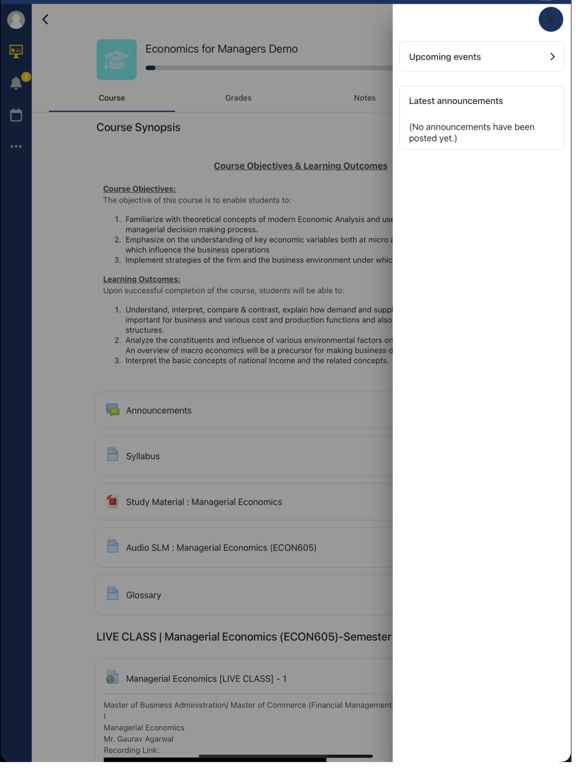
iPad screenshots



Icon palette
About this app
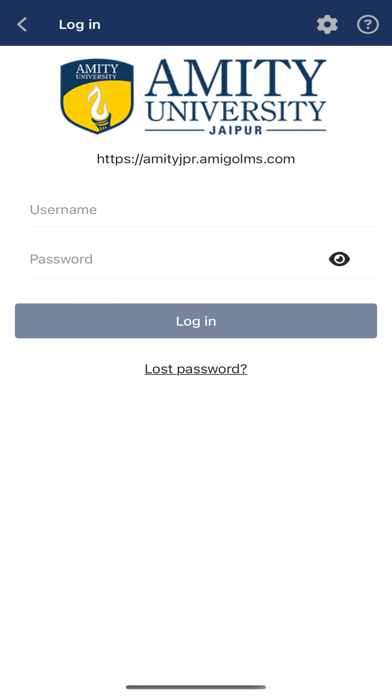
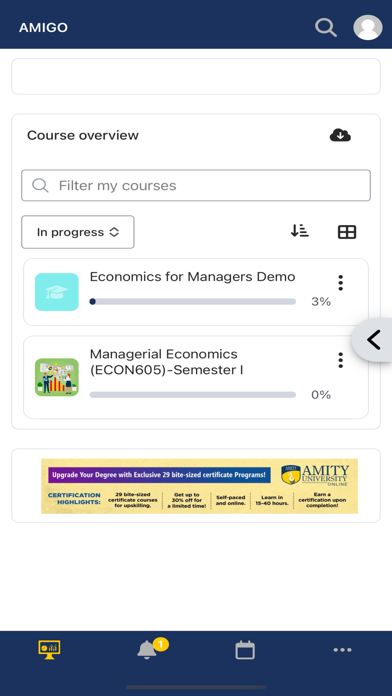
The AMIGO LMS App is designed to enrich your learning experience with convenience and connectivity in mind. Here’s why you should check out our new features: - Learning Anywhere, Anytime: Access your courses on the go, whether you're commuting, traveling, or simply away from your desk. Learn at your own pace, wherever inspiration strikes! - Instant Notifications: Stay informed with real-time notifications for upcoming assignments, important announcements, and course updates. Never miss a deadline or an opportunity to engage with your learning community. - Effortless Organization: Navigate through your courses effortlessly with improved navigation and user-friendly interfaces. Find what you need quickly and efficiently. - Rich Multimedia Experience: Dive into a rich learning experience with multimedia resources integrated directly into the app. Enjoy videos, documents, and interactive…
App details
What you can learn from Amigo LMS
Every shipping app on the App Store has gone through the same decisions you're working through right now: which screenshot goes first, what caption sits over it, which device frame to show, what color the background should be. The 10 screenshots above are Amigo LMS's answers to those questions — they're public, they're real, and they made it through Apple's review.
Notice the first screenshot in particular. It's the one users see in search results and on the product page, and it's where most apps spend their best caption and tightest design. Look at the proportion of background to phone, where the text sits, what one thing the image is trying to communicate.
Want to see how other Education apps approach the same problem? Browse more Education apps in the showcase.
Take what works into your own screenshots
Open LaunchShots and design your App Store & Google Play screenshots — pick a device frame, drop captions, ship in minutes. Free, in your browser.
Open the screenshot editor →