Screenshot style breakdown
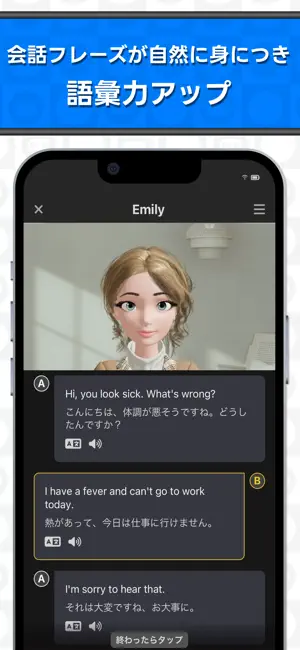
Sampled from 6 of AI英会話Talkful 英語スピーキング・リスニングを勉強's App Store screenshots — background, accent and theme, measured by LaunchShots (not something Apple publishes).
#FCFCFC bg
#DDDDDD
#04B4FC accent
#111111 text
Reading the caption text from the screenshots in your browser…
Screenshots

Icon palette
About this app
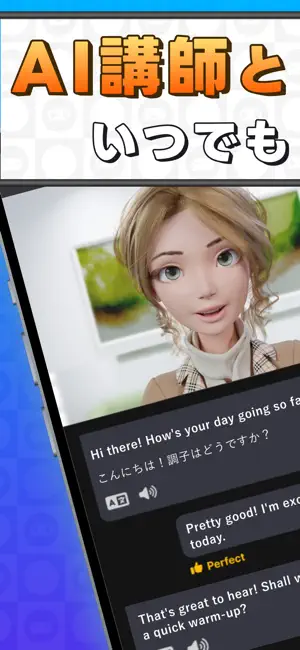
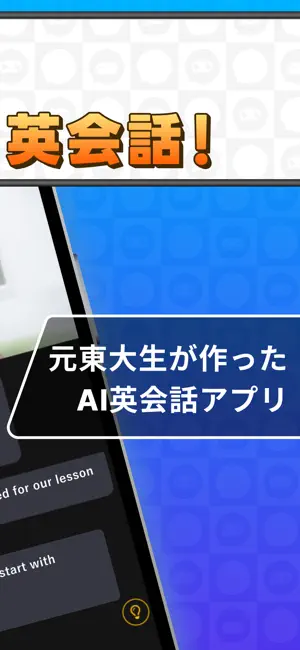
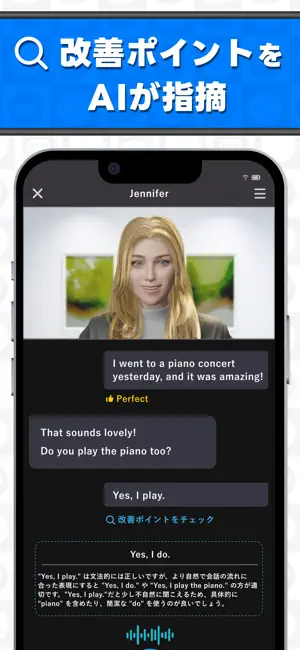
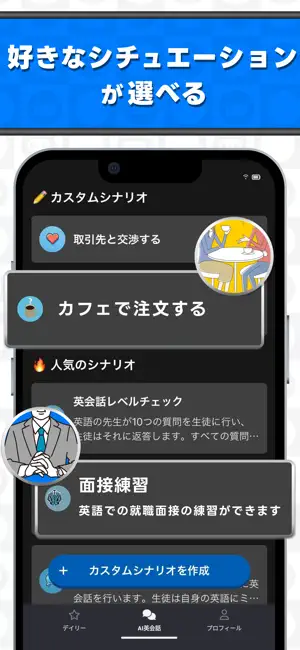
Talkful(トークフル)はAIチューターによる本格的な英会話レッスンが受けられるアプリです。Talkfulなら、世界で通用する語学力をスマホ1つで身につけられます。 ■あなた専用のAIチューターがあなたに合わせた学習プランを提供! 英語での面接練習や海外旅行、留学など、多彩な会話シーンから選べるので、毎回の練習が楽しく、意味のあるものに。さらに「カスタム英会話」では自分が必要な場面を想定した練習も可能です。 ■高性能AIがリアルタイムで文法や発音をチェック! AIがリアルタイムに会話内容を分析し、文法の改善や発音のブラッシュアップを優しくサポート。ミスの指摘だけでなく、よりネイティブライクな表現の提案も! ■24時間、いつでもどこでも英会話可能 スマホ1台でいつでも英会話レッスンを受けられるので、忙しい毎日でも自分のペースで学習OK。気軽にどんどん話せるので、スピーキングとリスニングの練習に最適です。 ■従来の英会話サービスよりも遥かに安い! 従来の英会話サービス以上のクオリティのレッスンを、従来の10分の1の価格で受け…
App details
What you can learn from AI英会話Talkful 英語スピーキング・リスニングを勉強
Every shipping app on the App Store has gone through the same decisions you're working through right now: which screenshot goes first, what caption sits over it, which device frame to show, what color the background should be. The 6 screenshots above are AI英会話Talkful 英語スピーキング・リスニングを勉強's answers to those questions — they're public, they're real, and they made it through Apple's review.
What the numbers say: AI英会話Talkful 英語スピーキング・リスニングを勉強 runs a mixed light-and-dark set where the background shifts from screenshot to screenshot (first shot #FCFCFC) — each image has to stand on its own, so the captions carry more of the story. The accent colour we picked up, #04B4FC, is the one to reuse for badges, arrows and highlighted words if you borrow this look. Hit Use this style to open the editor with these exact colours and drop your own screenshot in.
Notice the first screenshot in particular. It's the one users see in search results and on the product page, and it's where most apps spend their best caption and tightest design. Look at the proportion of background to phone, where the text sits, what one thing the image is trying to communicate.
Want to see how other Education apps approach the same problem? Browse more Education apps in the showcase.
Take what works into your own screenshots
Open LaunchShots and design your App Store & Google Play screenshots — pick a device frame, drop captions, ship in minutes. Free, in your browser.
Open the screenshot editor →Apps with a similar look
Closest background + accent colours among the listings we've analysed — useful when you want to see the same palette handled by a different team.