Screenshot style breakdown
Sampled from 5 of 水印拍照打卡相机-时间地点:水印记录相机's App Store screenshots — background, accent and theme, measured by LaunchShots (not something Apple publishes).
#040404 bg
#272727
#FCCC9C accent
#FFFFFF text
- #1天 气 : 小 雨 27C 南 网 湿度 67%
Captions read from the screenshots (OCR, may contain small errors): 1 headline, 10 words on average (longest 10), mostly ALL CAPS.
Screenshots
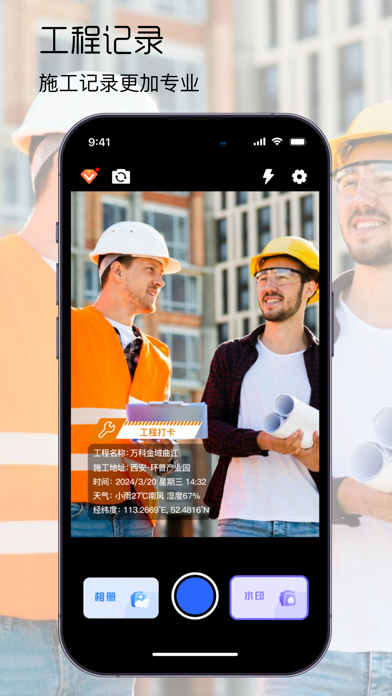
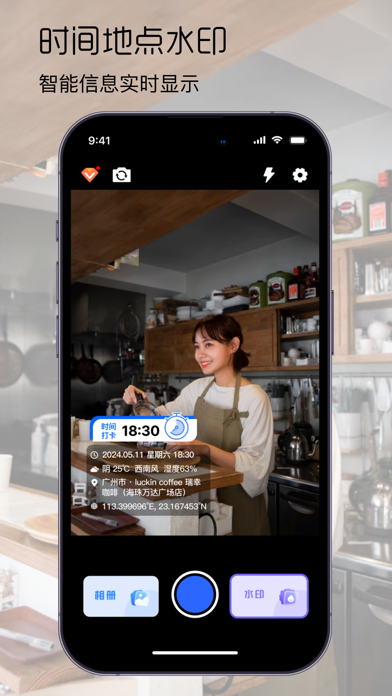
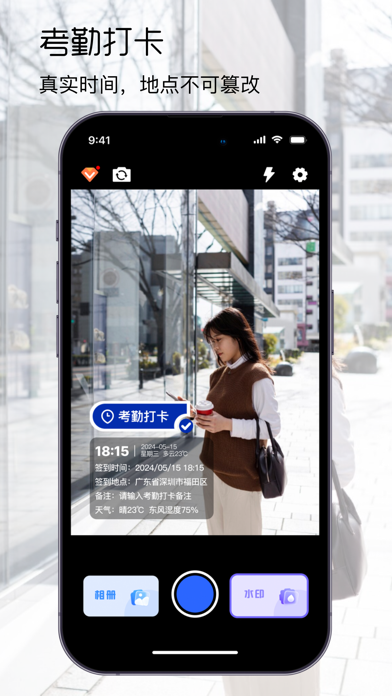
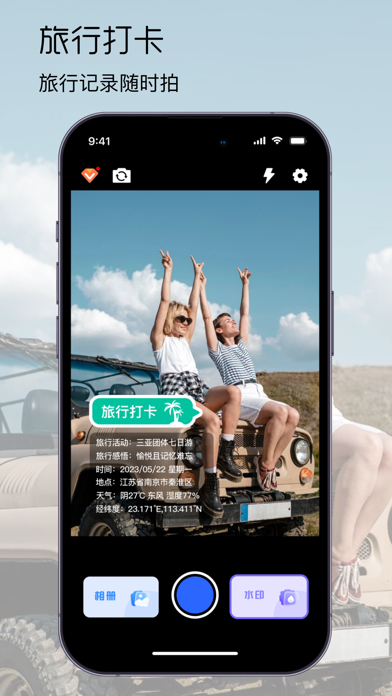

Icon palette
About this app
水印拍照打卡相机-时间地点:水印记录相机是一款超好用的水印 App,支持实时拍照、相册选择,具有多个模板水印~! 轻松拍照,日常工作认证,更多基层工作团队的选择。 【适用场景】 考勤打卡、旅行打卡、工程记录、运输记录、检修记录、家政服务、物业管理 【丰富的显示选项】 多种时间类型格式、天气、地点、经纬度、备注等。 【自定义水印】 水印上内容选项自由开关,自由添加水印内容等。 一. 付款: 用户通过 iTunes 账户扣款, 用户确认购买后即付款. 二. 续订: 用户 iTunes 账户在到期前的二十四小时内扣费, 增加相应的订阅周期. 三. 取消续订: 如需取消续订, 进入"iTunes Store 与 App Store" —> 点击 "App ID", 进入 "账户设置" 页面, 点击 "订阅", 选择取消订阅即可. 四. 隐私协议: https://docs.qq.com/doc/DRmZ0c1pwTXNFT3FK 五.使用条款: https://docs.qq.com/doc/DRnhySlVicWNzUUZk
App details
What you can learn from 水印拍照打卡相机-时间地点:水印记录相机
Every shipping app on the App Store has gone through the same decisions you're working through right now: which screenshot goes first, what caption sits over it, which device frame to show, what color the background should be. The 5 screenshots above are 水印拍照打卡相机-时间地点:水印记录相机's answers to those questions — they're public, they're real, and they made it through Apple's review.
What the numbers say: 水印拍照打卡相机-时间地点:水印记录相机 runs a mixed light-and-dark set where the background shifts from screenshot to screenshot (first shot #040404) — each image has to stand on its own, so the captions carry more of the story. The accent colour we picked up, #FCCC9C, is the one to reuse for badges, arrows and highlighted words if you borrow this look. Hit Use this style to open the editor with these exact colours and drop your own screenshot in.
Notice the first screenshot in particular. It's the one users see in search results and on the product page, and it's where most apps spend their best caption and tightest design. Look at the proportion of background to phone, where the text sits, what one thing the image is trying to communicate.
Want to see how other Utilities apps approach the same problem? Browse more Utilities apps in the showcase.
Take what works into your own screenshots
Open LaunchShots and design your App Store & Google Play screenshots — pick a device frame, drop captions, ship in minutes. Free, in your browser.
Open the screenshot editor →Apps with a similar look
Closest background + accent colours among the listings we've analysed — useful when you want to see the same palette handled by a different team.