Chart position — tracked daily by LaunchShots
Screenshot style breakdown
Sampled from 4 of Samawy: Audiobooks & E-books's App Store screenshots — background, accent and theme, measured by LaunchShots (not something Apple publishes).
#0C84FC bg
#2E95FC
#8CC4FC accent
#FFFFFF text
Screenshots


iPad screenshots


Icon palette
About this app
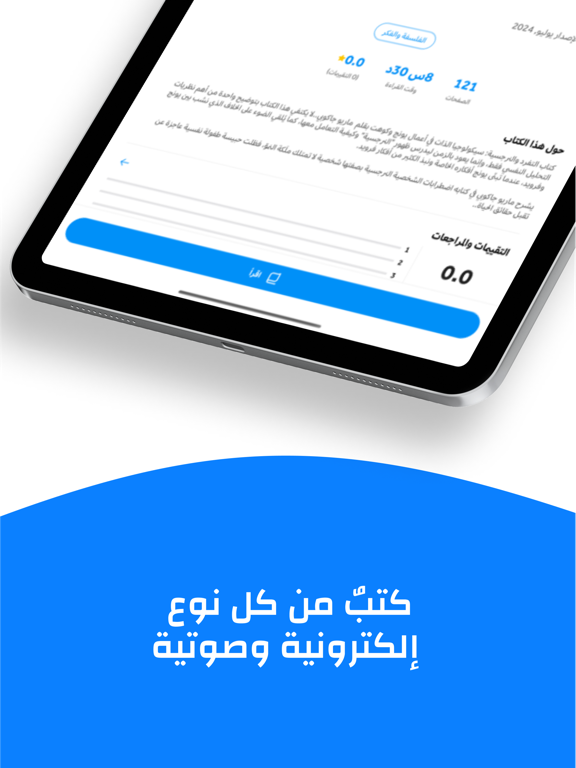
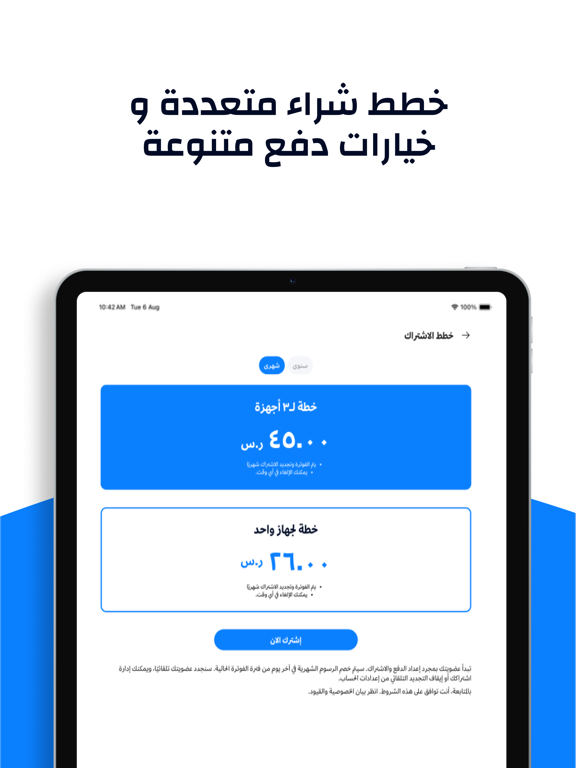
Read & listen to thousands of Arabic books — اقرأ واستمع لآلاف الكتب العربية تطبيق سماوي .. مكتبتك معك في كل وقت. آلاف الكتب والروايات بانتظار أن تكتشفها، اقرأها أو استمع إليها كما يناسبك. أهم تطبيق عربي يجمع بين الكتب الصوتية والإلكترونية لتستمتع بآلاف الروايات والكتب في أي وقت ومن أي مكان مكان باشتراك يناسب الجميع وتجربة قراءة لا تُنسى. لماذا تطبيق سماوي هو الأفضل؟ 1. اشتراك أو تملك (ميزة حصرية): أول تطبيق عربي يتيح لك الاستمتاع بمكتبة مفتوحة عبر "نظام الاشتراك"، أو امتلاك كتابك المفضل بنظام (À la carte) لتملكه مدى الحياة. 2. شارك اقتباساتك مع أصدقائك بكل سهولة: لأول مرة عربيًا، اختر اقتباساتك من كتب المفضلة، وحول الاقتباس إلى صور جميلة تشاركها مع أصدقائك على منصات التواصل الاجتماعي بضغطة واحدة. 3. مجموعات تناسب اهتمامك ومزاجك محتار ماذا تقرأ؟ تصفح "المجموعات" المُعدة خصيصًا لك على تطبيق سماوي (مثل: رحلة التعافي، كتب مع القهوة، السينما ذاكرة...) لتجد كتابك التالي بسهولة. 4 . تج…
App details
What you can learn from Samawy: Audiobooks & E-books
Every shipping app on the App Store has gone through the same decisions you're working through right now: which screenshot goes first, what caption sits over it, which device frame to show, what color the background should be. The 8 screenshots above are Samawy: Audiobooks & E-books's answers to those questions — they're public, they're real, and they made it through Apple's review.
What the numbers say: Samawy: Audiobooks & E-books runs a mixed light-and-dark set where the background shifts from screenshot to screenshot (first shot #0C84FC) — each image has to stand on its own, so the captions carry more of the story. The accent colour we picked up, #8CC4FC, is the one to reuse for badges, arrows and highlighted words if you borrow this look. Hit Use this style to open the editor with these exact colours and drop your own screenshot in.
Notice the first screenshot in particular. It's the one users see in search results and on the product page, and it's where most apps spend their best caption and tightest design. Look at the proportion of background to phone, where the text sits, what one thing the image is trying to communicate.
Want to see how other Book apps approach the same problem? Browse more Book apps in the showcase.
Take what works into your own screenshots
Open LaunchShots and design your App Store & Google Play screenshots — pick a device frame, drop captions, ship in minutes. Free, in your browser.
Open the screenshot editor →Apps with a similar look
Closest background + accent colours among the listings we've analysed — useful when you want to see the same palette handled by a different team.