Screenshots
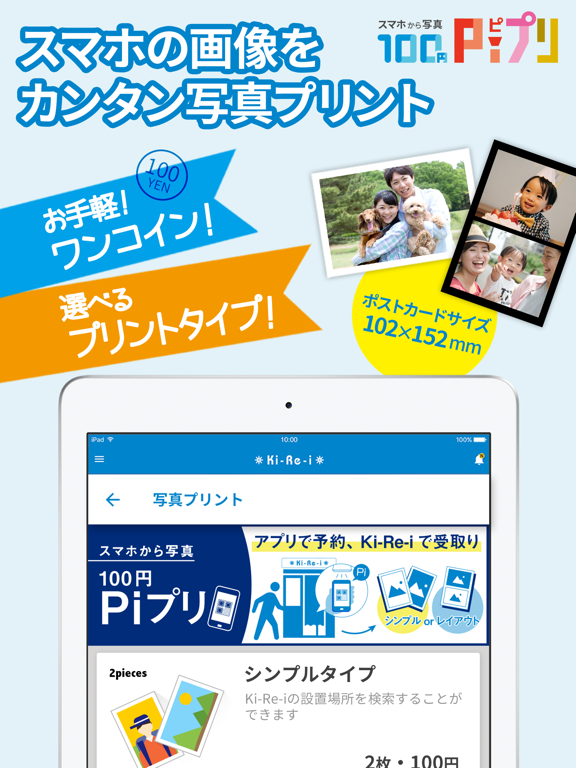
iPad screenshots
Icon palette
About this app
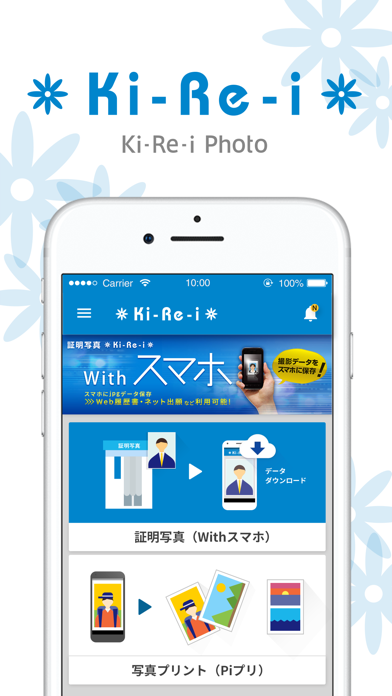
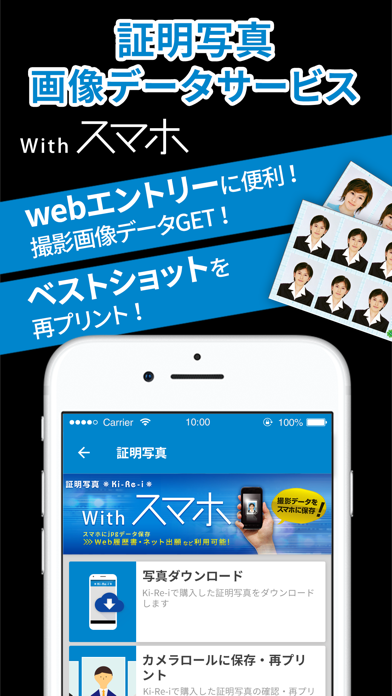
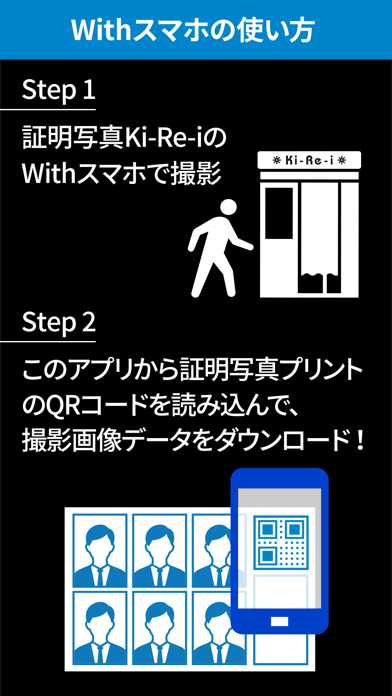
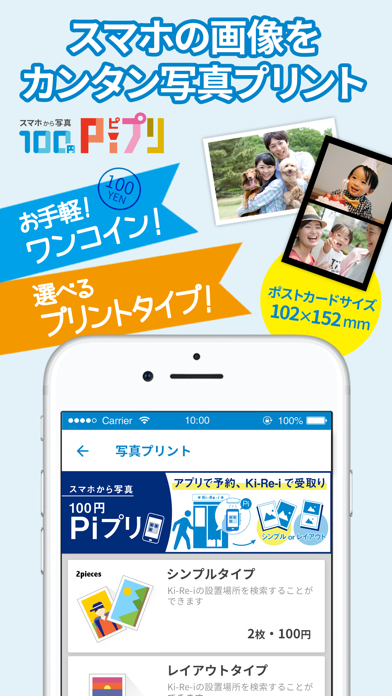
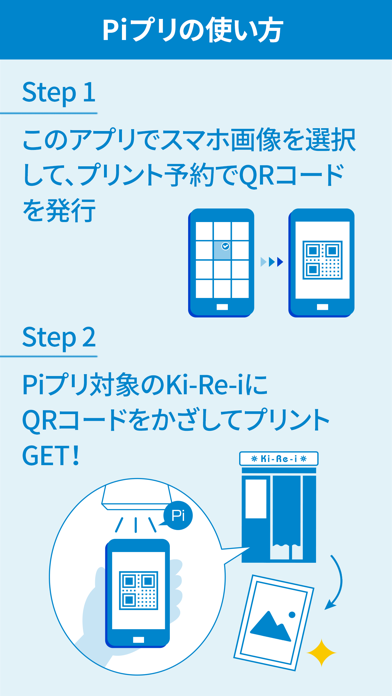
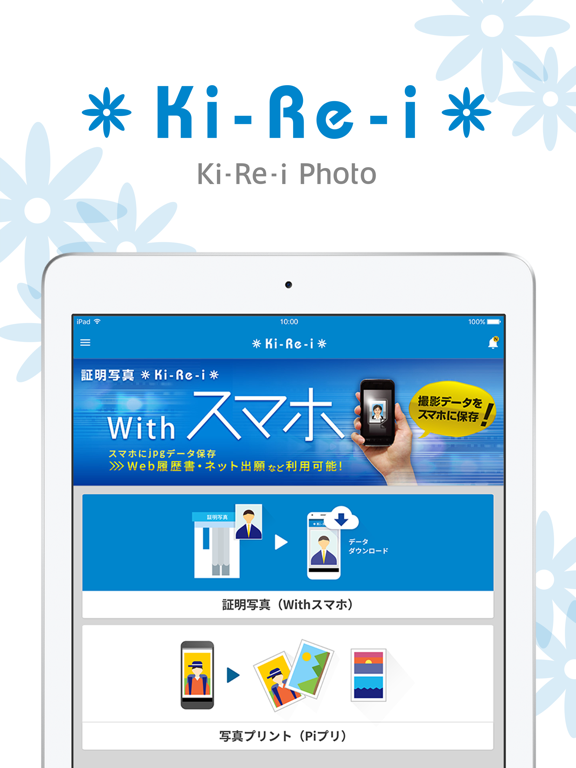
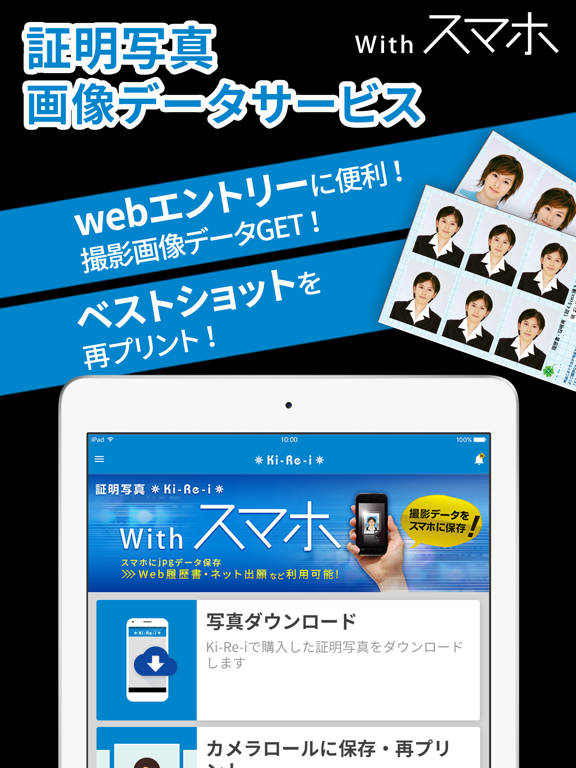
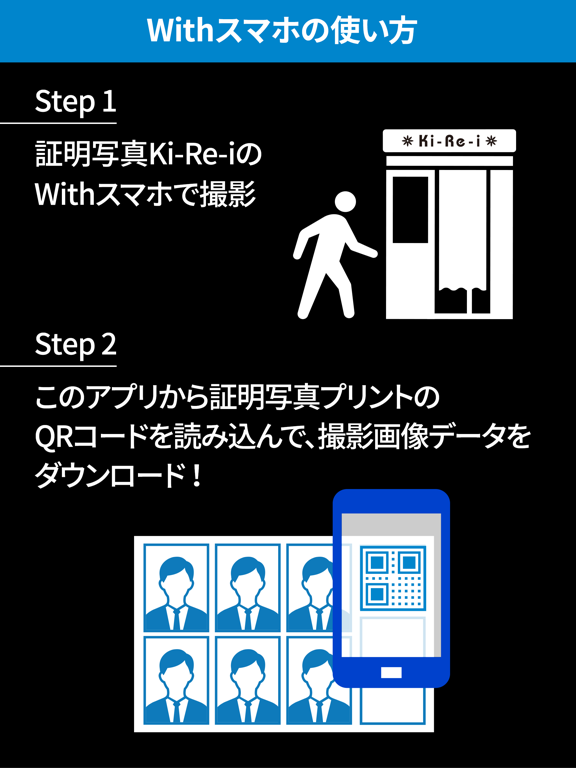
「Ki-Re-i Photo」はDNPの証明写真機「Ki-Re-i(キレイ)」の[Withスマホ]機能を搭載した対象機のご利用時に証明写真撮影データのダウンロードが行えます。 また、このアプリケーションを利用して証明写真機「Ki-Re-i」で撮影した証明写真撮影データを対象機で再プリントしたり、JPEG画像としてiPhone/iPad(以下、iPhone)に保存することができます。 新機能として、Web会議やビジネスチャット、SNS等のオンラインツール用の顔写真を撮影できる「プロフィール写真」サービスを新たに開始しました。 <証明写真 [Withスマホ]とは?> [Withスマホ]機能搭載の証明写真機Ki-Re-iで撮影した証明写真撮影データを再プリント(焼き増し)したり、iPhoneにJPEG画像として保存することができるサービスです。 保存したJPEG画像は、Web用データとして就職活動や資格試験にも利用できます。 2018年12月からスマホアプリ上で証明写真撮影データをサイズ変更(トリミング)して保存できる機能を追加しました。 また、証明写真機Ki-Re-iでの撮影時にWithスマホ+Excellent(エ…
App details
What you can learn from Ki-Re-i Photo(証明写真&写真プリント-ピプリ)
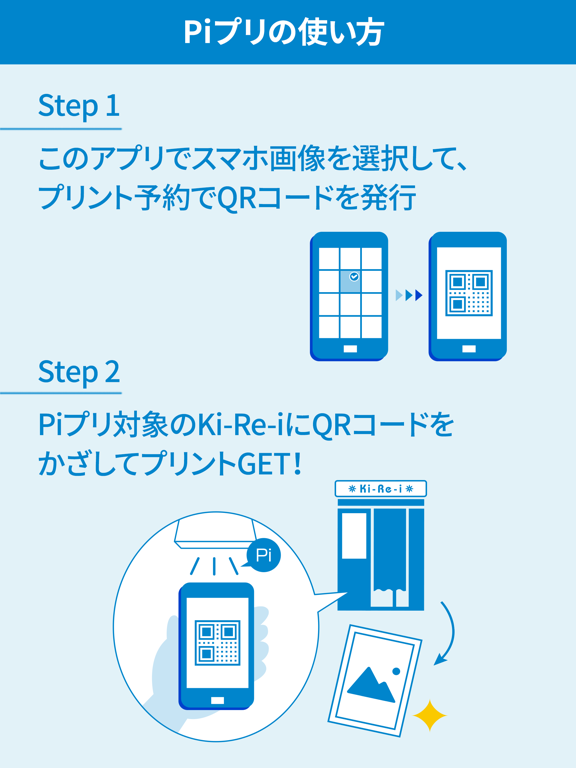
Every shipping app on the App Store has gone through the same decisions you're working through right now: which screenshot goes first, what caption sits over it, which device frame to show, what color the background should be. The 10 screenshots above are Ki-Re-i Photo(証明写真&写真プリント-ピプリ)'s answers to those questions — they're public, they're real, and they made it through Apple's review.
Notice the first screenshot in particular. It's the one users see in search results and on the product page, and it's where most apps spend their best caption and tightest design. Look at the proportion of background to phone, where the text sits, what one thing the image is trying to communicate.
Want to see how other Photo & Video apps approach the same problem? Browse more Photo & Video apps in the showcase.
Take what works into your own screenshots
Open LaunchShots and design your App Store & Google Play screenshots — pick a device frame, drop captions, ship in minutes. Free, in your browser.
Open the screenshot editor →