Chart position — tracked daily by LaunchShots
Screenshot style breakdown
Sampled from 6 of Yomiwa JP Dictionary(多言語辞書)'s App Store screenshots — background, accent and theme, measured by LaunchShots (not something Apple publishes).
#FCECD4 bg
#DDCFBA
#A4342C accent
#111111 text
Reading the caption text from the screenshots in your browser…
Screenshots

iPad screenshots


Icon palette
About this app
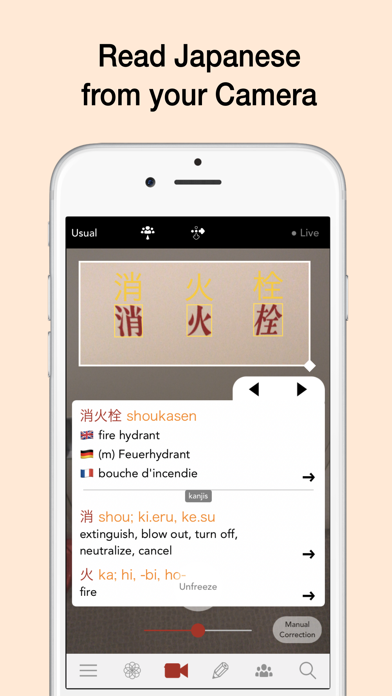
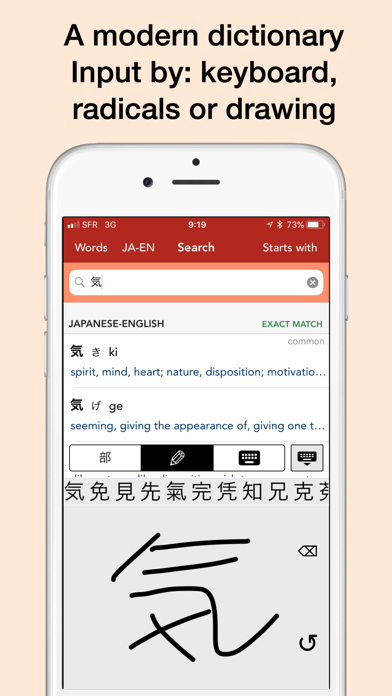
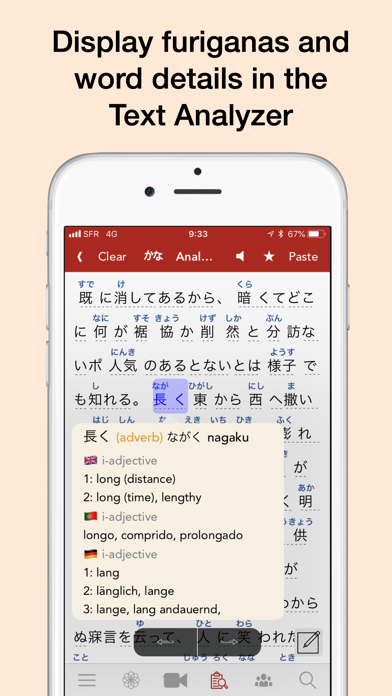
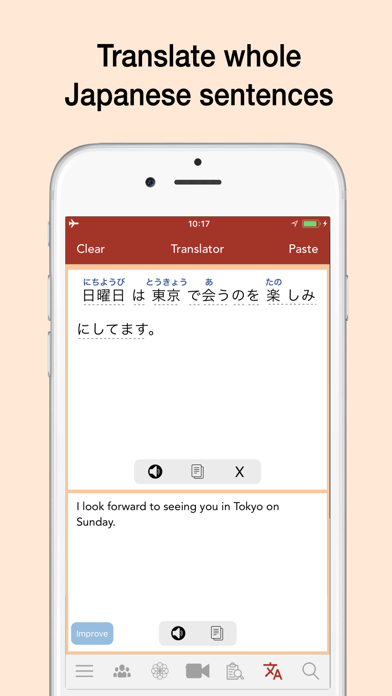
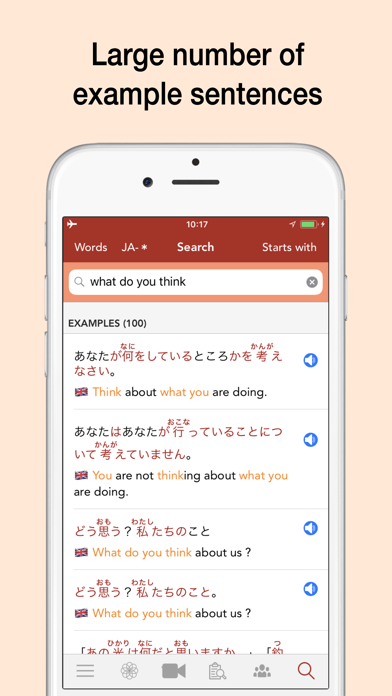
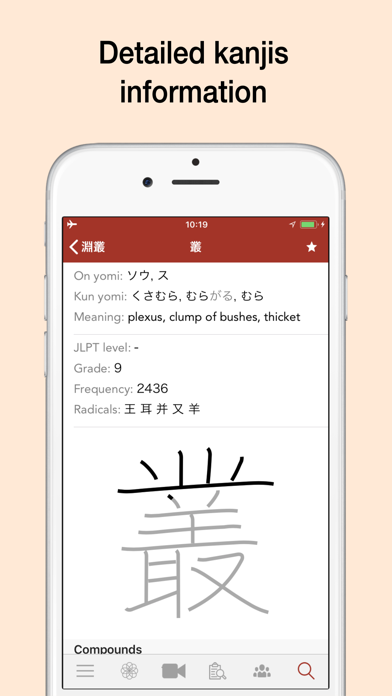
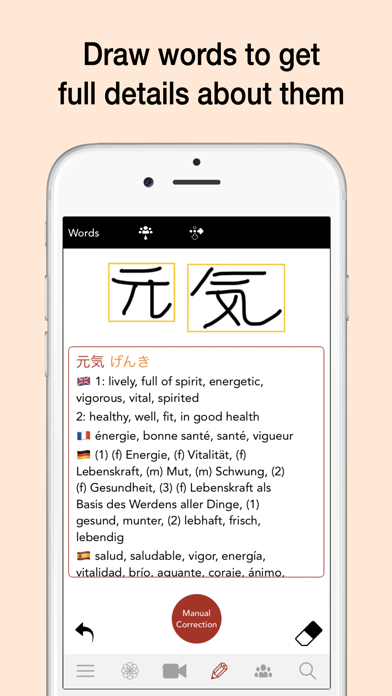
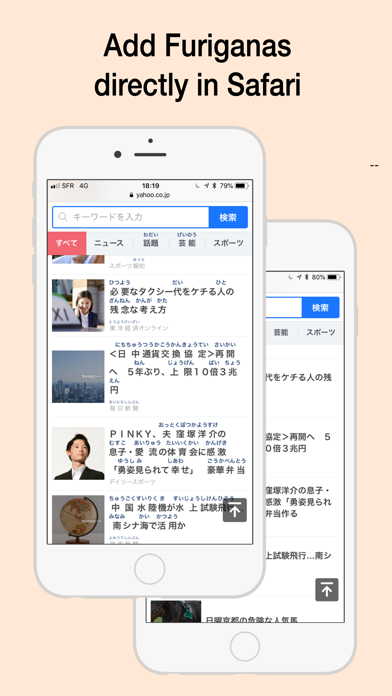
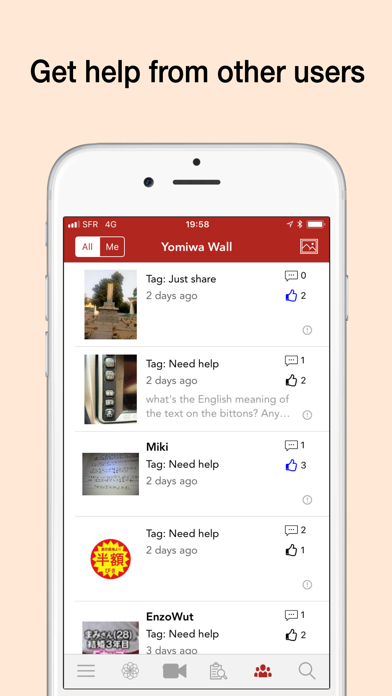
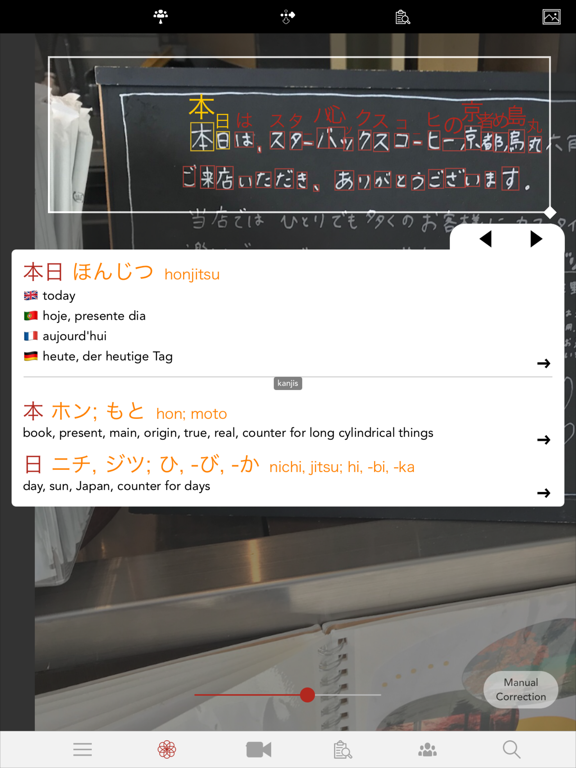
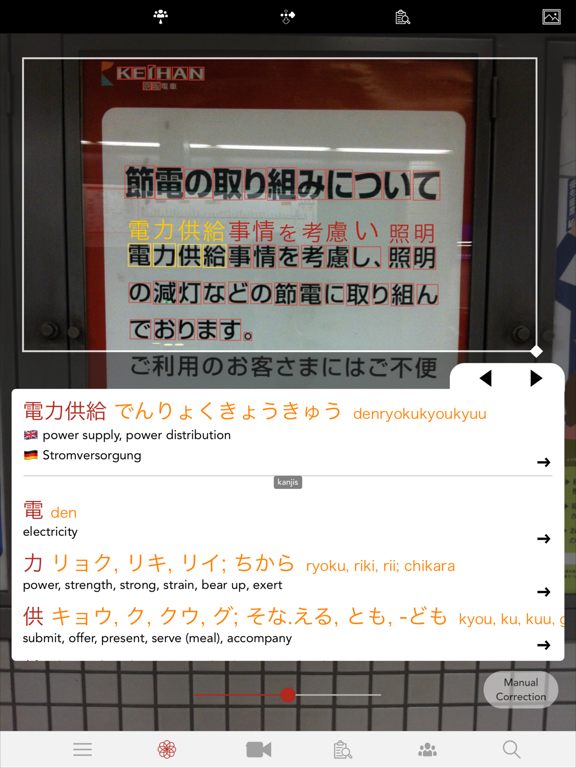
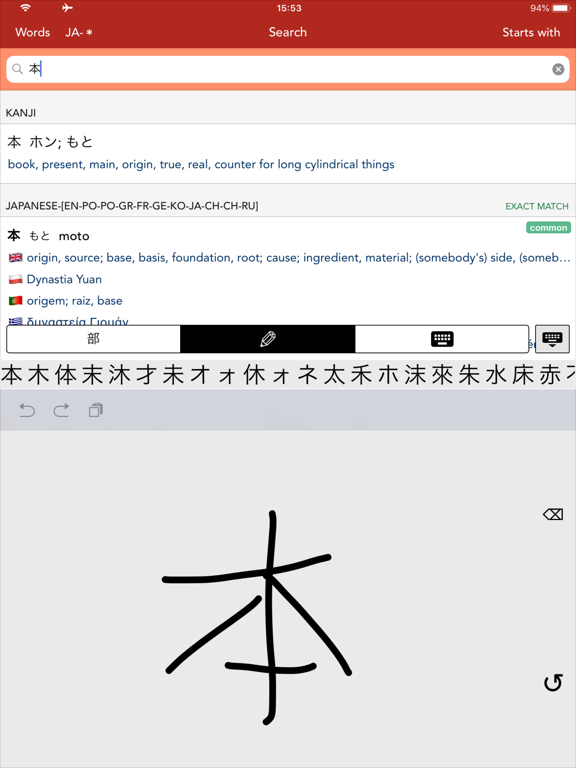
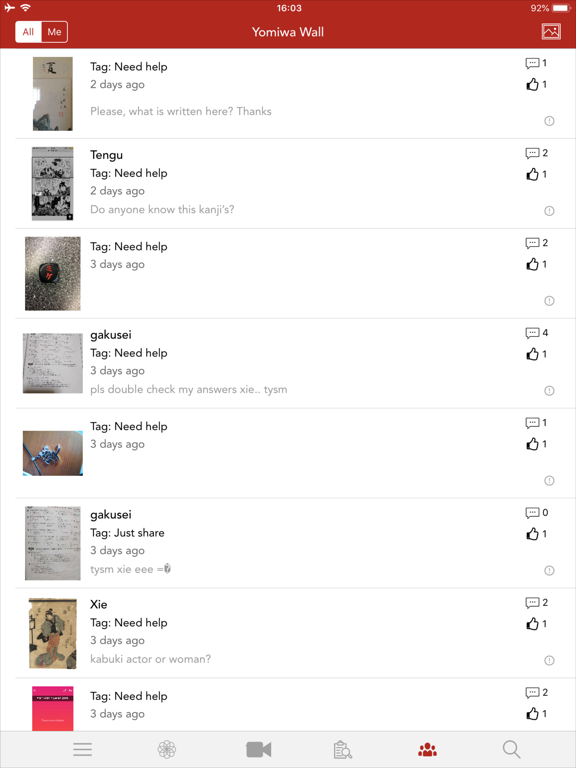
Yomiwaは、日本語の読み書きと学習をサポートする辞書・翻訳・光学文字認識アプリです。 Yomiwaの強力なオフラインOCR(光学文字認識)エンジンは、写真やカメラから4000以上の日本語文字を認識できます。新聞、本、メニュー、看板、お気に入りの漫画を読むのに役立ちます。 Yomiwaの辞書は充実していて直感的、高速で、20以上の言語で日本語の語彙情報を提供します。どの言語・文字でも、手書きでも入力できます。 フラッシュカードで日本語を上達。内蔵リストや履歴から新しい単語を楽しく学べます。学習統計に基づき、毎日あなた専用のデッキが用意されます。 高度な日本語テキスト解析機能。日本語を貼り付けたり入力すると、文を単語に分解し、活用形を説明し、ふりがなを表示します。 ユニークなソーシャル機能:日本語で困ったときは、Yomiwa Wallで質問したり写真を投稿できます。初心者から上級者まで、Yomiwaのユーザーが助けてくれます。 充実した辞書: • 単語(約20万語)と漢字(音読み・訓読み・意味・筆順・熟語など)の詳細情報 • 多数の情報…
App details
What you can learn from Yomiwa JP Dictionary(多言語辞書)
Every shipping app on the App Store has gone through the same decisions you're working through right now: which screenshot goes first, what caption sits over it, which device frame to show, what color the background should be. The 20 screenshots above are Yomiwa JP Dictionary(多言語辞書)'s answers to those questions — they're public, they're real, and they made it through Apple's review.
What the numbers say: Yomiwa JP Dictionary(多言語辞書) runs a light set with one background colour (#FCECD4) carried across every screenshot — the listing reads as a single poster when the shots sit side by side in search results. The accent colour we picked up, #A4342C, is the one to reuse for badges, arrows and highlighted words if you borrow this look. Hit Use this style to open the editor with these exact colours and drop your own screenshot in.
Notice the first screenshot in particular. It's the one users see in search results and on the product page, and it's where most apps spend their best caption and tightest design. Look at the proportion of background to phone, where the text sits, what one thing the image is trying to communicate.
Want to see how other Reference apps approach the same problem? Browse more Reference apps in the showcase.
Take what works into your own screenshots
Open LaunchShots and design your App Store & Google Play screenshots — pick a device frame, drop captions, ship in minutes. Free, in your browser.
Open the screenshot editor →Apps with a similar look
Closest background + accent colours among the listings we've analysed — useful when you want to see the same palette handled by a different team.