Screenshot changes — detected by LaunchShots
Screenshot style breakdown
Sampled from 6 of "MATE" Light Stick's App Store screenshots — background, accent and theme, measured by LaunchShots (not something Apple publishes).
#040404 bg
#272727
#644C1C accent
#FFFFFF text
Reading the caption text from the screenshots in your browser…
Screenshots
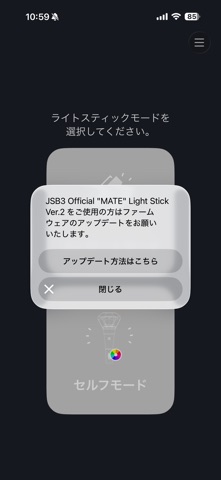
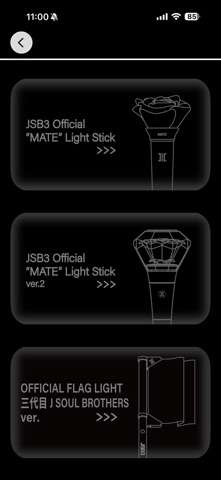
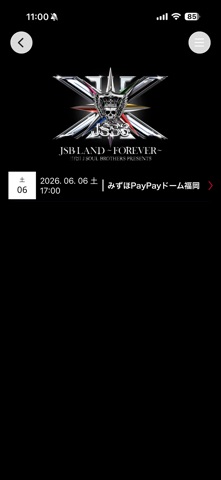
Icon palette
About this app
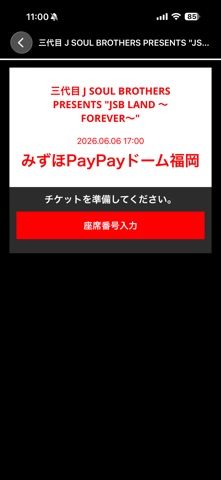
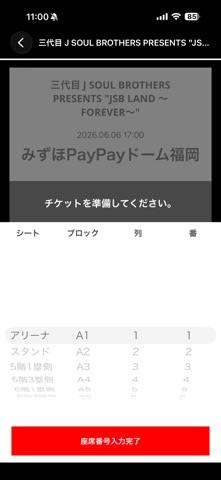
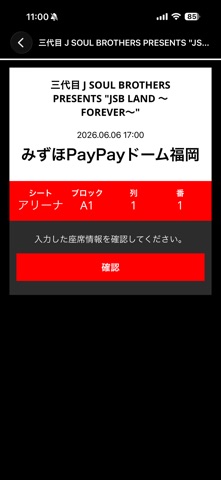
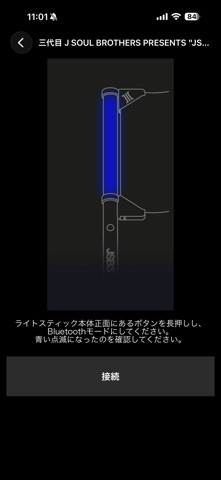
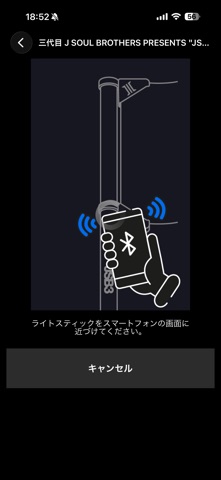
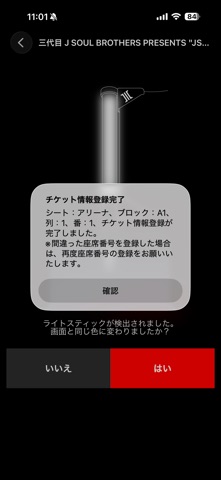
このアプリケーションは、「三代目 J SOUL BROTHERS PRESENTS "JSB LAND 〜FOREVER〜"」のオリジナルライトスティックを使用するために対応しています。 【主な機能のご案内】 1. LIVEシンクロモード ライトスティックをBluetooth機能で演出データに連動させることでコンサート中にライトスティックの多様な演出をお楽しみいただけます。コンサート中のみ使用できるメニューです。 2. Bluetooth接続 ライトスティックの本体正面にあるボタンを長押しすると、「Bluetoothモード」に切り替わります。 スマートフォンの「Bluetoothモード」をオンにしてライトスティックを近づけると、ライトスティックとスマートフォンが連動します。 3. セルフモード ライトスティックとスマートフォン画面でご希望のカラーを選択するとライトスティックのカラーが変わります。 4. 電池の残量チェック 「セルフモード」状態で画面の下にある「電池状態の確認」ボタンをタップすると、ライトスティックの電池残量を確認できます。電池交換が必要かどうか確認してください。 ※電池…
App details
What you can learn from "MATE" Light Stick
Every shipping app on the App Store has gone through the same decisions you're working through right now: which screenshot goes first, what caption sits over it, which device frame to show, what color the background should be. The 10 screenshots above are "MATE" Light Stick's answers to those questions — they're public, they're real, and they made it through Apple's review.
What the numbers say: "MATE" Light Stick runs a dark set with one background colour (#040404) carried across every screenshot — the listing reads as a single poster when the shots sit side by side in search results. The accent colour we picked up, #644C1C, is the one to reuse for badges, arrows and highlighted words if you borrow this look. Hit Use this style to open the editor with these exact colours and drop your own screenshot in.
Notice the first screenshot in particular. It's the one users see in search results and on the product page, and it's where most apps spend their best caption and tightest design. Look at the proportion of background to phone, where the text sits, what one thing the image is trying to communicate.
Want to see how other Entertainment apps approach the same problem? Browse more Entertainment apps in the showcase.
Take what works into your own screenshots
Open LaunchShots and design your App Store & Google Play screenshots — pick a device frame, drop captions, ship in minutes. Free, in your browser.
Open the screenshot editor →Apps with a similar look
Closest background + accent colours among the listings we've analysed — useful when you want to see the same palette handled by a different team.