Screenshots


iPad screenshots

Icon palette
About this app
Learn a new language with the world’s fastest language learning app! Get a private language tutor that goes through all your language lessons with you. Ask Anything. Learn Everything. Whether it’s a tough concept, a detailed lesson, or a quick clarification, LingoTok adapts to your pace. Interactive Voice Calls! • $29.99/week – UNLIMITED per week or • $49.99/quarter - UNLIMITED per week Enjoy real‑time, voice‑based tutoring and full premium support. Contact us: support@zerobillion.ai Learn more: Privacy Policy and Terms of Service (EULA) – https://zerobillion.notion.site/Terms-Of-Service-14d353ad884580e7baadf9694d2c1a06 Unlock smarter learning today!
App details
What you can learn from LingoTok - AI Language Tutor
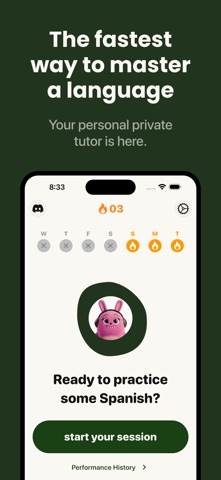
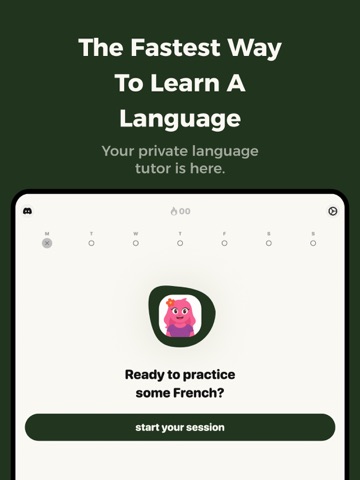
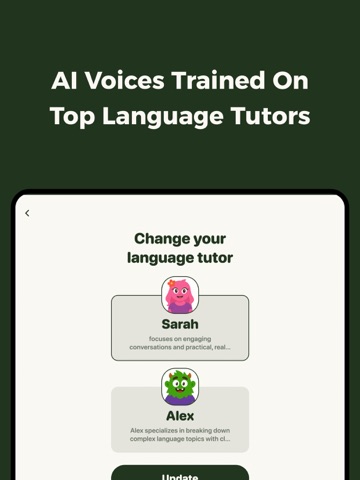
Every shipping app on the App Store has gone through the same decisions you're working through right now: which screenshot goes first, what caption sits over it, which device frame to show, what color the background should be. The 6 screenshots above are LingoTok - AI Language Tutor's answers to those questions — they're public, they're real, and they made it through Apple's review.
Notice the first screenshot in particular. It's the one users see in search results and on the product page, and it's where most apps spend their best caption and tightest design. Look at the proportion of background to phone, where the text sits, what one thing the image is trying to communicate.
Want to see how other Education apps approach the same problem? Browse more Education apps in the showcase.
Take what works into your own screenshots
Open LaunchShots and design your App Store & Google Play screenshots — pick a device frame, drop captions, ship in minutes. Free, in your browser.
Open the screenshot editor →