Screenshots
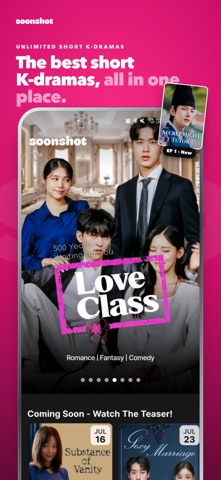
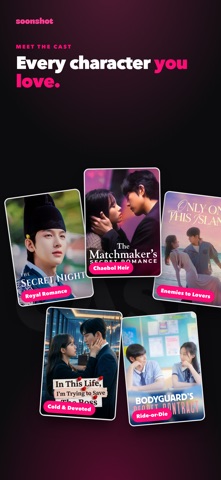
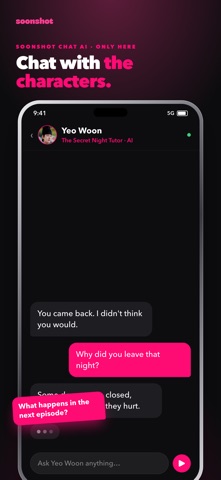
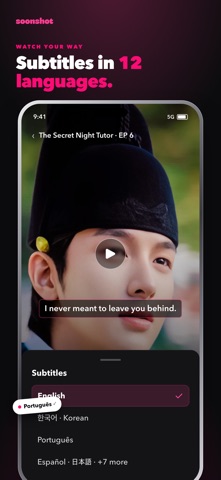


iPad screenshots


Icon palette
About this app
SOONSHOT — One More Shot, Always. The best short K-dramas, right on your phone, iPad, or desktop. Short and engaging episodes packed with romance, revenge, and fantasy — perfect for your commute, a quick break, or whenever you need to fall into a good K-drama. Why You'll Love SOONSHOT: • Exclusive Original K-Dramas Stories created exclusively for SOONSHOT — romance, revenge, fantasy, and drama in short, addictive episodes you won't find anywhere else. • Chat AI — The Story Never Ends Talk to your favorite characters after the episode ends. Relive key scenes, explore new storylines, and go from drama to chat, chat to drama — the experience never stops. • New Releases Every Week Handpicked, original dramas dropping weekly: the billionaire CEO, the school crush, the forbidden office romance — there's always a new story waiting. • Watch as a Guest or Go All In Earn SoonCoins by watching to …
App details
What you can learn from Soonshot
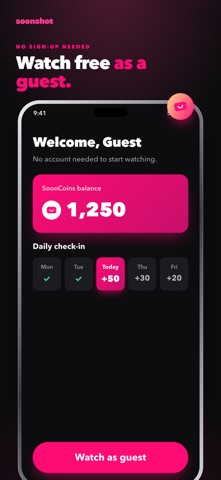
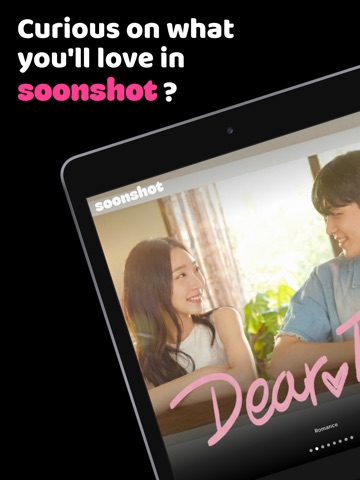
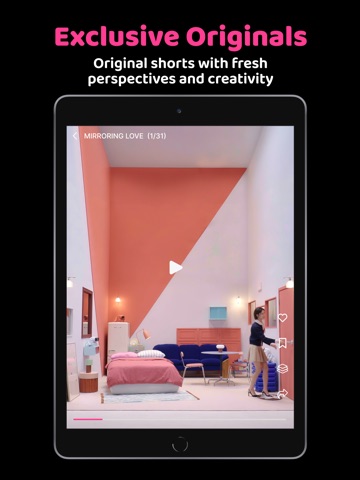
Every shipping app on the App Store has gone through the same decisions you're working through right now: which screenshot goes first, what caption sits over it, which device frame to show, what color the background should be. The 11 screenshots above are Soonshot's answers to those questions — they're public, they're real, and they made it through Apple's review.
Notice the first screenshot in particular. It's the one users see in search results and on the product page, and it's where most apps spend their best caption and tightest design. Look at the proportion of background to phone, where the text sits, what one thing the image is trying to communicate.
Want to see how other Entertainment apps approach the same problem? Browse more Entertainment apps in the showcase.
Take what works into your own screenshots
Open LaunchShots and design your App Store & Google Play screenshots — pick a device frame, drop captions, ship in minutes. Free, in your browser.
Open the screenshot editor →