Screenshots




Icon palette
About this app
TikT Ringtone Maker – Create Custom Ringtones in Seconds Turn your favorite sounds into personalized ringtones with TikT Ringtone Maker. Easily edit, trim, and customize any audio to set as your ringtone, notification, or alarm sound. Whether it’s a trending song, a viral TikT sound, or your own voice recording, this app makes ringtone creation simple and fun. Key Features: - Easy Audio Editing – Cut, trim, and merge audio clips effortlessly - Extract Sound from Videos – Convert TkTok, YouTube, or other videos into ringtones - High-Quality Output – Ensure crystal-clear sound quality for your custom tones - Built-In Music Library – Access a collection of trending sounds and melodies - Custom Notification Sounds – Personalize your message, alarm, or alert tones - Fade In & Fade Out Effects – Smoothly transition your ringtones for a professional feel - Simple & Fast Setup – Create and s…
App details
What you can learn from Ringtone Maker & Custom Tones
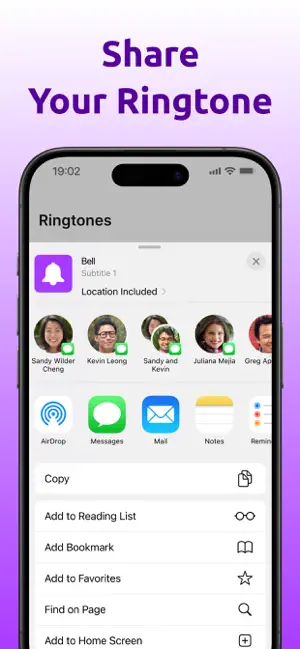
Every shipping app on the App Store has gone through the same decisions you're working through right now: which screenshot goes first, what caption sits over it, which device frame to show, what color the background should be. The 6 screenshots above are Ringtone Maker & Custom Tones's answers to those questions — they're public, they're real, and they made it through Apple's review.
Notice the first screenshot in particular. It's the one users see in search results and on the product page, and it's where most apps spend their best caption and tightest design. Look at the proportion of background to phone, where the text sits, what one thing the image is trying to communicate.
Want to see how other Music apps approach the same problem? Browse more Music apps in the showcase.
Take what works into your own screenshots
Open LaunchShots and design your App Store & Google Play screenshots — pick a device frame, drop captions, ship in minutes. Free, in your browser.
Open the screenshot editor →