Screenshots
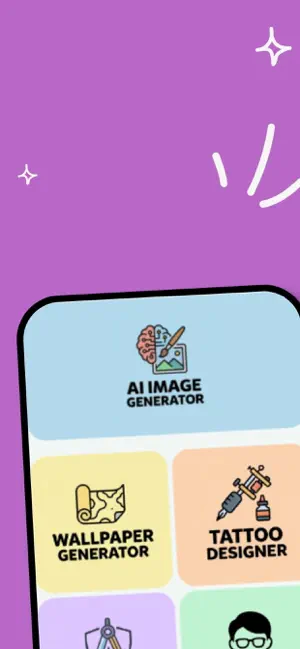
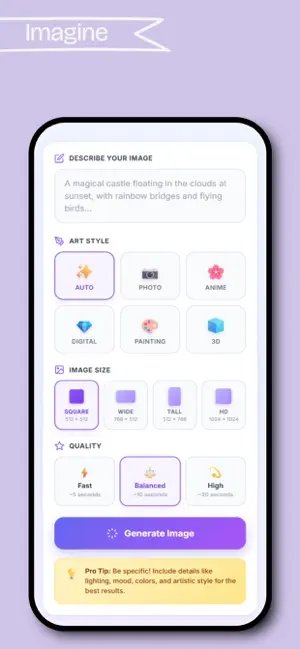
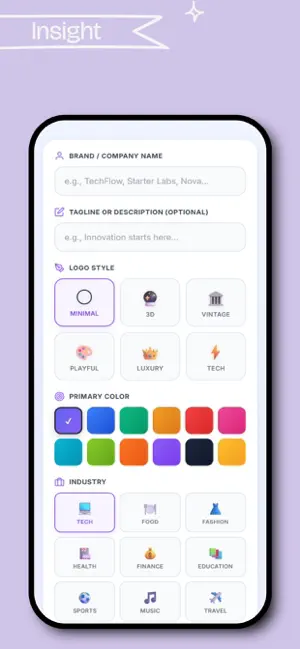
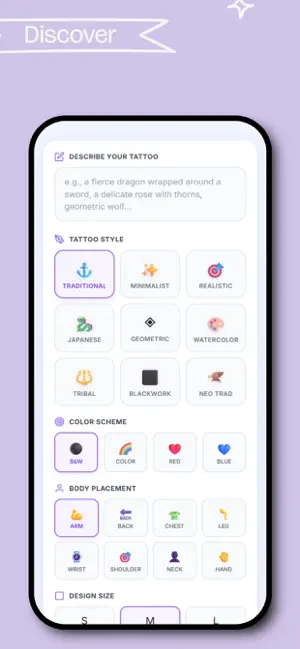
Icon palette
About this app
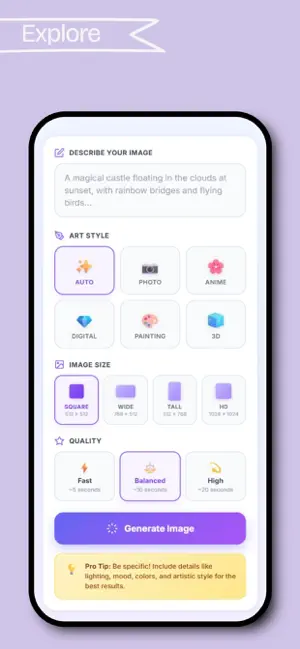
* Turn Ideas into Stunning Presentation Images Instantly! Napkin AI is your ultimate AI-powered image generator for presentations, business reports, and creative projects. Whether you need corporate visuals, marketing slides, or modern office designs, our app helps you generate professional images in seconds. How It Works: * Enter a brief description of what you need. * Choose your preferred style (Corporate, Modern, Business, Creative, etc.). * Select your image size (16:9 Widescreen, 4:3 Standard, HD). * Click "Generate Image" and get a high-quality visual in seconds! Features: * AI-powered image generation for presentations & business needs. * Various styles & themes for different professional use cases. * Customizable image descriptions & elements to avoid. * Instant download & easy-to-use interface. Perfect for: ** Business presentations & reports ** Marketing & …
App details
What you can learn from Napkin AI - Image Generator
Every shipping app on the App Store has gone through the same decisions you're working through right now: which screenshot goes first, what caption sits over it, which device frame to show, what color the background should be. The 5 screenshots above are Napkin AI - Image Generator's answers to those questions — they're public, they're real, and they made it through Apple's review.
Notice the first screenshot in particular. It's the one users see in search results and on the product page, and it's where most apps spend their best caption and tightest design. Look at the proportion of background to phone, where the text sits, what one thing the image is trying to communicate.
Want to see how other Graphics & Design apps approach the same problem? Browse more Graphics & Design apps in the showcase.
Take what works into your own screenshots
Open LaunchShots and design your App Store & Google Play screenshots — pick a device frame, drop captions, ship in minutes. Free, in your browser.
Open the screenshot editor →