Chart position — tracked daily by LaunchShots
Screenshot style breakdown
Sampled from 5 of kintone's App Store screenshots — background, accent and theme, measured by LaunchShots (not something Apple publishes).
#FCFCFC bg
#DDDDDD
#F4C444 accent
#111111 text
Screenshots
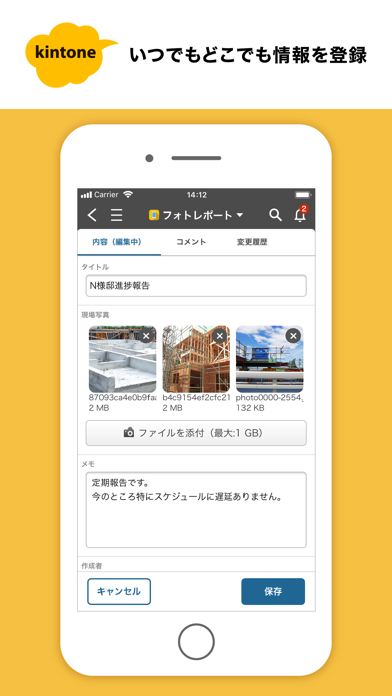
iPad screenshots
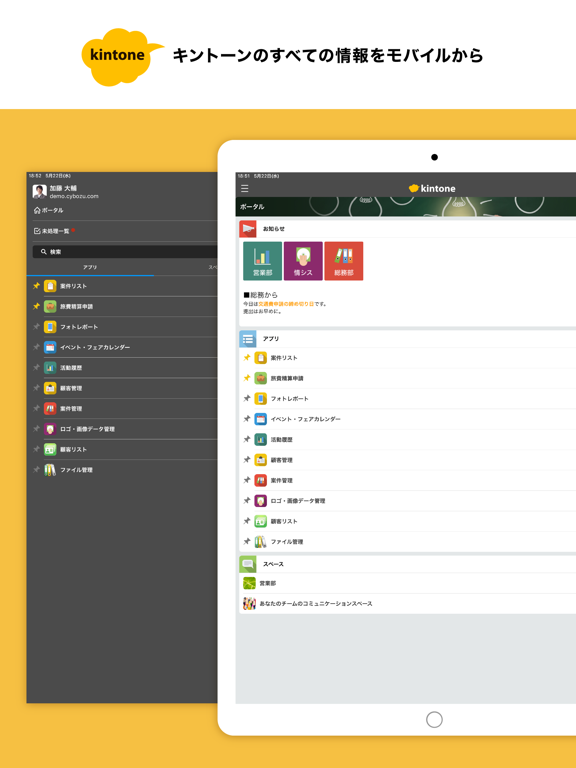
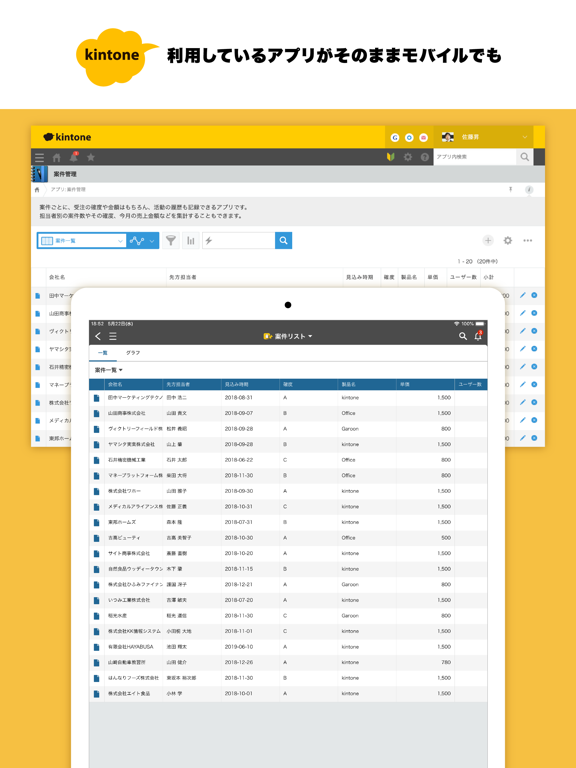
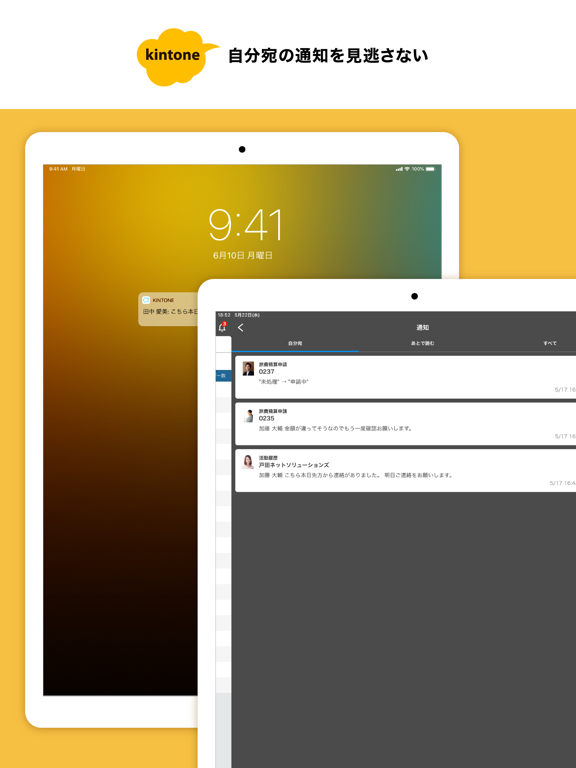
Icon palette
About this app
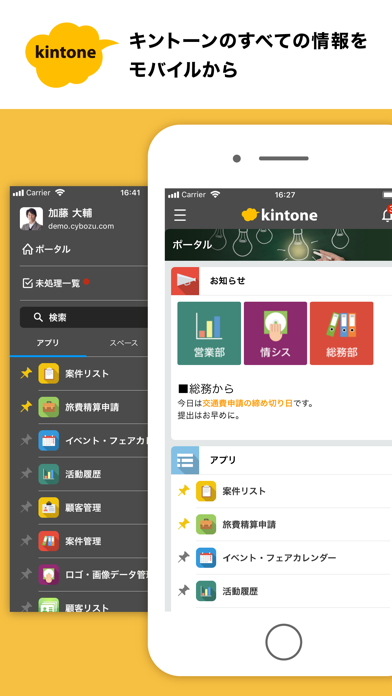
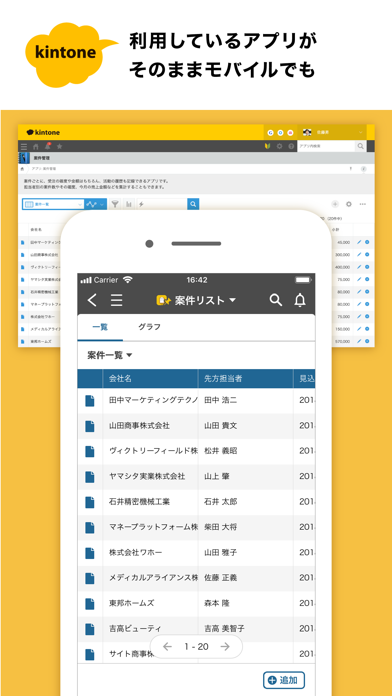
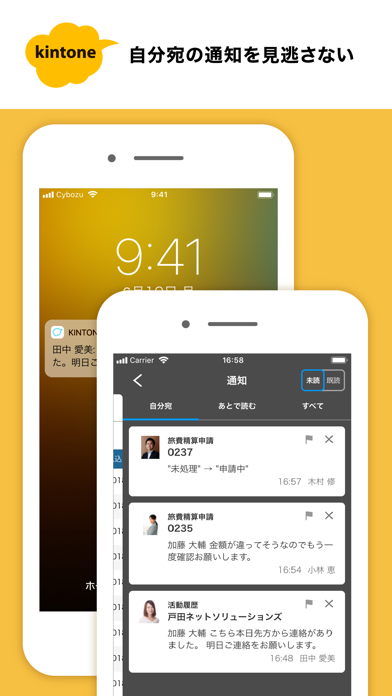
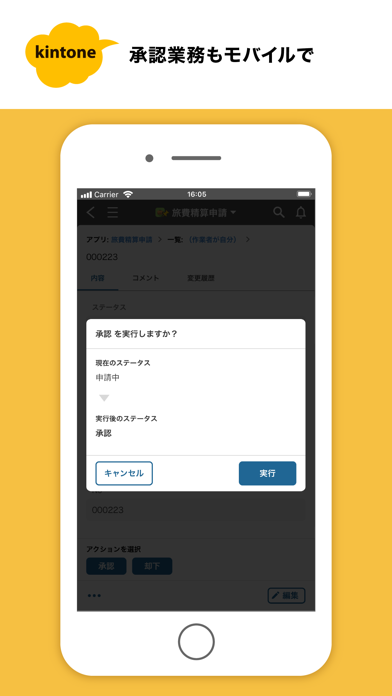
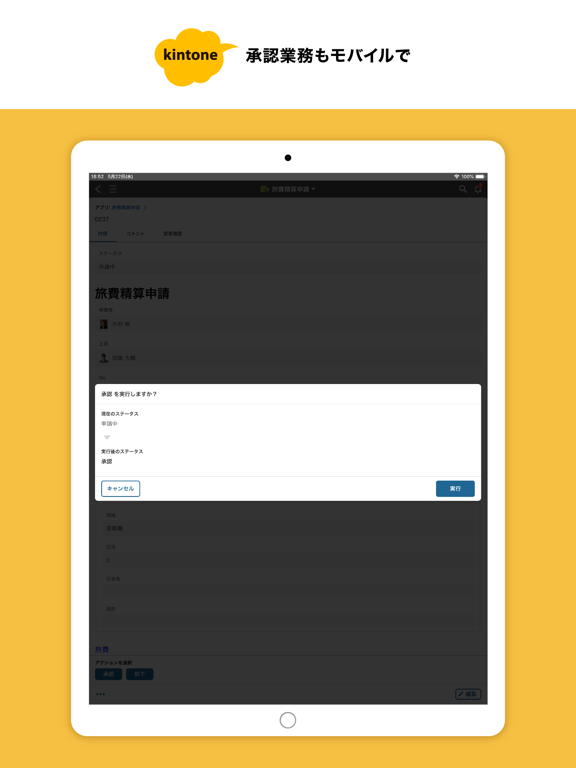
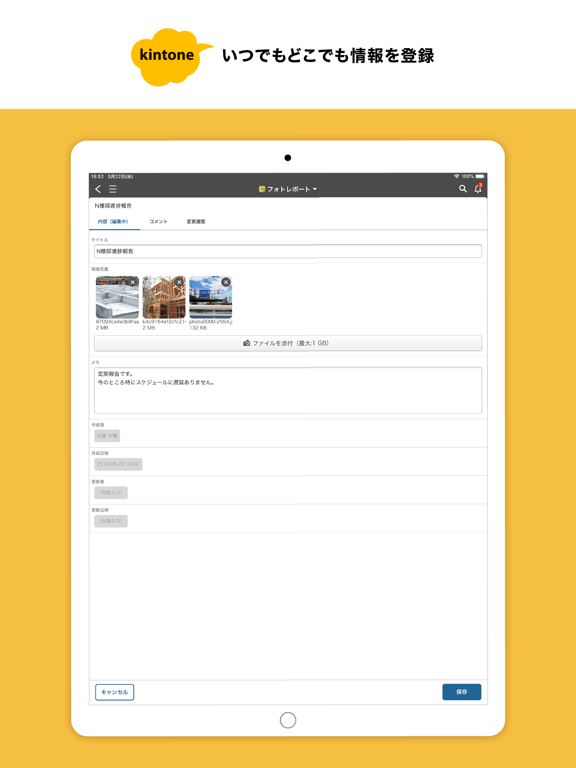
キントーンなら、散在するエクセルや、煩雑なメール、紙の書類の山など、バラバラになりがちな情報がひとつにまとまります。さらにデータとコミュニケーションが一画面に集約・共有でき、チームの仕事を見える化できます。 - ポータル チーム全体に向けたメッセージやダッシュボードの共有ができます - ナビゲーションメニュー アプリ/スペース/通知など、必要な情報にすばやくアクセスできます - スペース プロジェクトごとのメッセージやダッシュボードが共有できます スレッドの閲覧、コメントの追加ができます - 検索機能 アプリ/スペース/スレッド/ピープルの検索 kintone全体を対象とした全文検索ができます - レコード一覧 複数のフィールドが表示できます レコードのソート機能が利用できます コメント数が表示されます - レコード詳細 内容/コメント/変更履歴をタブで切り替え レコードの編集とコメントの入力を並行して行えます - プロセス アプリに設定したプロセス(ワークフロー)を進めることができます - 通知 自分…
App details
What you can learn from kintone
Every shipping app on the App Store has gone through the same decisions you're working through right now: which screenshot goes first, what caption sits over it, which device frame to show, what color the background should be. The 10 screenshots above are kintone's answers to those questions — they're public, they're real, and they made it through Apple's review.
What the numbers say: kintone runs a light set where the background shifts from screenshot to screenshot (first shot #FCFCFC) — each image has to stand on its own, so the captions carry more of the story. The accent colour we picked up, #F4C444, is the one to reuse for badges, arrows and highlighted words if you borrow this look. Hit Use this style to open the editor with these exact colours and drop your own screenshot in.
Notice the first screenshot in particular. It's the one users see in search results and on the product page, and it's where most apps spend their best caption and tightest design. Look at the proportion of background to phone, where the text sits, what one thing the image is trying to communicate.
Want to see how other Productivity apps approach the same problem? Browse more Productivity apps in the showcase.
Take what works into your own screenshots
Open LaunchShots and design your App Store & Google Play screenshots — pick a device frame, drop captions, ship in minutes. Free, in your browser.
Open the screenshot editor →Apps with a similar look
Closest background + accent colours among the listings we've analysed — useful when you want to see the same palette handled by a different team.