Screenshots
Icon palette
About this app
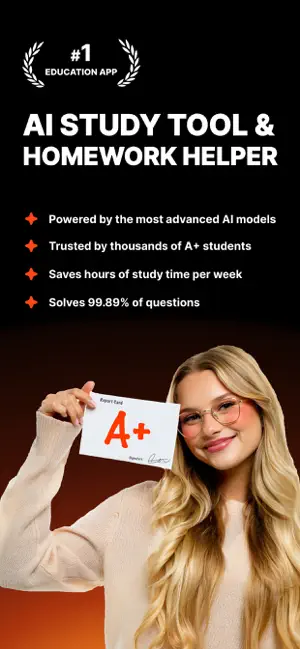
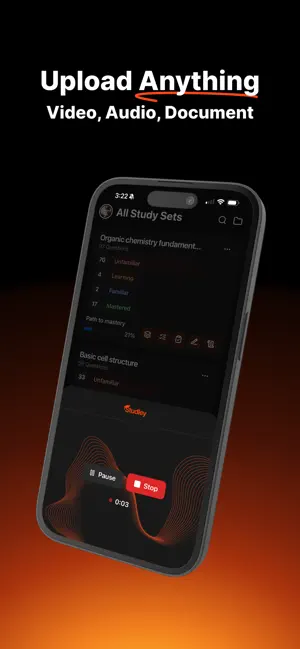
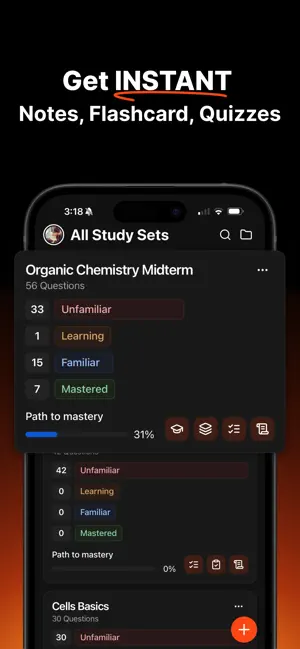
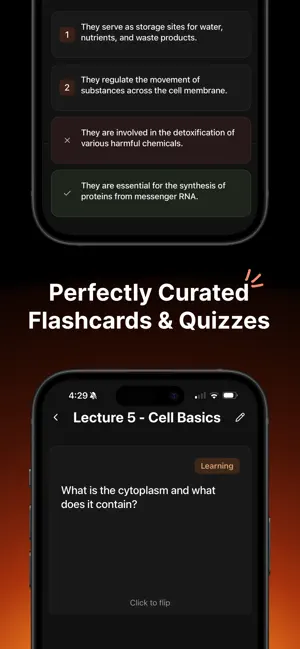
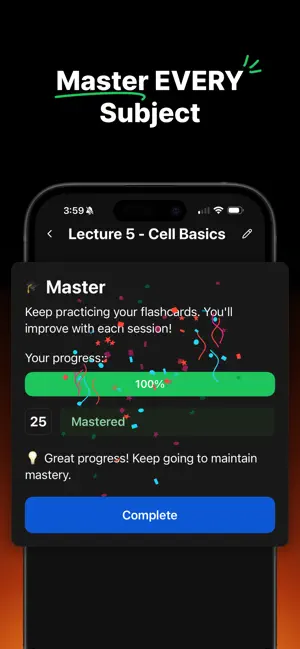
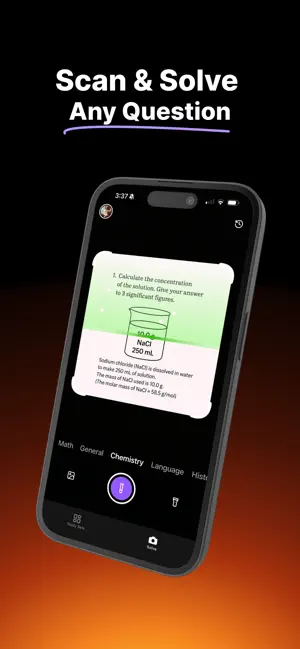
Studley AI – The AI Study Tool That Gets You Straight A’s Forget boring flashcards and endless Google searches. Studley AI is your personal AI homework helper, AI note taker, and AI tutor. Built for students who want insane results. Whether you’re trying to keep a 4.0 GPA or just trying to pass with less stress, Studley is the smartest way to study. Turn anything into a Study Set: Upload your lecture slides, textbook chapter, YouTube video, PDF, or even an article link, and Studley instantly turns it into a fully editable Study Set. A Study Set can include: - Flashcards (perfect for memorization) - Multiple-choice quizzes (test your recall fast) - Fill-in-the-blanks (strengthen active recall) - Written tests (practice full answers) - Tutor mode (AI explains concepts like a personal teacher) Every question is automatically tagged (e.g., unfamiliar, learning, familiar, mastered) so …
App details
What you can learn from Studley AI: Notes & Flashcards
Every shipping app on the App Store has gone through the same decisions you're working through right now: which screenshot goes first, what caption sits over it, which device frame to show, what color the background should be. The 6 screenshots above are Studley AI: Notes & Flashcards's answers to those questions — they're public, they're real, and they made it through Apple's review.
Notice the first screenshot in particular. It's the one users see in search results and on the product page, and it's where most apps spend their best caption and tightest design. Look at the proportion of background to phone, where the text sits, what one thing the image is trying to communicate.
Want to see how other Education apps approach the same problem? Browse more Education apps in the showcase.
Take what works into your own screenshots
Open LaunchShots and design your App Store & Google Play screenshots — pick a device frame, drop captions, ship in minutes. Free, in your browser.
Open the screenshot editor →