Screenshots

Icon palette
About this app
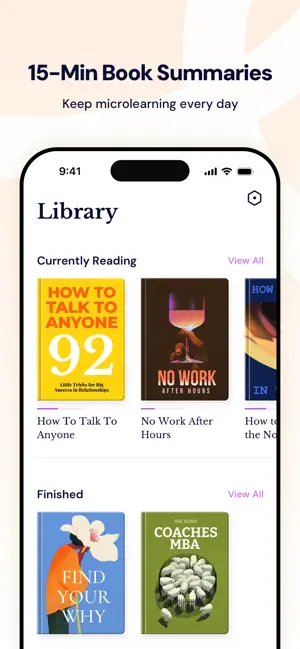
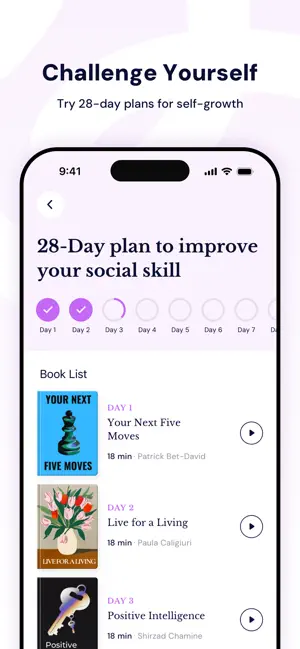
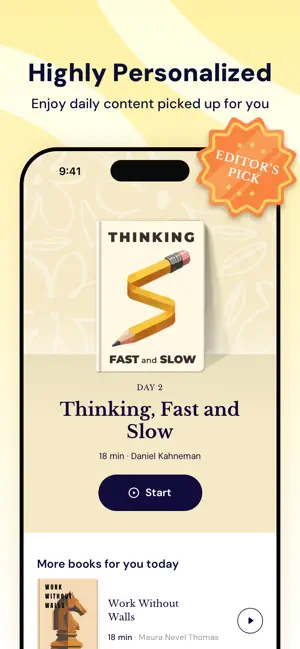
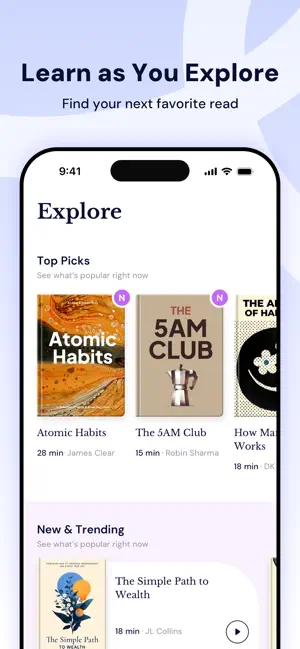
GrowMe is a versatile app designed for those who are passionate about learning and self-growth through reading. Whether you're short on time, looking to build better reading habits, or seeking personalized book guidance, GrowMe helps transform every book into a valuable source of growth and inspiration. What GrowMe offers: - Quick book summaries to help you grasp key insights in just minutes. - Audio learning so you can listen to curated book ideas anywhere, anytime. - A smart highlight saver to capture and organize your favorite quotes or lessons for easy access. - Personalized book recommendations crafted to match your unique goals and interests. - Progress tracking tools to help you create consistent reading habits and celebrate your milestones. - Daily bits of inspiration to keep you motivated and curious every single day. - 28-Day Plans tailored to different themes, helping you st…
App details
What you can learn from GrowMe: Micro Learning Daily
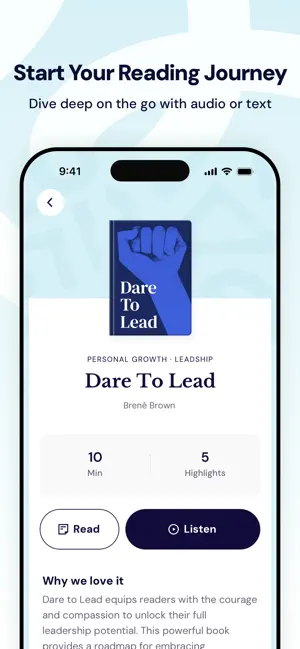
Every shipping app on the App Store has gone through the same decisions you're working through right now: which screenshot goes first, what caption sits over it, which device frame to show, what color the background should be. The 6 screenshots above are GrowMe: Micro Learning Daily's answers to those questions — they're public, they're real, and they made it through Apple's review.
Notice the first screenshot in particular. It's the one users see in search results and on the product page, and it's where most apps spend their best caption and tightest design. Look at the proportion of background to phone, where the text sits, what one thing the image is trying to communicate.
Want to see how other Education apps approach the same problem? Browse more Education apps in the showcase.
Take what works into your own screenshots
Open LaunchShots and design your App Store & Google Play screenshots — pick a device frame, drop captions, ship in minutes. Free, in your browser.
Open the screenshot editor →