Screenshots
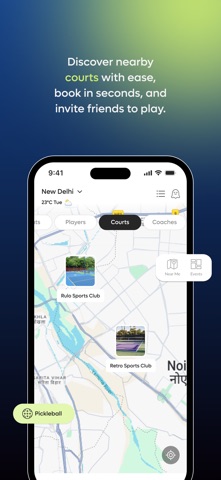
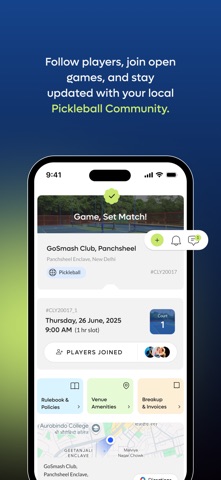
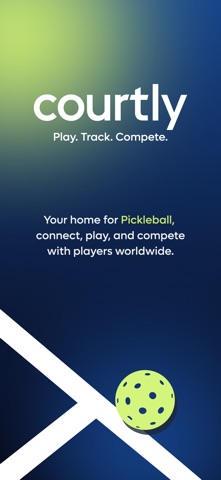
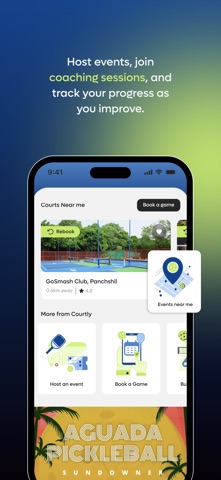
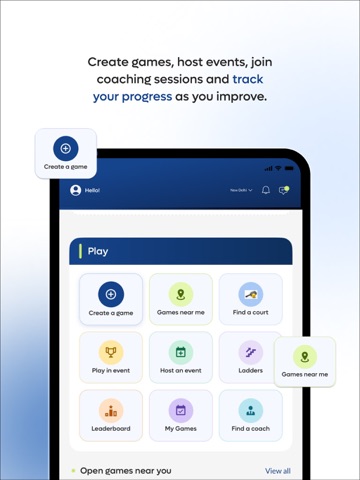
iPad screenshots



Icon palette
About this app
Courtly is the all-in-one app for pickleball and racquet sports players — find a court, book a coach, join a game, and compete in tournaments, all from one place. ** DISCOVER & PLAY • Find courts and venues near you and book a slot in seconds • See games happening around you and ask to join • Create your own game — pick the venue, set the skill level, and invite players • Book certified coaches and academy programs ** TOURNAMENTS & EVENTS • Browse upcoming tournaments and register right from the app • DUPR-integrated events: link your DUPR account and your rating comes with you • Partner registration for doubles — invite your partner and pay per head or per team • Live fixtures, points tables, and results as the tournament unfolds ** TRACK YOUR JOURNEY • Player profile with your DUPR rating, match history, and stats • Leaderboards — see where you stand this season • Earn coins and ba…
App details
What you can learn from MyCourtly
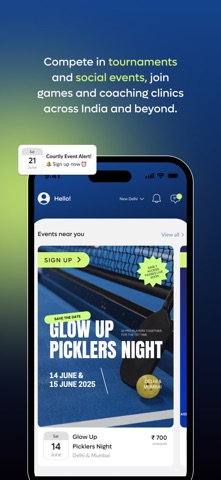
Every shipping app on the App Store has gone through the same decisions you're working through right now: which screenshot goes first, what caption sits over it, which device frame to show, what color the background should be. The 11 screenshots above are MyCourtly's answers to those questions — they're public, they're real, and they made it through Apple's review.
Notice the first screenshot in particular. It's the one users see in search results and on the product page, and it's where most apps spend their best caption and tightest design. Look at the proportion of background to phone, where the text sits, what one thing the image is trying to communicate.
Want to see how other Sports apps approach the same problem? Browse more Sports apps in the showcase.
Take what works into your own screenshots
Open LaunchShots and design your App Store & Google Play screenshots — pick a device frame, drop captions, ship in minutes. Free, in your browser.
Open the screenshot editor →