Screenshots


Icon palette
About this app
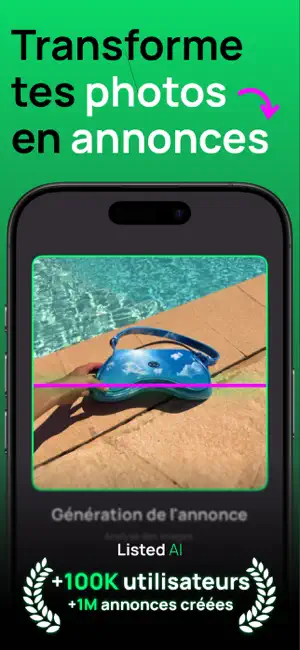
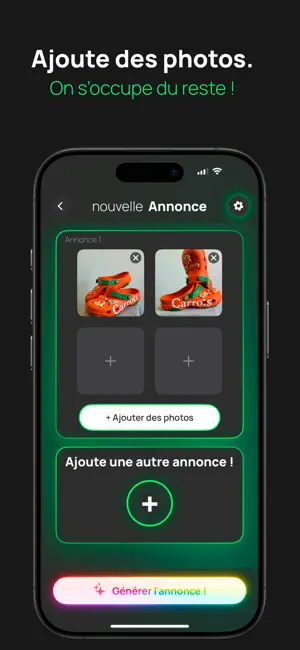
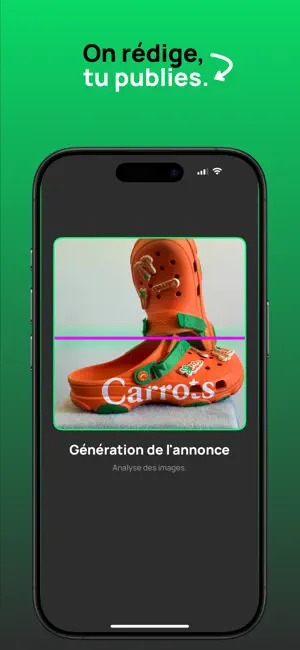
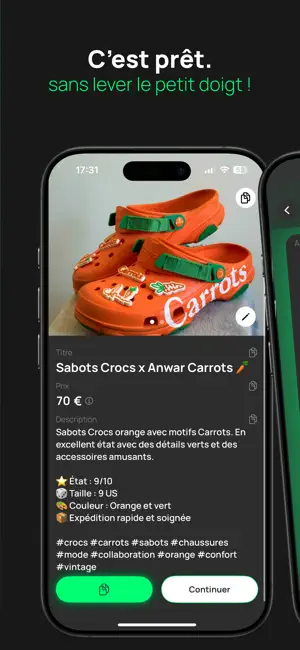
Créez des annonces en quelques secondes avec Listed AI Transformez vos photos en annonces prêtes à publier instantanément. Listed AI utilise une IA avancée pour générer jusqu'à 15 descriptions de produits simultanément, optimisées pour Vinted, Leboncoin, eBay et bien d'autres plateformes. Gagnez du temps, vendez plus vite - Création instantanée : Importez 2 à 4 photos et obtenez des descriptions optimisées automatiquement. - Suppression d'arrière-plan : Isole ton produit en un geste et remplace l'arrière-plan par une couleur, un dégradé, une texture ou ta propre photo. Des photos produit pro, directement depuis ton téléphone. - Multi-annonces : Générez jusqu'à 15 annonces en une seule opération, idéal pour les gros vendeurs. - Compatibilité étendue : Optimisé pour Leboncoin, Vinted, eBay, Vestiaire Collective et autres plateformes de vente. - Multilingue : Créez vos annonces en françai…
App details
What you can learn from Listed AI - Créer des annonces
Every shipping app on the App Store has gone through the same decisions you're working through right now: which screenshot goes first, what caption sits over it, which device frame to show, what color the background should be. The 6 screenshots above are Listed AI - Créer des annonces's answers to those questions — they're public, they're real, and they made it through Apple's review.
Notice the first screenshot in particular. It's the one users see in search results and on the product page, and it's where most apps spend their best caption and tightest design. Look at the proportion of background to phone, where the text sits, what one thing the image is trying to communicate.
Want to see how other Productivity apps approach the same problem? Browse more Productivity apps in the showcase.
Take what works into your own screenshots
Open LaunchShots and design your App Store & Google Play screenshots — pick a device frame, drop captions, ship in minutes. Free, in your browser.
Open the screenshot editor →