Screenshots
Icon palette
About this app
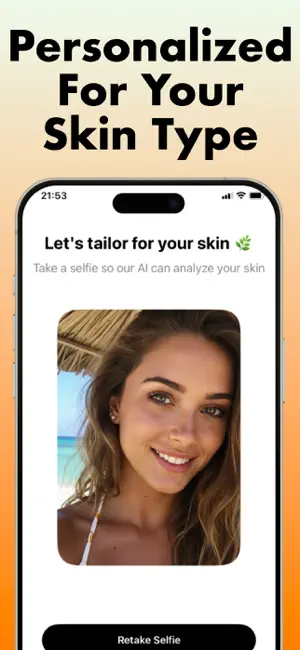
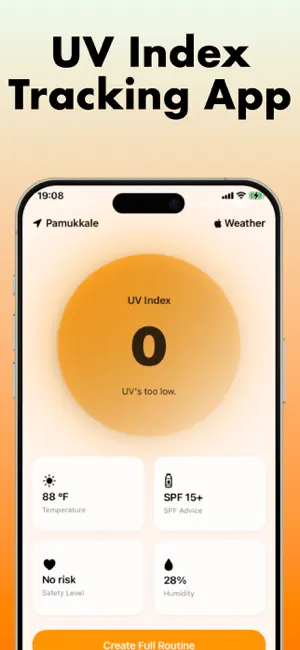
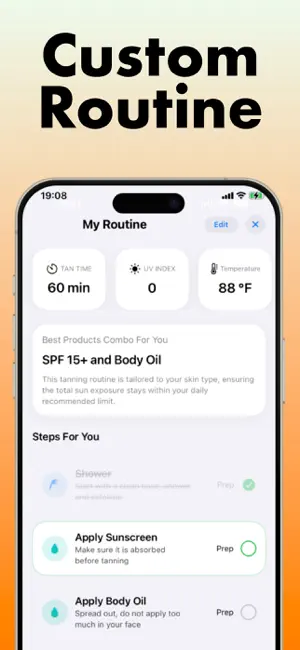
Get SPF AI: Sunglow&Tanning app now Take a selfie Receive a custom tanroutine & skincare plan based on live uv data SPF AI is your ultimate sunsafe companion. Our UV tracker monitors real-time levels, recommends the perfect SPF, and acts as your tantracker so you tan, not burn. Achieve your ideal tone faster while safeguarding skin from sunburn, premature aging, and damage and explore holistic skincare guidance that goes beyond tanning. WHY YOU’LL LOVE IT Smart UV tracker with burn time countdown Adaptive SPF alerts for every skin type AI driven tanning routine tailored to local weather Expanding features for total skincare & healthy sunglow Disclaimer: SPF AI is not a medical service. All guidance is intended for general informational use only. Before altering your skincare or tanning routine, please do your own research and consult a qualified healthcare professional. Some f…
App details
What you can learn from SPF AI: Sunglow & Tanning
Every shipping app on the App Store has gone through the same decisions you're working through right now: which screenshot goes first, what caption sits over it, which device frame to show, what color the background should be. The 4 screenshots above are SPF AI: Sunglow & Tanning's answers to those questions — they're public, they're real, and they made it through Apple's review.
Notice the first screenshot in particular. It's the one users see in search results and on the product page, and it's where most apps spend their best caption and tightest design. Look at the proportion of background to phone, where the text sits, what one thing the image is trying to communicate.
Want to see how other Weather apps approach the same problem? Browse more Weather apps in the showcase.
Take what works into your own screenshots
Open LaunchShots and design your App Store & Google Play screenshots — pick a device frame, drop captions, ship in minutes. Free, in your browser.
Open the screenshot editor →