Chart position — tracked daily by LaunchShots
Screenshot style breakdown
Sampled from 5 of Qita by BRI's App Store screenshots — background, accent and theme, measured by LaunchShots (not something Apple publishes).
#3484E4 bg
#5095E7
#8CBCF4 accent
#FFFFFF text
Screenshots

Icon palette
About this app
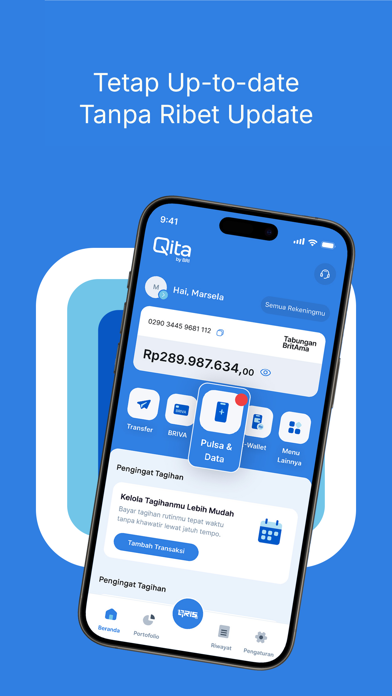
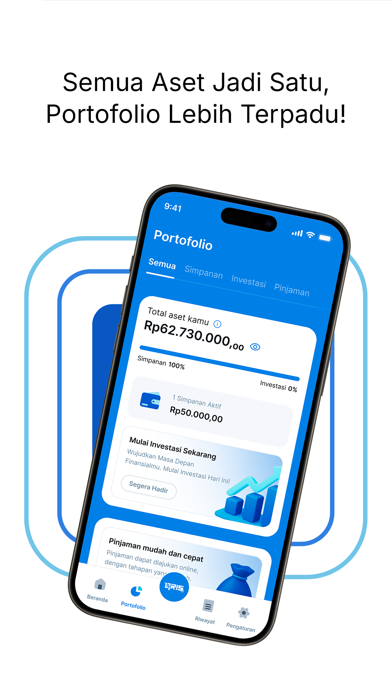
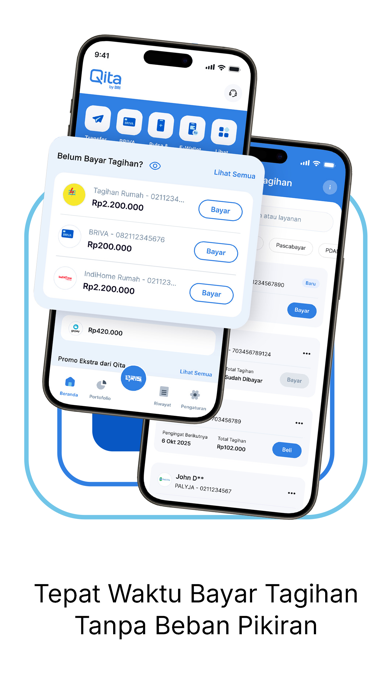
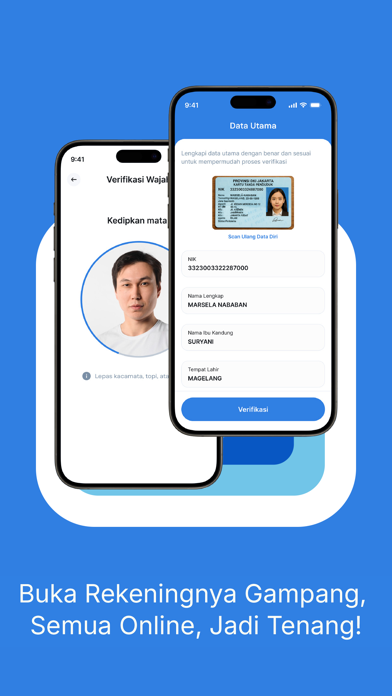
"Dari Qita Untuk Kita" untuk kebutuhan sehari-hari Qita adalah solusi mobile banking modern yang dirancang untuk memudahkan kamu mengatur keuangan secara praktis, aman, dan cepat — langsung dari smartphone kamu! Nikmati pengalaman perbankan yang mulus untuk kebutuhan sehari-hari Fitur Utama: Transfer Uang Instan Kirim dan terima dana ke antar bank kapan saja, tanpa ribet. Bayar Tagihan & Top Up Listrik, air, pulsa, paket data, e-wallet – semua bisa kamu urus dalam satu aplikasi. Cek Saldo & Mutasi Real-Time Pantau arus kas dan histori transaksi dengan tampilan yang jelas dan mudah dimengerti. QRIS Payment Belanja tinggal scan! Dukung transaksi cashless di mana saja. Keamanan Terjamin Dilengkapi dengan teknologi enkripsi, biometrik, dan OTP untuk keamanan data dan transaksi kamu. Personalisasi & Notifikasi Dapatkan info transaksi dan promo terbaru secara real-time
App details
What you can learn from Qita by BRI
Every shipping app on the App Store has gone through the same decisions you're working through right now: which screenshot goes first, what caption sits over it, which device frame to show, what color the background should be. The 5 screenshots above are Qita by BRI's answers to those questions — they're public, they're real, and they made it through Apple's review.
What the numbers say: Qita by BRI runs a mixed light-and-dark set where the background shifts from screenshot to screenshot (first shot #3484E4) — each image has to stand on its own, so the captions carry more of the story. The accent colour we picked up, #8CBCF4, is the one to reuse for badges, arrows and highlighted words if you borrow this look. Hit Use this style to open the editor with these exact colours and drop your own screenshot in.
Notice the first screenshot in particular. It's the one users see in search results and on the product page, and it's where most apps spend their best caption and tightest design. Look at the proportion of background to phone, where the text sits, what one thing the image is trying to communicate.
Want to see how other Finance apps approach the same problem? Browse more Finance apps in the showcase.
Take what works into your own screenshots
Open LaunchShots and design your App Store & Google Play screenshots — pick a device frame, drop captions, ship in minutes. Free, in your browser.
Open the screenshot editor →Apps with a similar look
Closest background + accent colours among the listings we've analysed — useful when you want to see the same palette handled by a different team.