Chart position — tracked daily by LaunchShots
Screenshot changes — detected by LaunchShots
Screenshot style breakdown
Sampled from 6 of Flashka - AI Flashcards Maker's App Store screenshots — background, accent and theme, measured by LaunchShots (not something Apple publishes).
#FCFCFC bg
#DDDDDD
#FCD44C accent
#111111 text
Screenshots
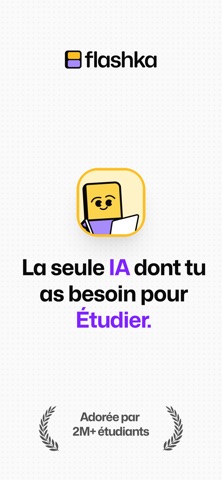


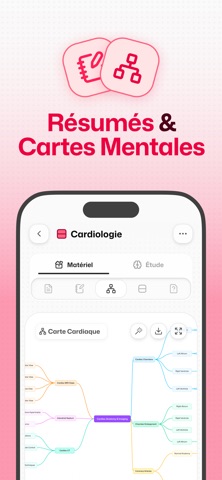

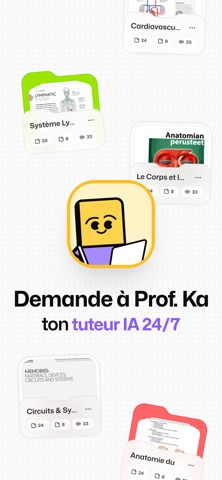
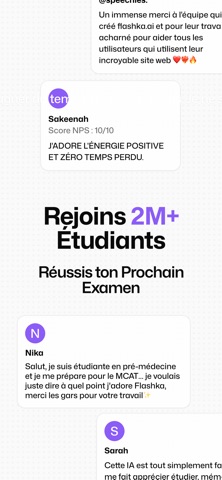
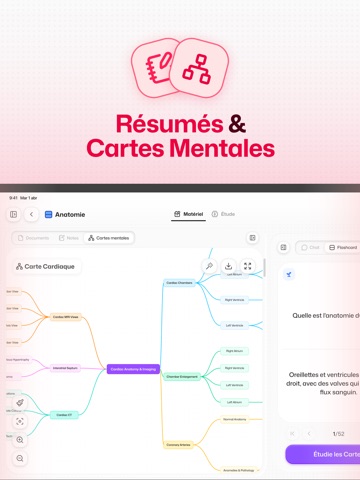
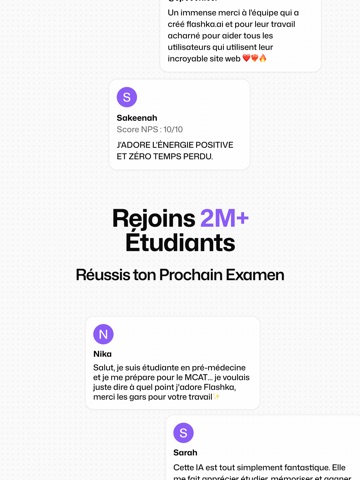
iPad screenshots




Icon palette
About this app
Apprends 10× plus vite et réussis tous tes examens avec Flashka — la meilleure app de fiches et quiz IA. Transforme tes notes, PDFs, photos ou slides de cours en fiches dynamiques et quiz en quelques secondes. Avec Flashka, tu peux : Importer n’importe quel contenu Télécharge tes notes manuscrites, PDFs ou photos, puis surligne et interagis avec Générer des fiches Laisse notre IA créer des fiches uniquement à partir de ton contenu, sans écrire pendant des heures Étudier de la manière la plus efficace Utilise la répétition espacée qui s’adapte à ton apprentissage Tester tes connaissances Entraîne-toi avec des quiz et examens blancs générés par l’IA, à partir de tes fiches Avoir un prof 24/7 à tes côtés Demande à Professor Ka, ton tuteur IA personnel, des explications instantanées, des astuces de mémorisation et discute avec lui Rejoins +1,5M d’étudiants qui ont amélioré leurs note…
App details
What you can learn from Flashka - AI Flashcards Maker
Every shipping app on the App Store has gone through the same decisions you're working through right now: which screenshot goes first, what caption sits over it, which device frame to show, what color the background should be. The 14 screenshots above are Flashka - AI Flashcards Maker's answers to those questions — they're public, they're real, and they made it through Apple's review.
What the numbers say: Flashka - AI Flashcards Maker runs a light set with one background colour (#FCFCFC) carried across every screenshot — the listing reads as a single poster when the shots sit side by side in search results. The accent colour we picked up, #FCD44C, is the one to reuse for badges, arrows and highlighted words if you borrow this look. Hit Use this style to open the editor with these exact colours and drop your own screenshot in.
Notice the first screenshot in particular. It's the one users see in search results and on the product page, and it's where most apps spend their best caption and tightest design. Look at the proportion of background to phone, where the text sits, what one thing the image is trying to communicate.
Want to see how other Education apps approach the same problem? Browse more Education apps in the showcase.
Take what works into your own screenshots
Open LaunchShots and design your App Store & Google Play screenshots — pick a device frame, drop captions, ship in minutes. Free, in your browser.
Open the screenshot editor →Apps with a similar look
Closest background + accent colours among the listings we've analysed — useful when you want to see the same palette handled by a different team.