Screenshot style breakdown
Sampled from 4 of LifesaverSIM's App Store screenshots — background, accent and theme, measured by LaunchShots (not something Apple publishes).
#245404 bg
#426B27
#142C54 accent
#FFFFFF text
Screenshots
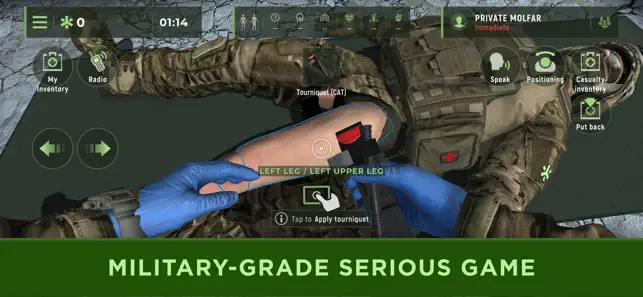
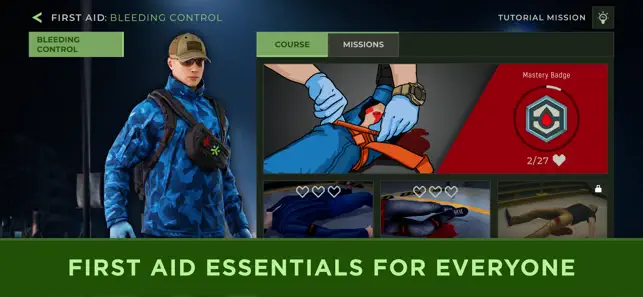
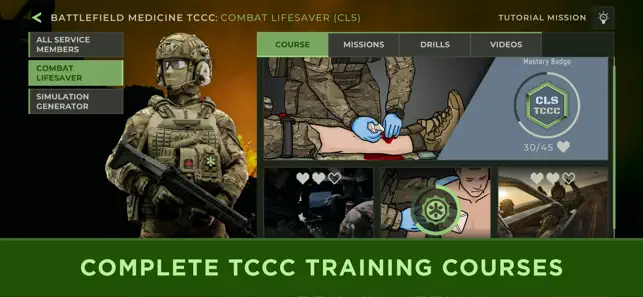
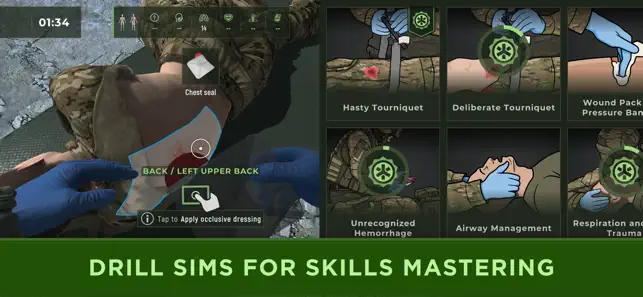
Icon palette
About this app
危機の瞬間、あなたは期待に応えて立ち上がることはできない——訓練のレベルに落ちていく。 LifesaverSIMは、その訓練を提供する軍事レベルのシリアスゲームです。実際の紛争で鍛えられ、精鋭部隊によって実証されたこのツールは、今や準備を必要とするすべての人が利用できます。 LifesaverSIMは複雑な医療プロトコルを没入型のゲームベースのシミュレーションに変換し、交通事故、武装攻撃、FPVドローン攻撃など、あらゆる場面で命を救うために必要な自信と手続き記憶を構築します。戦闘救護員、教官、ゲームの専門家によって開発された、プロフェッショナルグレードのトレーニングプラットフォームです。 主な機能 ・プレイを通じて学ぶ:直感的なゲームプレイ、コンソール品質のグラフィック、視覚的・聴覚的症状を備えたリアルな任務に没入してください。 ・適応型学習カーブ:事前知識不要で始められます。3つの難易度モードと段階的な任務が構造化された学習パスを案内します。 ・シミュレーションジェネレーター:繰り返しトレーニングのための無限のシナリ…
App details
What you can learn from LifesaverSIM
Every shipping app on the App Store has gone through the same decisions you're working through right now: which screenshot goes first, what caption sits over it, which device frame to show, what color the background should be. The 4 screenshots above are LifesaverSIM's answers to those questions — they're public, they're real, and they made it through Apple's review.
What the numbers say: LifesaverSIM runs a dark set where the background shifts from screenshot to screenshot (first shot #245404) — each image has to stand on its own, so the captions carry more of the story. The accent colour we picked up, #142C54, is the one to reuse for badges, arrows and highlighted words if you borrow this look. Hit Use this style to open the editor with these exact colours and drop your own screenshot in.
Notice the first screenshot in particular. It's the one users see in search results and on the product page, and it's where most apps spend their best caption and tightest design. Look at the proportion of background to phone, where the text sits, what one thing the image is trying to communicate.
Want to see how other Medical apps approach the same problem? Browse more Medical apps in the showcase.
Take what works into your own screenshots
Open LaunchShots and design your App Store & Google Play screenshots — pick a device frame, drop captions, ship in minutes. Free, in your browser.
Open the screenshot editor →Apps with a similar look
Closest background + accent colours among the listings we've analysed — useful when you want to see the same palette handled by a different team.