Chart position — tracked daily by LaunchShots
Screenshot style breakdown
Sampled from 6 of StarDesk - 원격 데스크톱 & 원격 게임's App Store screenshots — background, accent and theme, measured by LaunchShots (not something Apple publishes).
#FCFCFC bg
#DDDDDD
#2C64CC accent
#111111 text
Reading the caption text from the screenshots in your browser…
Screenshots


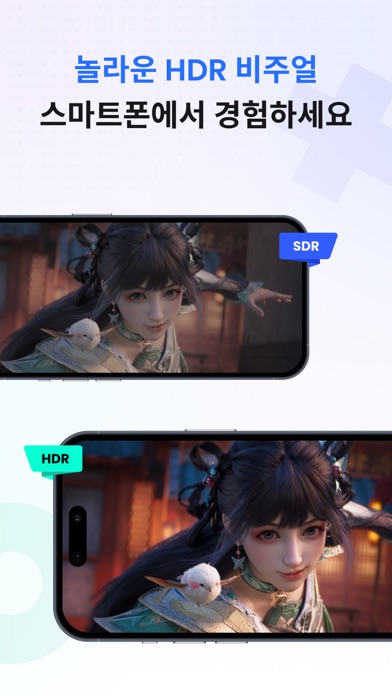
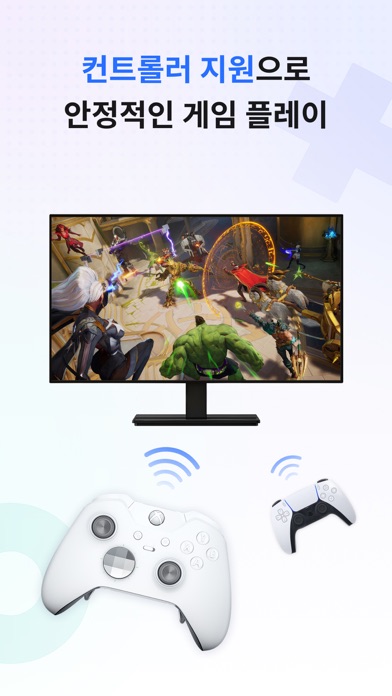

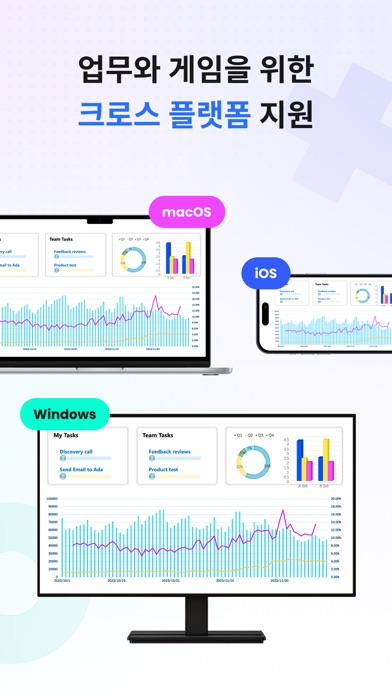
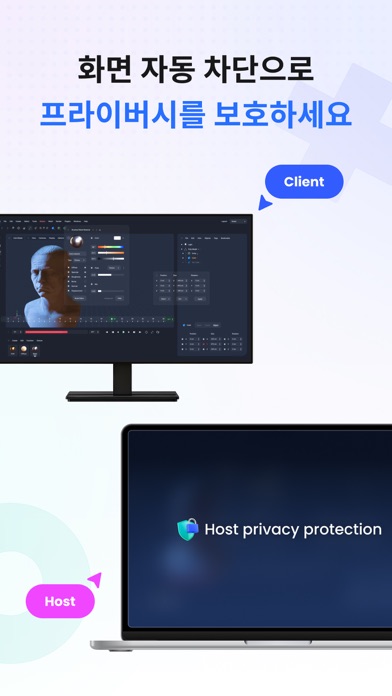
iPad screenshots


Icon palette
About this app
StarDesk – 강력한 멀티 플랫폼 원격 데스크톱 iOS, iPadOS, Mac, Windows 또는 기타 모바일 기기에서 PC나 Mac을 원격 제어하세요. 재택근무, 게임, 기술 지원에 완벽합니다. 초저지연과 고속 직접 연결로 로컬처럼 부드러운 경험을 제공합니다. 최대 4K 144FPS 스트리밍을 지원하며, 마우스 & 키보드, 게임 컨트롤러, 멀티터치 제스처를 완벽 지원—게임과 업무에 이상적입니다. 주요 기능 - 원격 게이밍: 모바일 기기에서 4K 144FPS의 놀라운 화질로 PC 게임을 최소 지연으로 플레이. 수백 가지 사용자 정의 키보드 매핑과 플러그 앤 플레이 게임패드 지원. - 재택근무: PC를 원격으로 깨우고, 여러 화면을 제어하고, 파일을 무제한 전송(크기나 형식 제한 없음)하고, HDR/4:4:4 트루컬러 모드로 작업—디자인, CAD, Photoshop, Microsoft Office, WPS 등에 완벽. - PC & Mac 호스트 지원: PC 또는 Mac을 호스트 머신으로 사용—언제 어디서나 모든 기기에서 컴퓨터를 원격으로 접근하고 제어할 수 있습니다. - 언제 어디서나 원활한 크로스 플랫폼 접근. StarDesk…
App details
What you can learn from StarDesk - 원격 데스크톱 & 원격 게임
Every shipping app on the App Store has gone through the same decisions you're working through right now: which screenshot goes first, what caption sits over it, which device frame to show, what color the background should be. The 14 screenshots above are StarDesk - 원격 데스크톱 & 원격 게임's answers to those questions — they're public, they're real, and they made it through Apple's review.
What the numbers say: StarDesk - 원격 데스크톱 & 원격 게임 runs a light set with one background colour (#FCFCFC) carried across every screenshot — the listing reads as a single poster when the shots sit side by side in search results. The accent colour we picked up, #2C64CC, is the one to reuse for badges, arrows and highlighted words if you borrow this look. Hit Use this style to open the editor with these exact colours and drop your own screenshot in.
Notice the first screenshot in particular. It's the one users see in search results and on the product page, and it's where most apps spend their best caption and tightest design. Look at the proportion of background to phone, where the text sits, what one thing the image is trying to communicate.
Want to see how other Utilities apps approach the same problem? Browse more Utilities apps in the showcase.
Take what works into your own screenshots
Open LaunchShots and design your App Store & Google Play screenshots — pick a device frame, drop captions, ship in minutes. Free, in your browser.
Open the screenshot editor →Apps with a similar look
Closest background + accent colours among the listings we've analysed — useful when you want to see the same palette handled by a different team.