Chart position — tracked daily by LaunchShots
Screenshot style breakdown
Sampled from 6 of 迹时运动: AI运动教练 & 自动剪辑's App Store screenshots — background, accent and theme, measured by LaunchShots (not something Apple publishes).
#043C94 bg
#2757A2
#046CF4 accent
#FFFFFF text
Screenshots

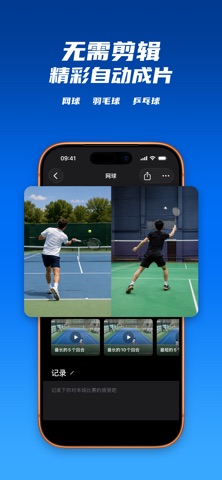


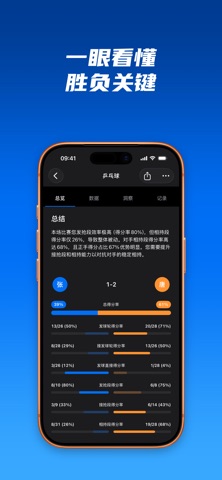


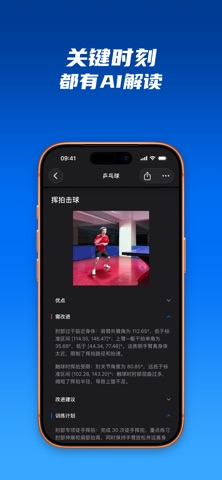
iPad screenshots
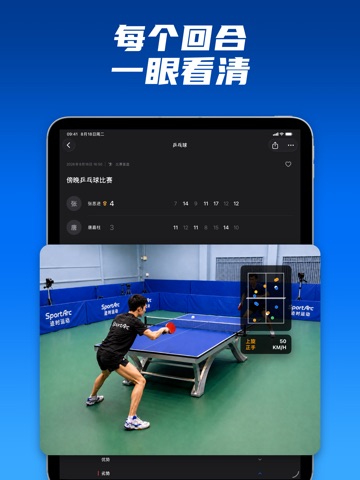
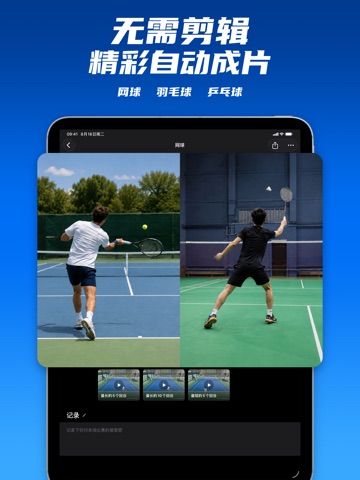
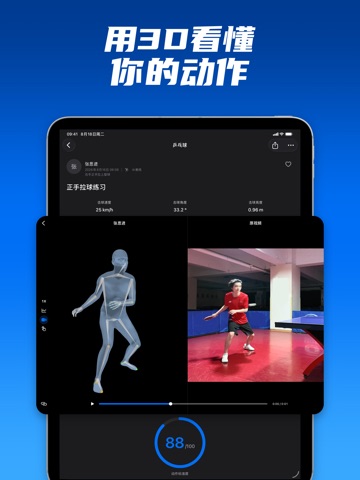


Icon palette
About this app
迹时运动,把AI教练、自动剪辑与比赛数据分析带到你的日常训练。 乒乓球、羽毛球、网球,从动作反馈到精彩集锦,让每次练习和比赛都留下值得回看的内容。 【AI教练,找到动作提升的关键】 分析你的乒乓球动作,结合AI反馈、3D动作回放与动作对比,看清技术细节,把改进建议带到下一次练习。 【自动剪辑,把时间留给精彩回合】 自动识别乒乓球、羽毛球和网球视频中的回合,去除捡球、等待等间隔。将长视频整理成回合片段,轻松挑选、导出和分享精彩集锦。 【比赛数据分析,看懂场上的表现】 用回合数据、落点分布与击球统计复盘乒乓球比赛。结合视频回看,发现比赛中的表现和变化,让复盘更有依据。 【个性化训练计划,知道下一次练什么】 围绕运动项目、训练目标和可用时间安排练习,把想提升的内容落到具体的训练计划中。 【分享你的运动时刻】 留下漂亮的一拍和难忘的回合,把精彩集锦分享给球友与教练,交流技术,回顾表现。 用迹时运动,把今天的表现带进下一次训练。 支持:support@sportarc.cn 隐私政策:https://www.sportarc.cn/privacy 用户协议:ht…
App details
What you can learn from 迹时运动: AI运动教练 & 自动剪辑
Every shipping app on the App Store has gone through the same decisions you're working through right now: which screenshot goes first, what caption sits over it, which device frame to show, what color the background should be. The 16 screenshots above are 迹时运动: AI运动教练 & 自动剪辑's answers to those questions — they're public, they're real, and they made it through Apple's review.
What the numbers say: 迹时运动: AI运动教练 & 自动剪辑 runs a dark set with one background colour (#043C94) carried across every screenshot — the listing reads as a single poster when the shots sit side by side in search results. The accent colour we picked up, #046CF4, is the one to reuse for badges, arrows and highlighted words if you borrow this look. Hit Use this style to open the editor with these exact colours and drop your own screenshot in.
Notice the first screenshot in particular. It's the one users see in search results and on the product page, and it's where most apps spend their best caption and tightest design. Look at the proportion of background to phone, where the text sits, what one thing the image is trying to communicate.
Want to see how other Sports apps approach the same problem? Browse more Sports apps in the showcase.
Take what works into your own screenshots
Open LaunchShots and design your App Store & Google Play screenshots — pick a device frame, drop captions, ship in minutes. Free, in your browser.
Open the screenshot editor →Apps with a similar look
Closest background + accent colours among the listings we've analysed — useful when you want to see the same palette handled by a different team.