Screenshots



Icon palette
About this app
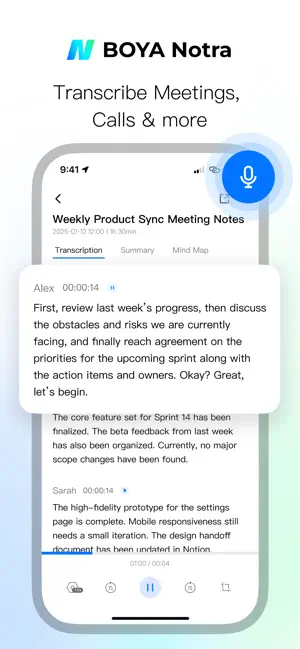
BOYA Notra: Audio Transcription & Summaries BOYA Notra is an intelligent audio recording, transcription, and translation app developed by BOYA, It is designed for multilingual meetings, interviews, speeches, and content documentation. With powerful speech recognition and natural language processing, BOYA Notra transforms recordings into accurate transcripts and automatically generates structured summaries, significantly improving the usability and efficiency of recorded audio. Key Feature • Summaries: Automatically extracts key information and generates clear, structured meeting notes and concise highlights. Ideal Use Cases • Recording and summarization of business meetings • Organizing interviews, lectures, and spoken content • Multilingual communication and international collaboration • Video creation, podcast transcription, and subtitle generation By deeply integrating prof…
App details
What you can learn from BOYA Notra
Every shipping app on the App Store has gone through the same decisions you're working through right now: which screenshot goes first, what caption sits over it, which device frame to show, what color the background should be. The 4 screenshots above are BOYA Notra's answers to those questions — they're public, they're real, and they made it through Apple's review.
Notice the first screenshot in particular. It's the one users see in search results and on the product page, and it's where most apps spend their best caption and tightest design. Look at the proportion of background to phone, where the text sits, what one thing the image is trying to communicate.
Want to see how other Developer Tools apps approach the same problem? Browse more Developer Tools apps in the showcase.
Take what works into your own screenshots
Open LaunchShots and design your App Store & Google Play screenshots — pick a device frame, drop captions, ship in minutes. Free, in your browser.
Open the screenshot editor →