Screenshots
Icon palette
About this app
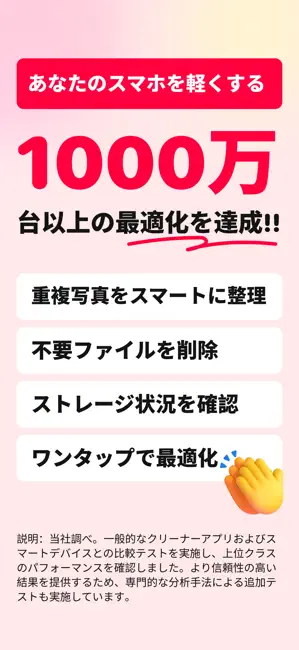
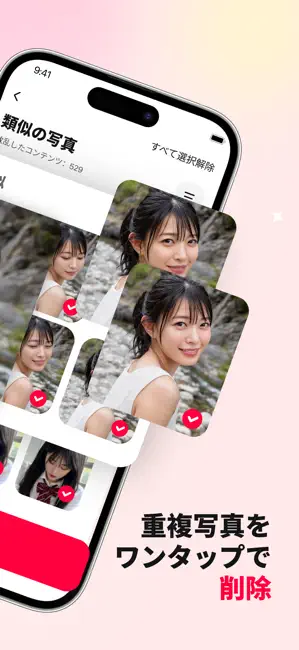
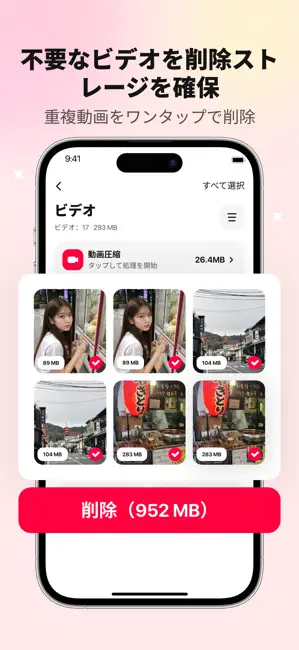
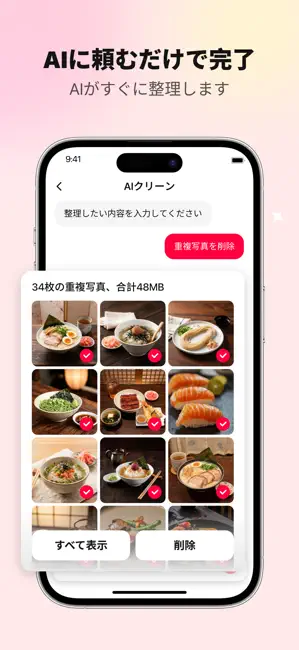
Powerful Clean(パワフルクリーン)は、写真であふれた iPhone のギャラリーを、よりシンプルでサクサク管理できる空間へと生まれ変わらせます。AI 搭載のクリーンアップツールで、重複写真、ブレた写真、似ている画像、短い動画など、ストレージを圧迫しがちなメディアを見つけ出します。** 何千枚もの写真を手作業でスクロールする代わりに、内蔵の AI アシスタントに必要なことを尋ねるだけ。大きな動画を検索したり、スクリーンショットを見つけたり、アルバムを整理したり、わかりやすいガイドに沿ってクリーンアップ候補を確認したりできます。 主な機能 - 重複写真や類似写真を検出 - ブレた写真・低画質の写真・重複画像を見つける - 大きな動画や不要な動画を削除前に確認 - AI アシスタントへの指示でギャラリー整理をスピードアップ - テーマ・被写体・瞬間・場所ごとにメディアを分類 - 思い出のコントロールを失わずにストレージを解放 写真・動画クリーナー Powerful Clean は、手作業での仕分けにストレスを感じることなく、カメラロールをすっき…
App details
What you can learn from Powerful Clean: 電話クリーナー
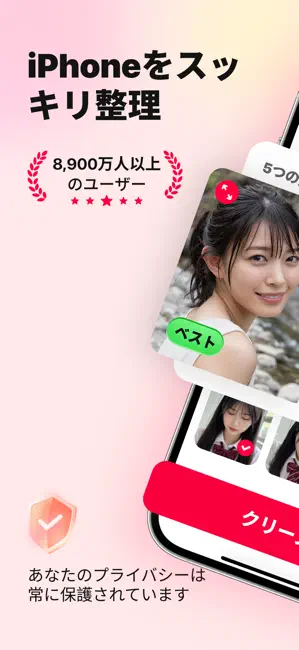
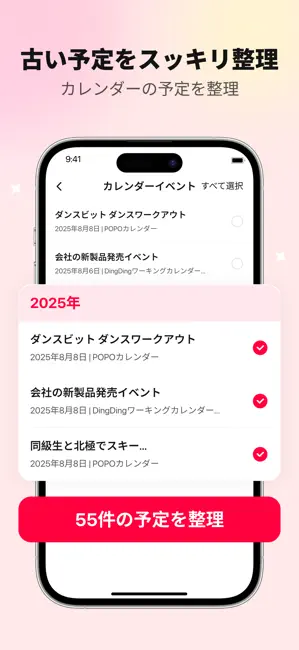
Every shipping app on the App Store has gone through the same decisions you're working through right now: which screenshot goes first, what caption sits over it, which device frame to show, what color the background should be. The 6 screenshots above are Powerful Clean: 電話クリーナー's answers to those questions — they're public, they're real, and they made it through Apple's review.
Notice the first screenshot in particular. It's the one users see in search results and on the product page, and it's where most apps spend their best caption and tightest design. Look at the proportion of background to phone, where the text sits, what one thing the image is trying to communicate.
Want to see how other Utilities apps approach the same problem? Browse more Utilities apps in the showcase.
Take what works into your own screenshots
Open LaunchShots and design your App Store & Google Play screenshots — pick a device frame, drop captions, ship in minutes. Free, in your browser.
Open the screenshot editor →