Screenshot style breakdown
Sampled from 5 of 翻译 - 语音翻译 & 拍照翻译's App Store screenshots — background, accent and theme, measured by LaunchShots (not something Apple publishes).
#ECECFC bg
#CFCFDD
#64B4D4 accent
#111111 text
Screenshots

Icon palette
About this app
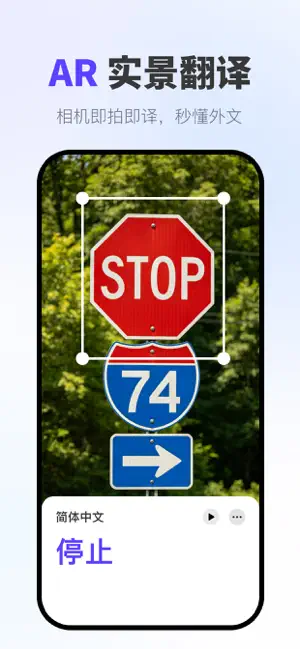
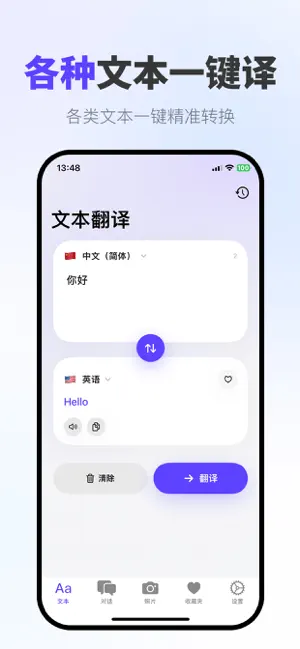
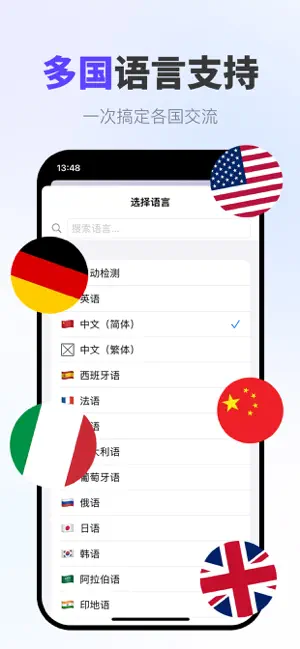
翻译是一款强大且直观的语言翻译应用,旨在打破不同语言背景人士之间的沟通障碍。通过先进的AI翻译技术,该应用可在多种语言之间提供准确自然的翻译,是旅行者、学生、商务人士和任何需要使用多种语言交流的人的必备工具。 主要功能 文本翻译: 立即在100多种语言之间进行高精度文本翻译。只需输入或粘贴任何文本,选择所需语言,即可获得保留原始含义和上下文的即时翻译。 语音翻译: 用您的语言自然说话,您的话语将以另一种语言大声翻译出来。该应用采用先进的语音识别和合成技术,确保即使在嘈杂环境中也能提供清晰的音频输出和准确的语音检测。 相机翻译: 使用设备的相机即时翻译现实世界物体上的文本。只需将相机对准标志、菜单、文档或任何印刷文本,应用程序就会在屏幕上直接叠加翻译后的文本。 对话模式: 通过应用的对话模式促进双语对话,该模式可实时自动检测两种语言并进行翻译,使与外语使用者的面对面交流流畅自然。 词典与释义: 访问包含详细定义、例句、同义词和反义词的综合词典条目,提升您的语言学习体验。 无论您…
App details
What you can learn from 翻译 - 语音翻译 & 拍照翻译
Every shipping app on the App Store has gone through the same decisions you're working through right now: which screenshot goes first, what caption sits over it, which device frame to show, what color the background should be. The 5 screenshots above are 翻译 - 语音翻译 & 拍照翻译's answers to those questions — they're public, they're real, and they made it through Apple's review.
What the numbers say: 翻译 - 语音翻译 & 拍照翻译 runs a light set with one background colour (#ECECFC) carried across every screenshot — the listing reads as a single poster when the shots sit side by side in search results. The accent colour we picked up, #64B4D4, is the one to reuse for badges, arrows and highlighted words if you borrow this look. Hit Use this style to open the editor with these exact colours and drop your own screenshot in.
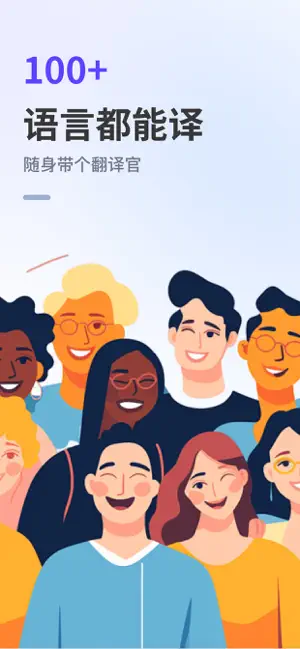
Notice the first screenshot in particular. It's the one users see in search results and on the product page, and it's where most apps spend their best caption and tightest design. Look at the proportion of background to phone, where the text sits, what one thing the image is trying to communicate.
Want to see how other Productivity apps approach the same problem? Browse more Productivity apps in the showcase.
Take what works into your own screenshots
Open LaunchShots and design your App Store & Google Play screenshots — pick a device frame, drop captions, ship in minutes. Free, in your browser.
Open the screenshot editor →Apps with a similar look
Closest background + accent colours among the listings we've analysed — useful when you want to see the same palette handled by a different team.