Screenshots


Icon palette
About this app
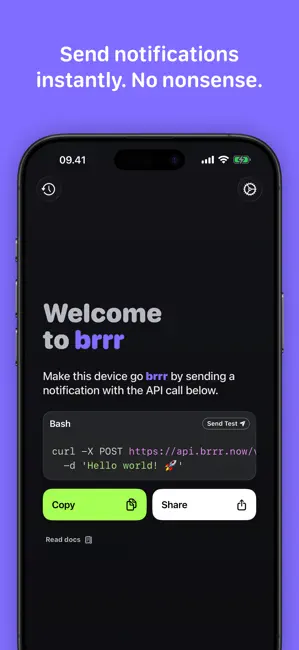
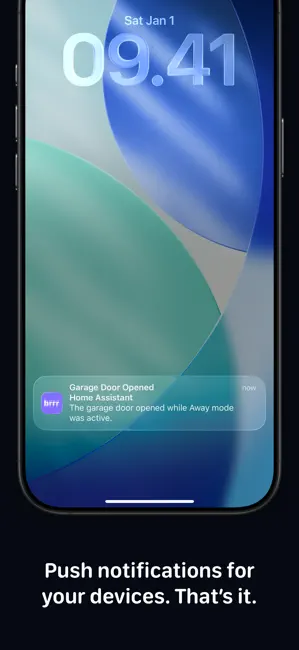
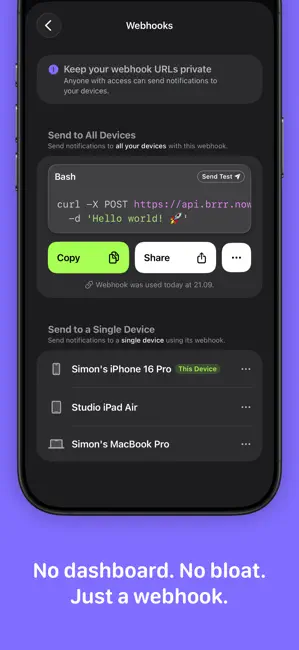
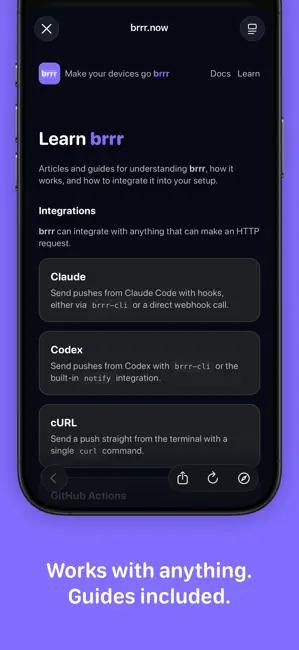
Trigger notifications from anything that can send an HTTP request: agents, scripts, automations, CI jobs, servers, smart home setups, or personal tools. No dashboard. No account setup. No unnecessary complexity. Just a small webhook that works. With brrr, you can: • Send notifications to all your devices or a single device • Trigger notifications from agents, scripts, and automations • Break through mute and Focus mode with critical notifications • Open links directly from notifications • Attach images to notifications • Keep an on-device notification history • Decide when notifications appear using Focus filters GREAT FOR AGENTS brrr is useful for agents and automations. Have an agent notify you when it is waiting for input, when a task finishes, when a run fails, when a deploy completes, or when something needs your attention immediately. FOCUS FRIENDLY brrr integrates with Foc…
App details
What you can learn from brrr • send push notifications
Every shipping app on the App Store has gone through the same decisions you're working through right now: which screenshot goes first, what caption sits over it, which device frame to show, what color the background should be. The 6 screenshots above are brrr • send push notifications's answers to those questions — they're public, they're real, and they made it through Apple's review.
Notice the first screenshot in particular. It's the one users see in search results and on the product page, and it's where most apps spend their best caption and tightest design. Look at the proportion of background to phone, where the text sits, what one thing the image is trying to communicate.
Want to see how other Developer Tools apps approach the same problem? Browse more Developer Tools apps in the showcase.
Take what works into your own screenshots
Open LaunchShots and design your App Store & Google Play screenshots — pick a device frame, drop captions, ship in minutes. Free, in your browser.
Open the screenshot editor →