Screenshots
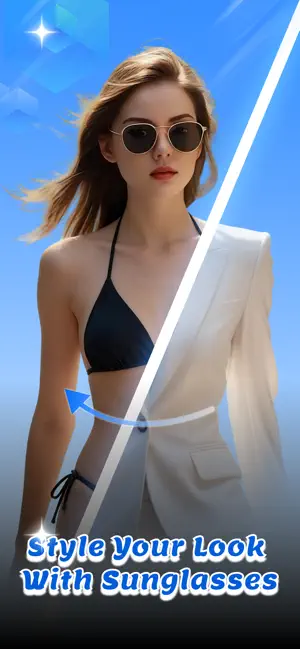
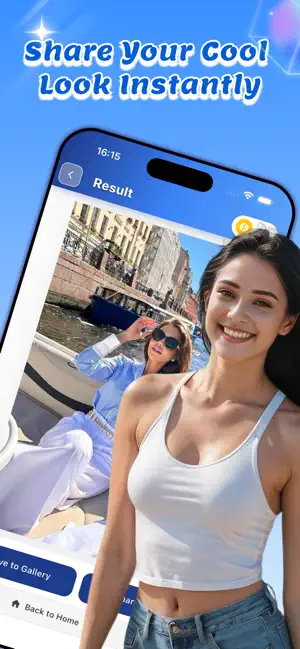
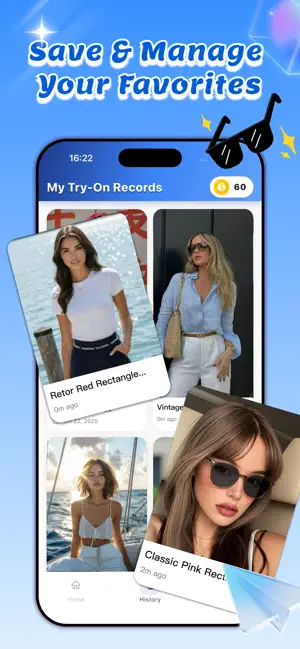
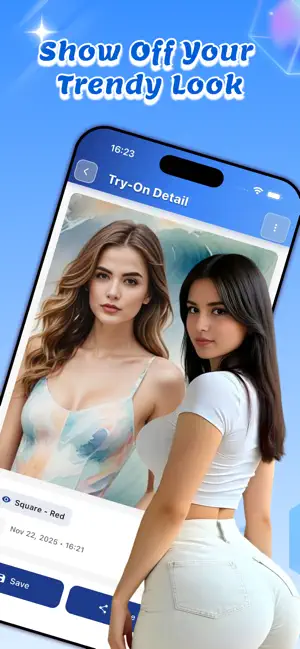
Icon palette
About this app
Slick is a lightweight iOS app that lets you try on virtual sunglasses using your photos. Upload a photo, choose your preferred sunglasses style, color, and lens type, and see how different sunglasses look on you without visiting a store. Key Features: Virtual Try-On Experience Upload photos from your gallery or take a new one with your camera. Select from 10 sunglasses styles including Classic, Aviator, Round, Cat Eye, Sport, Oversized, Square, Wayfarer, Butterfly, and Shield. Customize your look with 10 color options (Black, Brown, Blue, Green, Red, Gold, Silver, Pink, Purple, White) and 5 lens types (Standard, Gradient, Mirror, Polarized, Photochromic). The app uses AI image generation technology to create realistic try-on effects. Easy Photo Management All your generated try-on images are automatically saved to your history. View your past creations in a clean grid layout, organi…
App details
What you can learn from Slick - Shade
Every shipping app on the App Store has gone through the same decisions you're working through right now: which screenshot goes first, what caption sits over it, which device frame to show, what color the background should be. The 4 screenshots above are Slick - Shade's answers to those questions — they're public, they're real, and they made it through Apple's review.
Notice the first screenshot in particular. It's the one users see in search results and on the product page, and it's where most apps spend their best caption and tightest design. Look at the proportion of background to phone, where the text sits, what one thing the image is trying to communicate.
Want to see how other Developer Tools apps approach the same problem? Browse more Developer Tools apps in the showcase.
Take what works into your own screenshots
Open LaunchShots and design your App Store & Google Play screenshots — pick a device frame, drop captions, ship in minutes. Free, in your browser.
Open the screenshot editor →