Screenshots
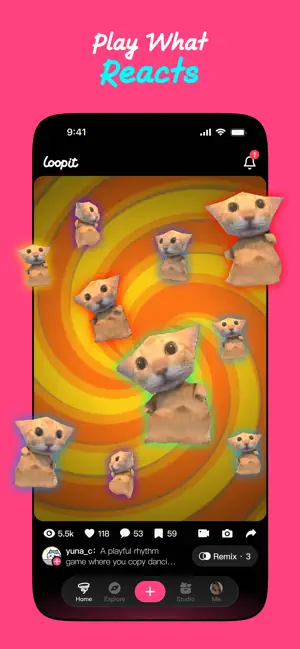
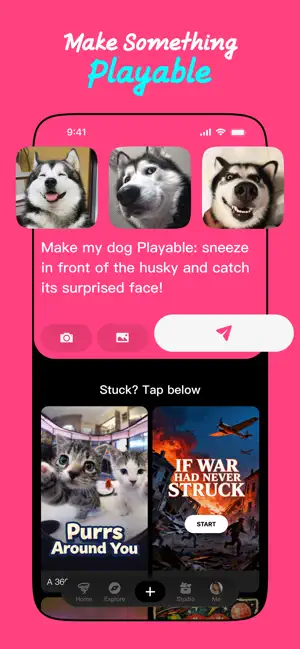
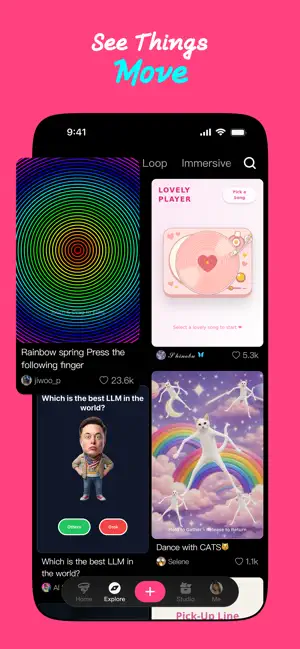
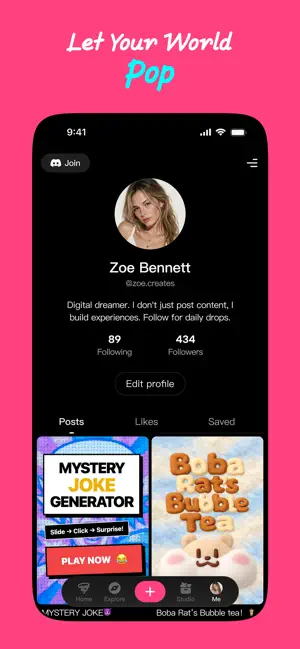
Icon palette
About this app
Turn any idea into a Playable instantly with AI. Loopit is the premier platform to make playables. From viral interactive memes to satisfying tactile mini-games, we give you the tools to create experiences that people don’t just watch — they touch, play, and remix. Powered by AI, built for creators. THE FUTURE OF PLAY IS INTERACTIVE A "playable" is more than just a game; it’s a moment of interaction. With Loopit, you can: - AI-Powered Creation: Just describe your vision. Our AI engine builds the logic and art of your playable in seconds. - No-Code Mastery: You don't need to be a developer to make playables. Our intuitive editor handles the complexity so you can focus on the fun. - Remix Culture: See a cool idea in your feed? Tap Remix to twist the mechanics, swap the visuals, and make it yours instantly. BEYOND JUST MINI GAMES What can you build when you make playables? - Interactive …
App details
What you can learn from Loopit - AI Playable Maker
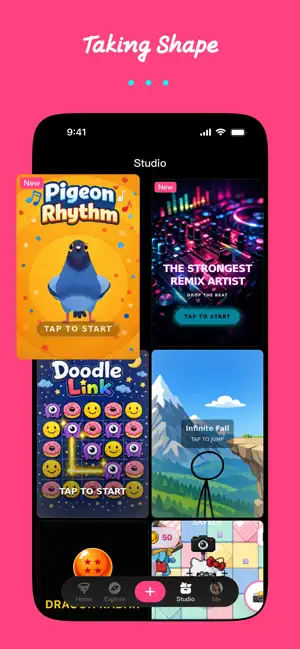
Every shipping app on the App Store has gone through the same decisions you're working through right now: which screenshot goes first, what caption sits over it, which device frame to show, what color the background should be. The 5 screenshots above are Loopit - AI Playable Maker's answers to those questions — they're public, they're real, and they made it through Apple's review.
Notice the first screenshot in particular. It's the one users see in search results and on the product page, and it's where most apps spend their best caption and tightest design. Look at the proportion of background to phone, where the text sits, what one thing the image is trying to communicate.
Want to see how other Entertainment apps approach the same problem? Browse more Entertainment apps in the showcase.
Take what works into your own screenshots
Open LaunchShots and design your App Store & Google Play screenshots — pick a device frame, drop captions, ship in minutes. Free, in your browser.
Open the screenshot editor →