Screenshots

iPad screenshots


Icon palette
About this app
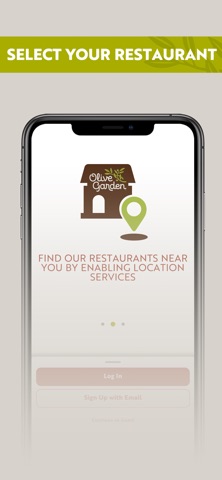
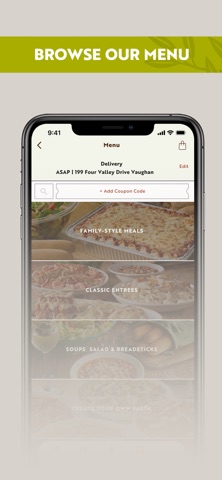
The Olive Garden Canada app conveniently brings your favourites to your fingertips. Browse the menu, place and save To Go orders, collect your curbside pickup and more, all within a few taps. Find Your Olive Garden: - Easily find your closest restaurant - Check to see what hours we are open Quick Order & Reorder: - Easily order your favourites To Go - Save your order on the app for later - Reorder your favourites with just a few taps Payments & Gift Cards: - Order & pay ahead faster and save your preferred payment - Use and save gift cards to your profile Coupons & Special Offers - Create an account & load mobile app promotions to use on your order - Enjoy special rewards Try Our New Curbside Pickup - Order and pay ahead, drive to the restaurant and we'll bring your order right to your car.
App details
What you can learn from Olive Garden Canada
Every shipping app on the App Store has gone through the same decisions you're working through right now: which screenshot goes first, what caption sits over it, which device frame to show, what color the background should be. The 6 screenshots above are Olive Garden Canada's answers to those questions — they're public, they're real, and they made it through Apple's review.
Notice the first screenshot in particular. It's the one users see in search results and on the product page, and it's where most apps spend their best caption and tightest design. Look at the proportion of background to phone, where the text sits, what one thing the image is trying to communicate.
Want to see how other Food & Drink apps approach the same problem? Browse more Food & Drink apps in the showcase.
Take what works into your own screenshots
Open LaunchShots and design your App Store & Google Play screenshots — pick a device frame, drop captions, ship in minutes. Free, in your browser.
Open the screenshot editor →