Screenshots

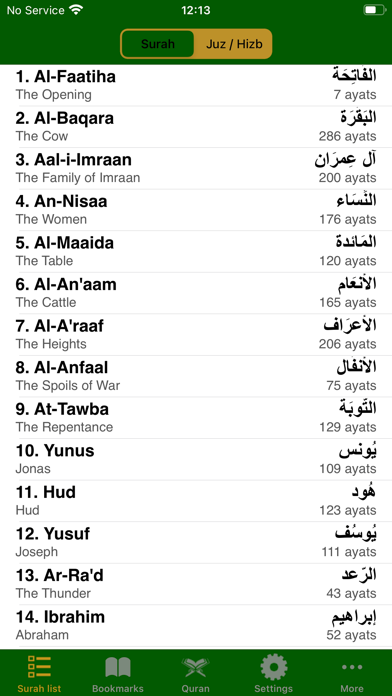

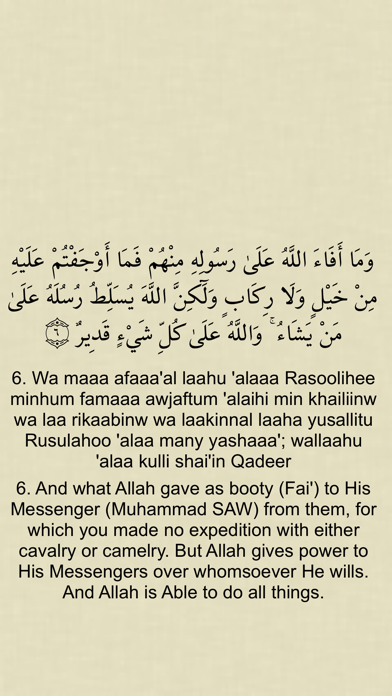

iPad screenshots


Icon palette
About this app
The Glorious Quran is a popular, unique, free and easy-to-use app that will help you to read, listen to and understand the Quran. The app allows any combination of up to 3 translations to be shown at once e.g. Arabic, English and English transliteration Univeral app - use on iPhone, iPod and iPad 3 reading modes (see screenshots) Optional English transliteration of Arabic text to help with Arabic reading (select English transliteration as the 2nd translation to enable this feature) Intuitive interface using standard iOS UI controls Selection of Arabic fonts to use including those commonly used in South Asia and the Middle East 15 translations including English, English Transliteration, Urdu, Bengali, Malay, Hindi, German, French High quality audio recitation Download manager to manage the downloading of audio files Choose between 5 different fonts Pinch-to-Zoom for changing …
App details
What you can learn from The Glorious Quran
Every shipping app on the App Store has gone through the same decisions you're working through right now: which screenshot goes first, what caption sits over it, which device frame to show, what color the background should be. The 10 screenshots above are The Glorious Quran's answers to those questions — they're public, they're real, and they made it through Apple's review.
Notice the first screenshot in particular. It's the one users see in search results and on the product page, and it's where most apps spend their best caption and tightest design. Look at the proportion of background to phone, where the text sits, what one thing the image is trying to communicate.
Want to see how other Reference apps approach the same problem? Browse more Reference apps in the showcase.
Take what works into your own screenshots
Open LaunchShots and design your App Store & Google Play screenshots — pick a device frame, drop captions, ship in minutes. Free, in your browser.
Open the screenshot editor →