Screenshots



Icon palette
About this app
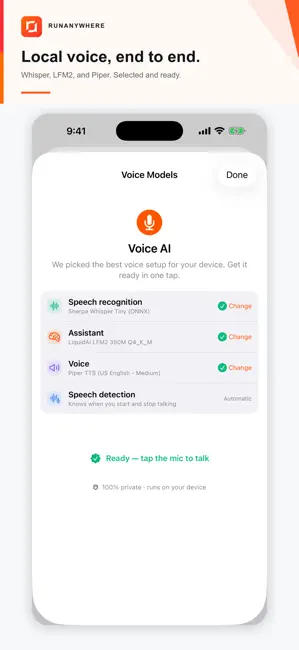
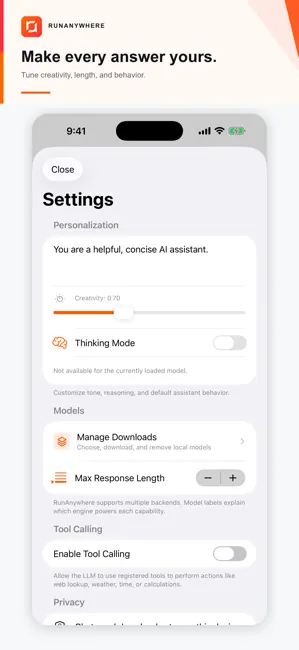
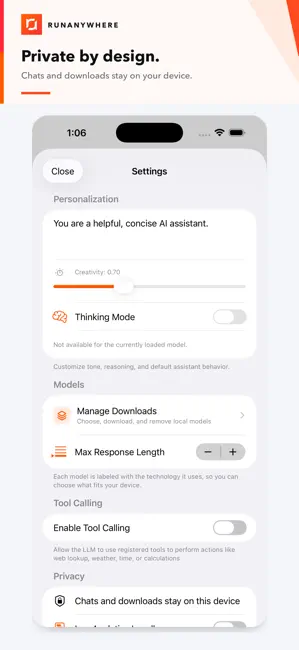
RunAnywhere brings private, on-device AI to your iPhone and iPad. Download a model once, then chat, transcribe speech, and generate natural-sounding audio locally, even when you are offline. PRIVATE AI IN ACTION Ask questions, summarize ideas, draft text, and have useful conversations without sending every prompt to a remote AI service. VOICE, END TO END - Turn speech into text with compact Whisper models - Listen to natural text-to-speech with Piper voices - Use a voice assistant that connects listening, reasoning, and speaking CHOOSE THE RIGHT MODEL Choose compatible models across llama.cpp, ONNX, and MLX runtimes. Model availability and performance vary by device. BUILT FOR PRIVACY AI inference runs on your device, reducing the need to send prompts or audio to a remote model service. WORK OFFLINE After downloading your selected models, core AI experiences can run without Wi-Fi o…
App details
What you can learn from RunAnywhere
Every shipping app on the App Store has gone through the same decisions you're working through right now: which screenshot goes first, what caption sits over it, which device frame to show, what color the background should be. The 6 screenshots above are RunAnywhere's answers to those questions — they're public, they're real, and they made it through Apple's review.
Notice the first screenshot in particular. It's the one users see in search results and on the product page, and it's where most apps spend their best caption and tightest design. Look at the proportion of background to phone, where the text sits, what one thing the image is trying to communicate.
Want to see how other Developer Tools apps approach the same problem? Browse more Developer Tools apps in the showcase.
Take what works into your own screenshots
Open LaunchShots and design your App Store & Google Play screenshots — pick a device frame, drop captions, ship in minutes. Free, in your browser.
Open the screenshot editor →