Screenshots
Icon palette
About this app
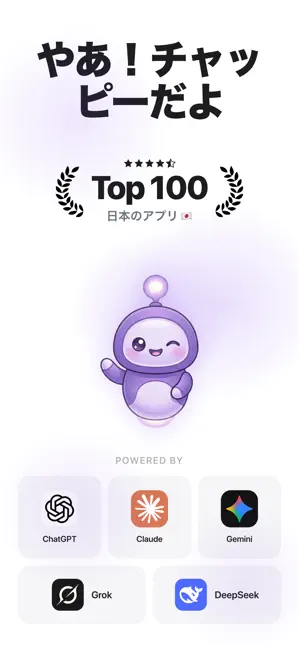
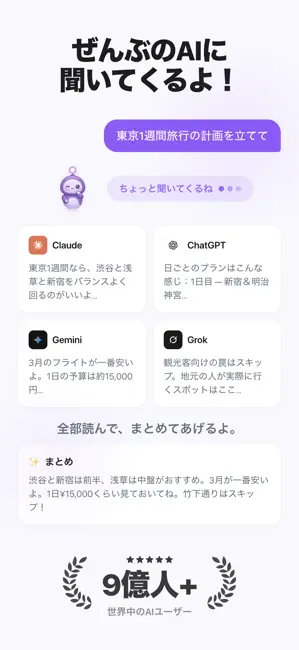
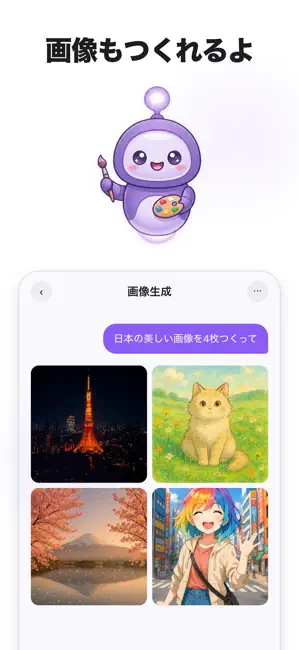
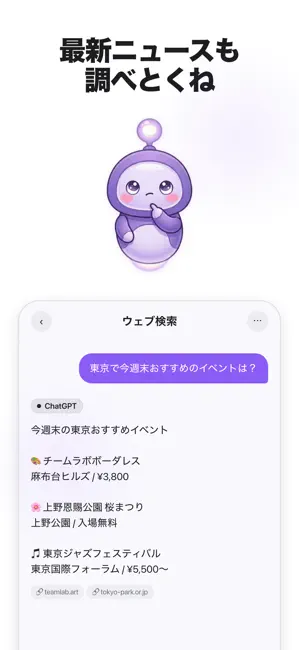
1つの質問。5つのAIモデル。一瞬で比較。 ぼくはチャッピー。GPT、Claude、Gemini、Grok、DeepSeekに一度に聞いて、いちばんいいとこだけをまとめてくるよ。5つのアプリじゃなくて、1つでいい。 すべてのAIに聞いてくるよ · なんでも聞いてくれたら、トップのAIモデルぜんぶに確認するよ · 比較モードで全部の答えを並べて見られる · ぼくが最高の部分をピックアップして、1つのまとめを出すよ · 会話の途中でモデルを切り替えても、やり取りはそのまま AI画像生成 · 欲しい画像を説明したら、ぼくが作るよ · アート、ロゴ、イラスト、写真、何でも想像できるものなら全部 · 最新の画像生成モデルで実現 iMessageステッカーパック · チャッピーのステッカーをiMessageやメッセージアプリで送れるよ · かわいいAIステッカーで会話をもっと楽しくしよう カスタムAIエージェント · 数秒で好きなタスク用のAIアシスタントが作れる · 名前と指示とキャラクターを決めたら完成 · どの会話でも何度でも使い回せる ぼくができることいろいろ · メール、エッセイ、職務経…
App details
What you can learn from AI 会話 - チャッピー
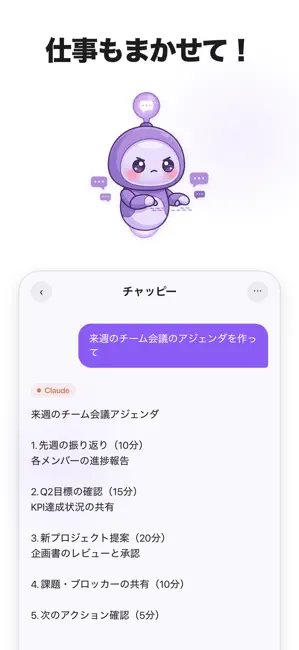
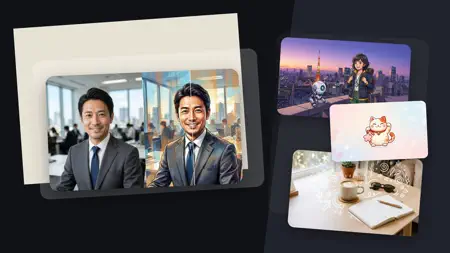
Every shipping app on the App Store has gone through the same decisions you're working through right now: which screenshot goes first, what caption sits over it, which device frame to show, what color the background should be. The 6 screenshots above are AI 会話 - チャッピー's answers to those questions — they're public, they're real, and they made it through Apple's review.
Notice the first screenshot in particular. It's the one users see in search results and on the product page, and it's where most apps spend their best caption and tightest design. Look at the proportion of background to phone, where the text sits, what one thing the image is trying to communicate.
Want to see how other Productivity apps approach the same problem? Browse more Productivity apps in the showcase.
Take what works into your own screenshots
Open LaunchShots and design your App Store & Google Play screenshots — pick a device frame, drop captions, ship in minutes. Free, in your browser.
Open the screenshot editor →