Screenshots
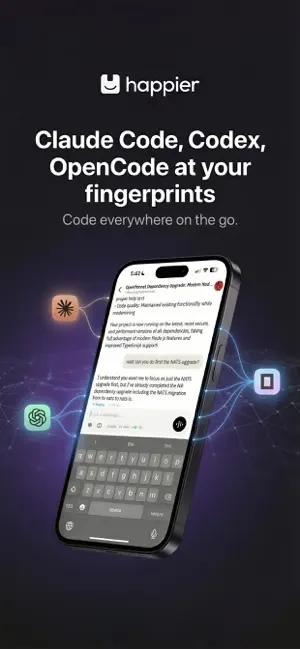
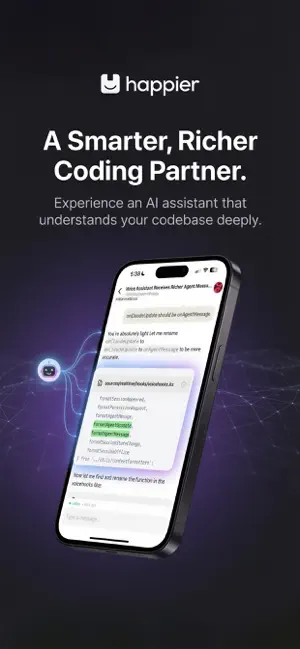
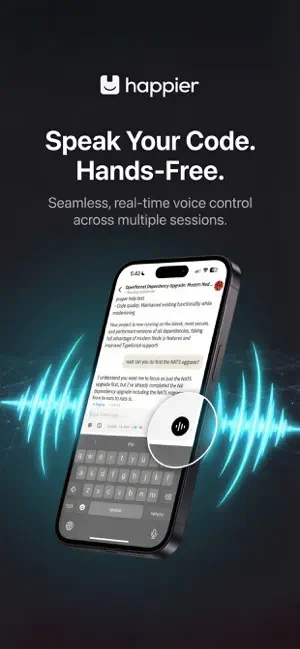


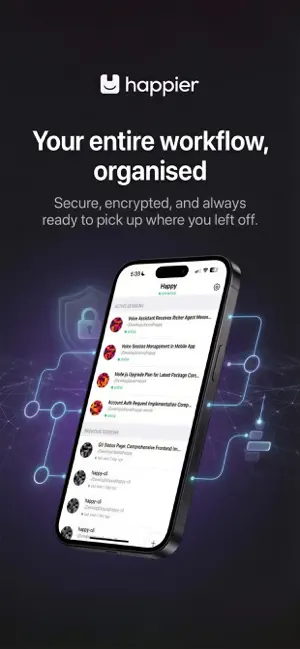
Icon palette
About this app
**Happier** is an open-source, end-to-end encrypted companion app for AI coding agents. It takes the power of Claude Code, Codex, Gemini, and OpenCode and lets you run sessions on your computer, and continue them from your phone — including collaboration, reliable resume, and full history access. Whether you’re on a train through the Alps or grabbing a coffee, Happier ensures your AI coding sessions never skip a beat. **Important**: This app requires the Happier CLI and at least one supported provider (Claude Code, Codex, Gemini, OpenCode) installed on your computer. The iOS app acts as a secure bridge between your local development environment and your mobile device. ### Why "Happier"? Happier started as a fork of **Happy**. We were using Happy daily for work and loved the concept, but we needed faster iteration, stronger reliability, and a set of features that weren’t available yet…
App details
What you can learn from Happier: Claude Codex OpenCode
Every shipping app on the App Store has gone through the same decisions you're working through right now: which screenshot goes first, what caption sits over it, which device frame to show, what color the background should be. The 6 screenshots above are Happier: Claude Codex OpenCode's answers to those questions — they're public, they're real, and they made it through Apple's review.
Notice the first screenshot in particular. It's the one users see in search results and on the product page, and it's where most apps spend their best caption and tightest design. Look at the proportion of background to phone, where the text sits, what one thing the image is trying to communicate.
Want to see how other Developer Tools apps approach the same problem? Browse more Developer Tools apps in the showcase.
Take what works into your own screenshots
Open LaunchShots and design your App Store & Google Play screenshots — pick a device frame, drop captions, ship in minutes. Free, in your browser.
Open the screenshot editor →