Screenshots

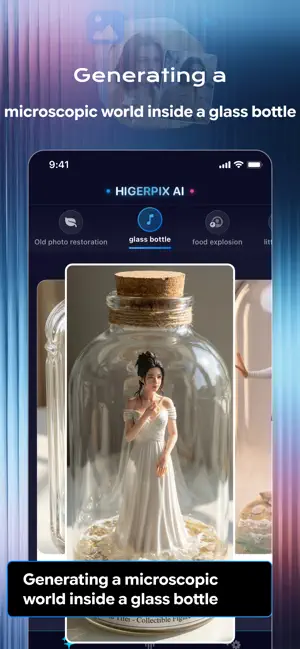

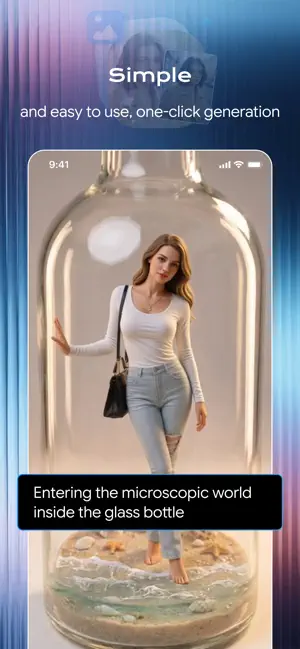

Icon palette
About this app
HigerPix - Your AI Creative Visual Studio Redefining the Possibilities of Image Processing Welcome to HigerPix, an all-in-one visual magic box that combines AI-powered restoration with creative generation. Whether you want to preserve precious memories from the past or create fantastical visions of the future, HigerPix turns your imagination into reality. Core Features Old Photo Restoration – Bring Memories Back to Life • Intelligently identify and restore blurry, scratched, or faded old photographs • Automatically colorize black-and-white photos, reviving authentic historical hues • Enhance facial details, making the smiles of loved ones clear once more Glass Jar Microcosm – Capture the Wonder of Miniature Worlds • Transform ordinary objects into miniature artworks inside a glass jar • Create unique “world-in-a-jar” visual effects • Customize the jar’s interior scene to des…
App details
What you can learn from HigerPix AI - AI Make Photo
Every shipping app on the App Store has gone through the same decisions you're working through right now: which screenshot goes first, what caption sits over it, which device frame to show, what color the background should be. The 5 screenshots above are HigerPix AI - AI Make Photo's answers to those questions — they're public, they're real, and they made it through Apple's review.
Notice the first screenshot in particular. It's the one users see in search results and on the product page, and it's where most apps spend their best caption and tightest design. Look at the proportion of background to phone, where the text sits, what one thing the image is trying to communicate.
Want to see how other Graphics & Design apps approach the same problem? Browse more Graphics & Design apps in the showcase.
Take what works into your own screenshots
Open LaunchShots and design your App Store & Google Play screenshots — pick a device frame, drop captions, ship in minutes. Free, in your browser.
Open the screenshot editor →