Screenshots
Icon palette
About this app
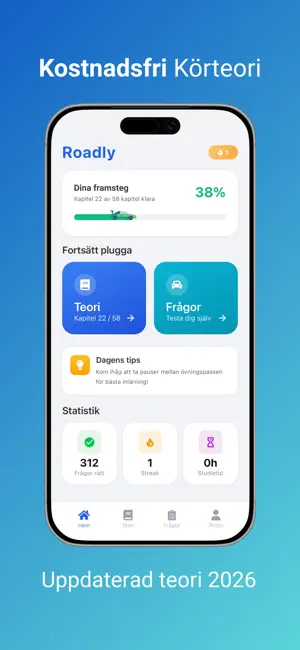
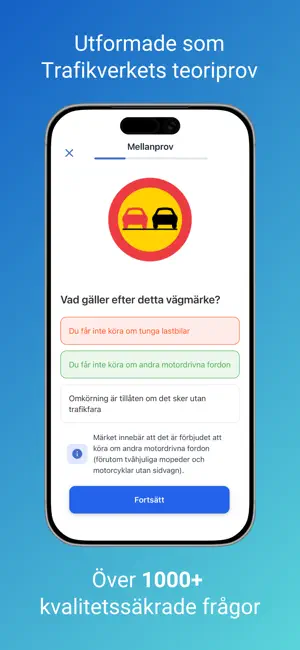
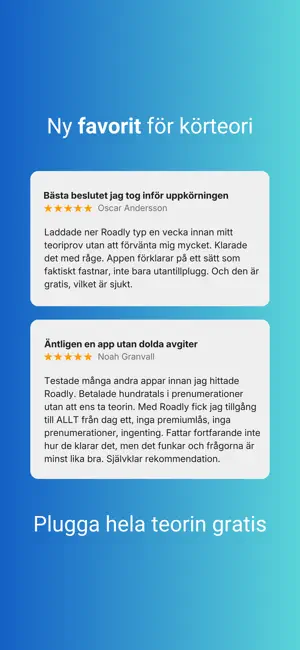
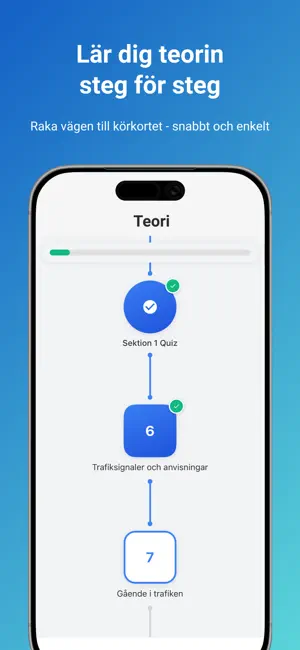
Plugga till körkortsteori för B-behörighet med Sveriges mest kompletta gratisapp. Roadly ger dig alla verktyg som krävs för att klara Trafikverkets kunskapsprov. Funktioner för körkortet 2026: Körkortsfrågor: Hundratals frågor som täcker allt från vägmärken till miljöregler och säkerhet. Vägmärken: En komplett databas över alla svenska skyltar och markeringar. Provsimulator: Ett realistiskt prov som efterliknar strukturen och tidspressen på det riktiga provet hos Trafikverket. Pedagogik i fokus: Lär dig varför ett svar är rätt eller fel. Vi går på djupet med högerregeln, cirkulationsplatser och sparsam körning. Statistik: Se dina framsteg i realtid och se när du är redo för det riktiga provet. Varför är Roadly gratis? Vi anser att trafiksäkerhet inte ska ligga bakom en betalvägg. Roadly finansieras av vår passion för säkrare vägar, vilket säkerställer att alla har tillgång till högkvali…
App details
What you can learn from Roadly
Every shipping app on the App Store has gone through the same decisions you're working through right now: which screenshot goes first, what caption sits over it, which device frame to show, what color the background should be. The 4 screenshots above are Roadly's answers to those questions — they're public, they're real, and they made it through Apple's review.
Notice the first screenshot in particular. It's the one users see in search results and on the product page, and it's where most apps spend their best caption and tightest design. Look at the proportion of background to phone, where the text sits, what one thing the image is trying to communicate.
Want to see how other Education apps approach the same problem? Browse more Education apps in the showcase.
Take what works into your own screenshots
Open LaunchShots and design your App Store & Google Play screenshots — pick a device frame, drop captions, ship in minutes. Free, in your browser.
Open the screenshot editor →