Screenshot changes — detected by LaunchShots
Screenshot style breakdown
Sampled from 6 of Spylisa - Juego de detective's App Store screenshots — background, accent and theme, measured by LaunchShots (not something Apple publishes).
#FCACBC bg
#DD97A5
#FC647C accent
#111111 text
Screenshots


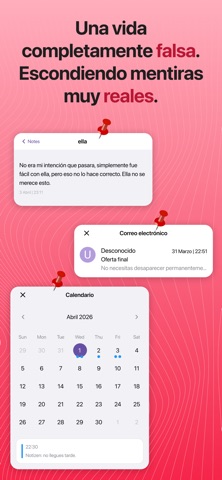
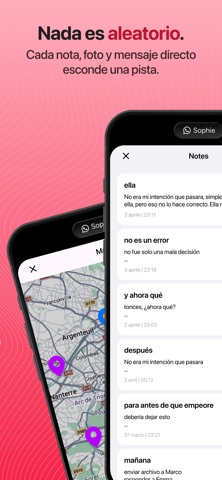


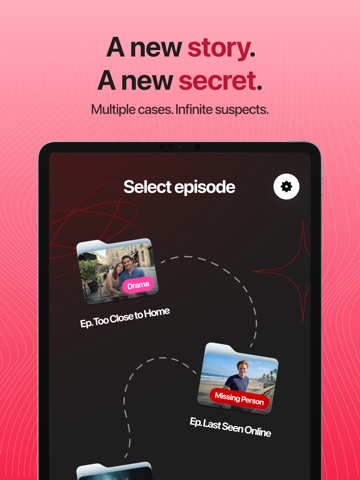
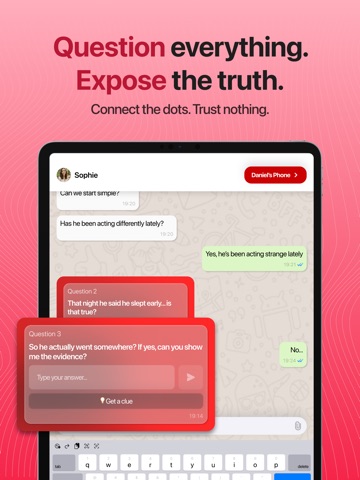
iPad screenshots



Icon palette
About this app
Spylisa es un juego de investigación interactivo en el que te conviertes en un detective digital y exploras un smartphone simulado para descubrir verdades ocultas. Dentro de este teléfono, nada es lo que parece: apps, conversaciones, fotos y archivos pueden contener pistas que te ayuden a entender lo que realmente pasó. En cada caso, investigarás un entorno de móvil realista con apps de redes sociales, mensajes privados, notas, galerías, calendarios y, a veces, incluso contenido bloqueado o eliminado. Tu misión es analizar todo con atención, conectar las pistas y reconstruir la historia detrás de eventos misteriosos. Cada detalle importa. Un simple mensaje, una foto sospechosa o un contacto que pasaste por alto pueden revelar una pieza clave del rompecabezas. Como un verdadero detective, tendrás que observar bien, cuestionar lo que ves y seguir el rastro de pistas hasta llegar a la ve…
App details
What you can learn from Spylisa - Juego de detective
Every shipping app on the App Store has gone through the same decisions you're working through right now: which screenshot goes first, what caption sits over it, which device frame to show, what color the background should be. The 12 screenshots above are Spylisa - Juego de detective's answers to those questions — they're public, they're real, and they made it through Apple's review.
What the numbers say: Spylisa - Juego de detective runs a light set where the background shifts from screenshot to screenshot (first shot #FCACBC) — each image has to stand on its own, so the captions carry more of the story. The accent colour we picked up, #FC647C, is the one to reuse for badges, arrows and highlighted words if you borrow this look. Hit Use this style to open the editor with these exact colours and drop your own screenshot in.
Notice the first screenshot in particular. It's the one users see in search results and on the product page, and it's where most apps spend their best caption and tightest design. Look at the proportion of background to phone, where the text sits, what one thing the image is trying to communicate.
Want to see how other Games apps approach the same problem? Browse more Games apps in the showcase.
Take what works into your own screenshots
Open LaunchShots and design your App Store & Google Play screenshots — pick a device frame, drop captions, ship in minutes. Free, in your browser.
Open the screenshot editor →Apps with a similar look
Closest background + accent colours among the listings we've analysed — useful when you want to see the same palette handled by a different team.