Screenshot style breakdown
Sampled from 6 of BrainQraft's App Store screenshots — background, accent and theme, measured by LaunchShots (not something Apple publishes).
#040404 bg
#272727
#FCCC04 accent
#FFFFFF text
Reading the caption text from the screenshots in your browser…
Screenshots
Icon palette
About this app
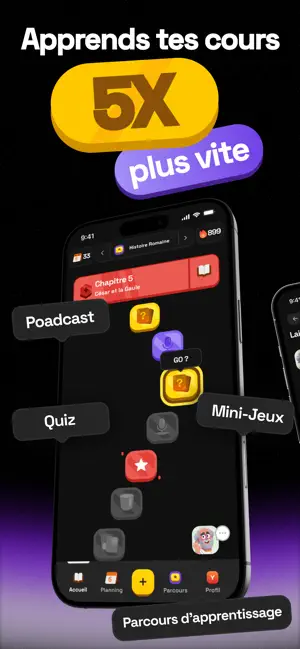
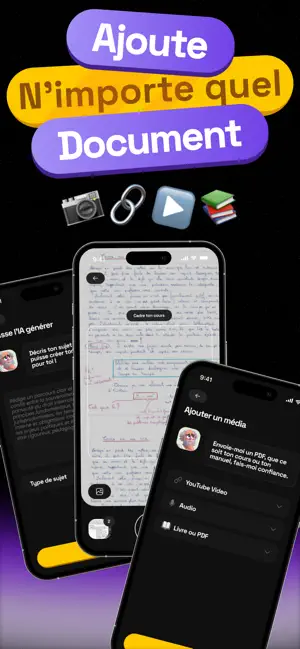
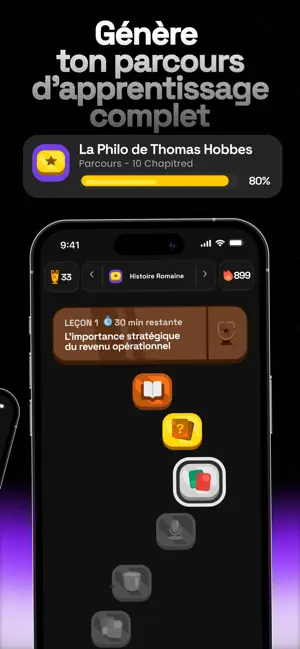
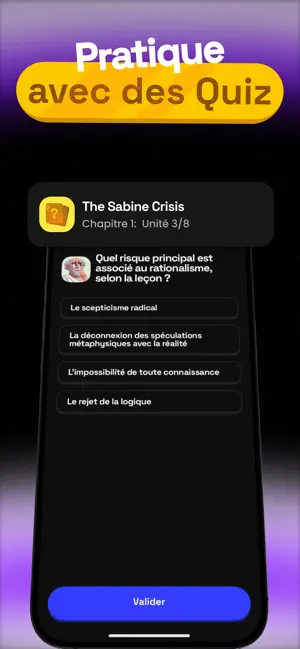
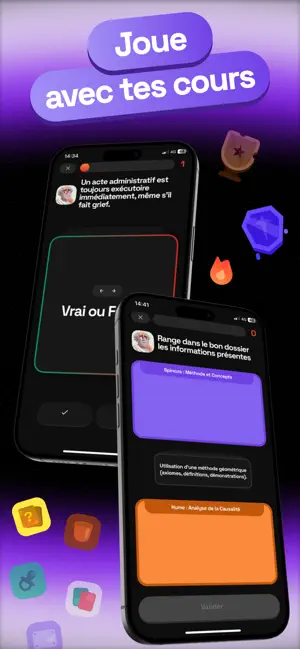
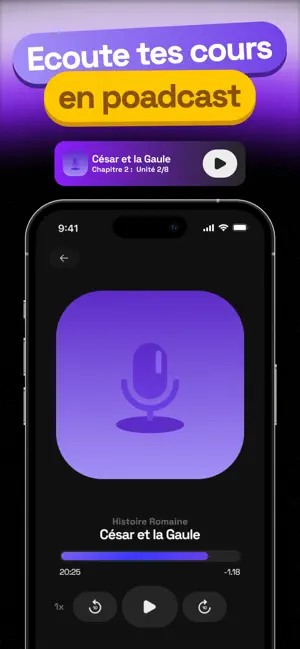
Tu surlignes, tu relis, et le lendemain c'est le vide. Normal — le problème c'est pas toi, c'est le format. BrainQraft, c'est l'apprentissage par le jeu appliqué à tes propres cours. Comment ça marche Upload tes cours — PDF, notes, photo de cours, vidéo YouTube. Tout passe. L'IA génère ton parcours — Structuré en chapitres, adapté à ton contenu, prêt en quelques minutes. Joue à tes cours — Révise à travers des mini-jeux qui ancrent chaque notion. Des formats qui marchent vraiment Quiz — Choix multiples, chapitre par chapitre. Vrai ou Faux — Swipe pour valider ou invalider chaque affirmation. Drag & Drop — Range chaque info dans la bonne catégorie en la glissant dans le bon dossier. Trouve l'intrus — Quatre cartes, une fausse info cachée parmi les vraies. À toi de la repérer. Podcasts — Des épisodes courts générés depuis TON cours. Révise en écoutant. Pas de contenu générique. Chaque …
App details
What you can learn from BrainQraft
Every shipping app on the App Store has gone through the same decisions you're working through right now: which screenshot goes first, what caption sits over it, which device frame to show, what color the background should be. The 6 screenshots above are BrainQraft's answers to those questions — they're public, they're real, and they made it through Apple's review.
What the numbers say: BrainQraft runs a dark set with one background colour (#040404) carried across every screenshot — the listing reads as a single poster when the shots sit side by side in search results. The accent colour we picked up, #FCCC04, is the one to reuse for badges, arrows and highlighted words if you borrow this look. Hit Use this style to open the editor with these exact colours and drop your own screenshot in.
Notice the first screenshot in particular. It's the one users see in search results and on the product page, and it's where most apps spend their best caption and tightest design. Look at the proportion of background to phone, where the text sits, what one thing the image is trying to communicate.
Want to see how other Education apps approach the same problem? Browse more Education apps in the showcase.
Take what works into your own screenshots
Open LaunchShots and design your App Store & Google Play screenshots — pick a device frame, drop captions, ship in minutes. Free, in your browser.
Open the screenshot editor →Apps with a similar look
Closest background + accent colours among the listings we've analysed — useful when you want to see the same palette handled by a different team.