Screenshots
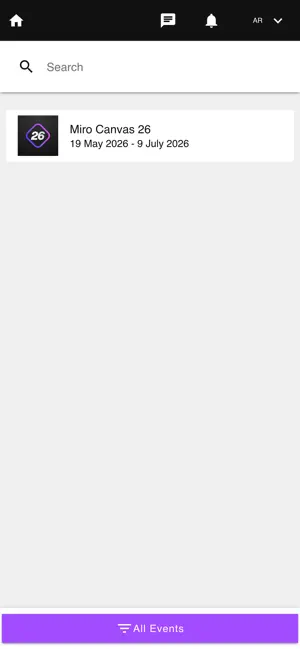

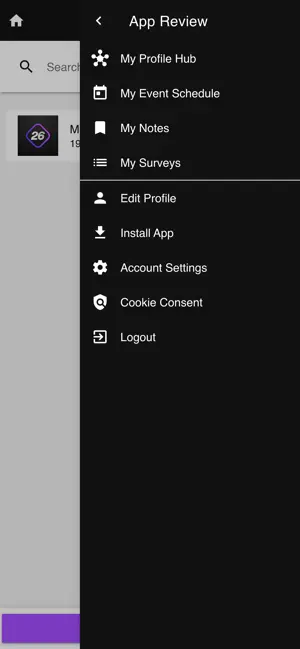
Icon palette
About this app
Your official companion app for Canvas, Miro's global event for teams building the next big thing. Canvas brings together product, design, engineering, and transformation leaders to share what's working and what's next. From inspiring keynotes to hands-on sessions, you'll walk away with valuable insights and proven strategies to bring back to your team. Wherever you’re joining us, here’s how the app helps you make the most of Canvas: Build your agenda: Explore the full lineup and plan your day around the sessions that matter most. Get to know the speakers: Browse speaker profiles so you know who's on stage and what they'll cover. Get answers fast: Find all the practical details in one place, from logistics to venue details and technical support. Download the app, plan your day, and come ready to make the most of Canvas.
App details
What you can learn from Miro Canvas
Every shipping app on the App Store has gone through the same decisions you're working through right now: which screenshot goes first, what caption sits over it, which device frame to show, what color the background should be. The 3 screenshots above are Miro Canvas's answers to those questions — they're public, they're real, and they made it through Apple's review.
Notice the first screenshot in particular. It's the one users see in search results and on the product page, and it's where most apps spend their best caption and tightest design. Look at the proportion of background to phone, where the text sits, what one thing the image is trying to communicate.
Want to see how other Reference apps approach the same problem? Browse more Reference apps in the showcase.
Take what works into your own screenshots
Open LaunchShots and design your App Store & Google Play screenshots — pick a device frame, drop captions, ship in minutes. Free, in your browser.
Open the screenshot editor →