Screenshot style breakdown
Sampled from 5 of 幸福小院-我的儿时旧时光's App Store screenshots — background, accent and theme, measured by LaunchShots (not something Apple publishes).
#F4E4CC bg
#D6C8B3
#F4CC74 accent
#111111 text
Screenshots
Icon palette
About this app
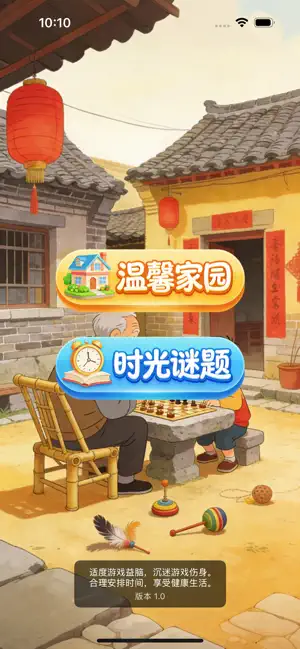
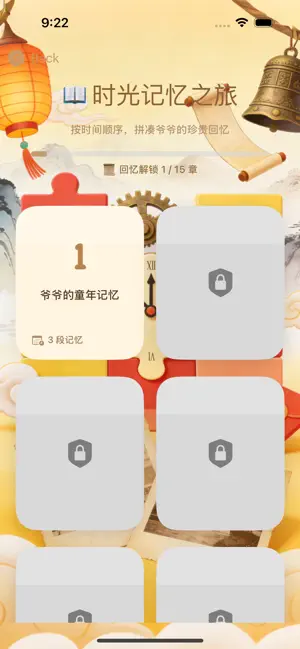
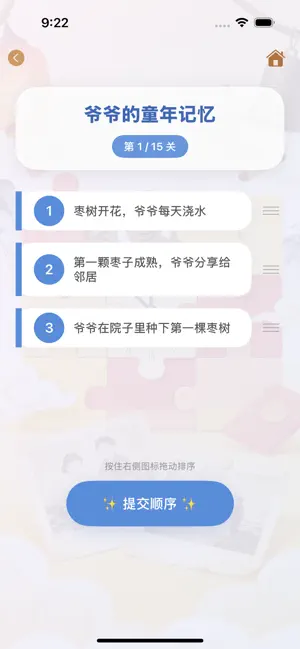
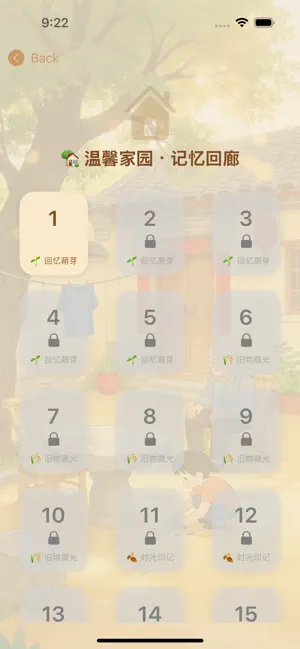
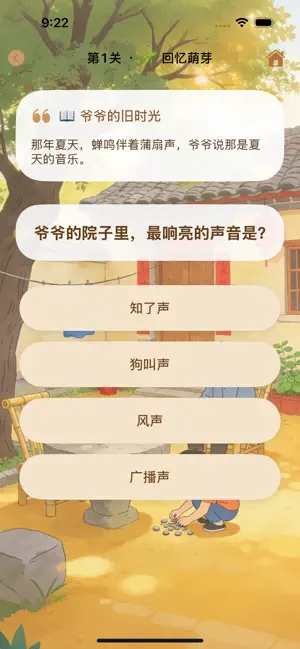
以怀旧故事为核心的益智游戏。在这里,你将走进爷爷的童年、老屋的变迁、田野上的学校、百年家书……通过事件排序和知识问答两种玩法,重温那些温暖又珍贵的乡村记忆。 游戏分为两大模式,共 35 个精心设计的关卡,每一关都藏着一个真实感人的故事。适合所有年龄段的玩家,尤其适合与家人一起游玩,在游戏中共话往昔。 时光谜题 · 事件排序 把打乱的事件按正确的时间顺序排列,还原爷爷的人生片段。 • 15 个剧情关卡:从“爷爷种下第一棵枣树”到“百年家书”,故事越来越长,挑战逐步升级。 • 拖拽排序:按住卡片右侧图标上下拖动,调整事件顺序。 • 即时反馈:提交答案后,系统会给出正确 / 错误提示,并可重试或跳过。 • 沉浸式设计:柔和渐变背景、卡片阴影、轻触震动与音效,带来纸质书般的翻阅感。 家园问答 · 知识问答 根据故事提示,选择最符合回忆的答案。 • 20 个问答关卡:从“爷爷院子里最响亮的声音”到“门神的名字”,难度从“回忆萌芽”到“归家记忆”逐级递增。 • 选项丰富:每道题有 4 个备选答案,只有一个是爷爷记忆里的真实选择。 • 错题震动与重试:…
App details
What you can learn from 幸福小院-我的儿时旧时光
Every shipping app on the App Store has gone through the same decisions you're working through right now: which screenshot goes first, what caption sits over it, which device frame to show, what color the background should be. The 5 screenshots above are 幸福小院-我的儿时旧时光's answers to those questions — they're public, they're real, and they made it through Apple's review.
What the numbers say: 幸福小院-我的儿时旧时光 runs a light set where the background shifts from screenshot to screenshot (first shot #F4E4CC) — each image has to stand on its own, so the captions carry more of the story. The accent colour we picked up, #F4CC74, is the one to reuse for badges, arrows and highlighted words if you borrow this look. Hit Use this style to open the editor with these exact colours and drop your own screenshot in.
Notice the first screenshot in particular. It's the one users see in search results and on the product page, and it's where most apps spend their best caption and tightest design. Look at the proportion of background to phone, where the text sits, what one thing the image is trying to communicate.
Want to see how other Games apps approach the same problem? Browse more Games apps in the showcase.
Take what works into your own screenshots
Open LaunchShots and design your App Store & Google Play screenshots — pick a device frame, drop captions, ship in minutes. Free, in your browser.
Open the screenshot editor →Apps with a similar look
Closest background + accent colours among the listings we've analysed — useful when you want to see the same palette handled by a different team.