Screenshot style breakdown
Sampled from 6 of ワールドカップ2026 ライブ's App Store screenshots — background, accent and theme, measured by LaunchShots (not something Apple publishes).
#0C8C54 bg
#2E9C6B
#5CAC84 accent
#FFFFFF text
Reading the caption text from the screenshots in your browser…
Screenshots
Icon palette
About this app
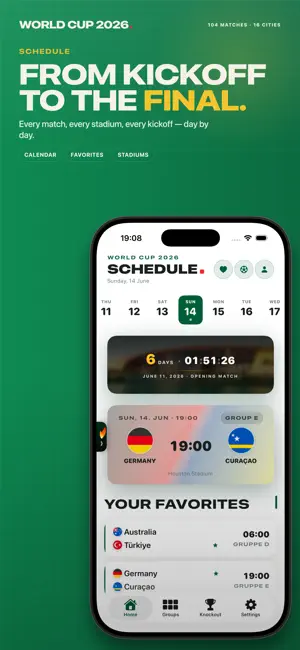
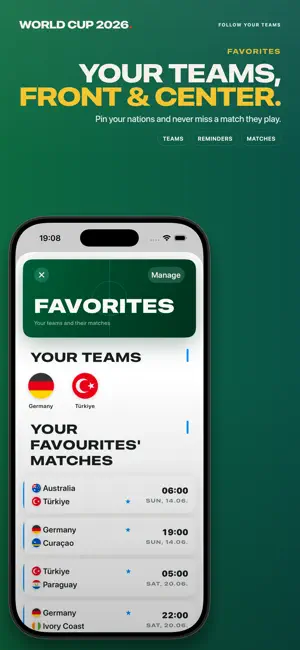
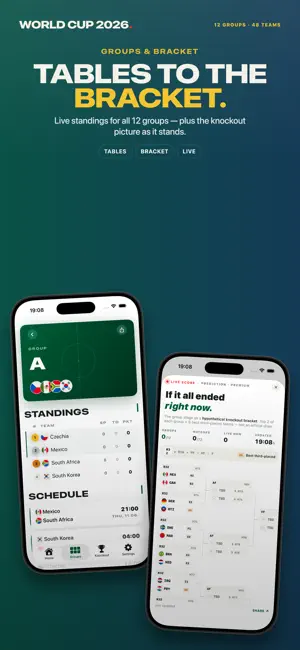
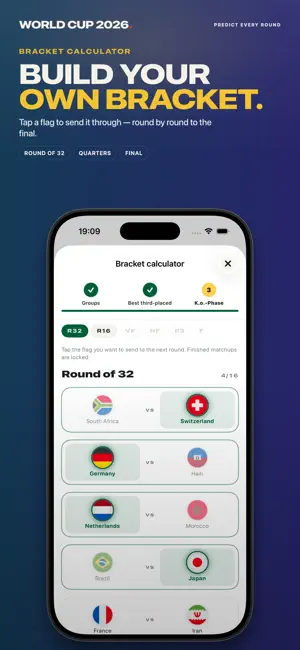
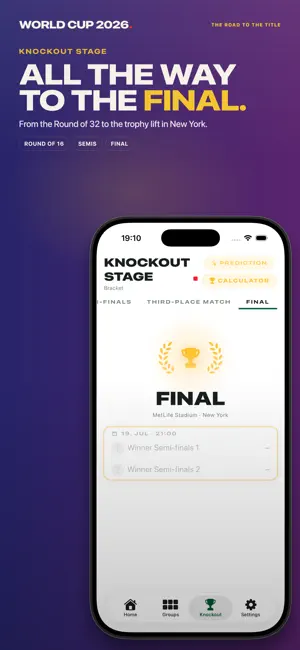
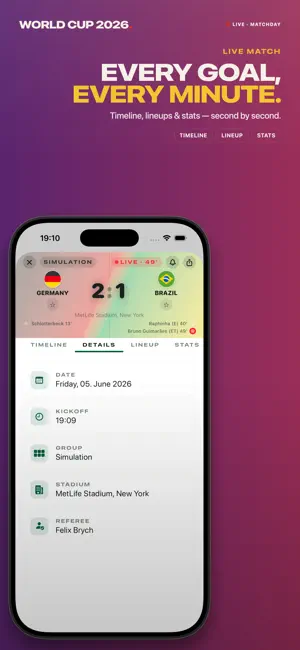
アメリカ・カナダ・メキシコで開催される2026 FIFAワールドカップのためのコンパクトな相棒アプリ。全104試合、全48チーム、全16スタジアムに対応。6月11日の開幕戦から7月19日の決勝まで。 完全な試合日程 • 全104試合を日付とグループ別に表示 • あなたのタイムゾーンでのキックオフ時刻、スタジアム、都市 • お気に入りチームをひと目でチェック ライブ — すべてのゴール、すべての分 • リアルタイムのイベント:ゴール、カード、交代、VAR • スタメン、スタッツ、ハーフタイムと試合終了スコア • ヘッダーにライブの経過時間とスコア グループステージと決勝トーナメント • 全12グループの順位表を秒単位で更新 • ベスト32から決勝までのトーナメント表 • 各組3位の成績比較と全進出シナリオ ライブアクティビティと通知 • ロック画面にライブスコアを表示 • 欲しいイベントだけ通知:ゴール、カード、キックオフ、ハーフタイム、試合終了、VAR、リマインダー • お気に入りチームの通知 予想 • ベスト16から決勝まで予想 • あらゆるシナリオに対応するトーナ…
App details
What you can learn from ワールドカップ2026 ライブ
Every shipping app on the App Store has gone through the same decisions you're working through right now: which screenshot goes first, what caption sits over it, which device frame to show, what color the background should be. The 6 screenshots above are ワールドカップ2026 ライブ's answers to those questions — they're public, they're real, and they made it through Apple's review.
What the numbers say: ワールドカップ2026 ライブ runs a mixed light-and-dark set where the background shifts from screenshot to screenshot (first shot #0C8C54) — each image has to stand on its own, so the captions carry more of the story. The accent colour we picked up, #5CAC84, is the one to reuse for badges, arrows and highlighted words if you borrow this look. Hit Use this style to open the editor with these exact colours and drop your own screenshot in.
Notice the first screenshot in particular. It's the one users see in search results and on the product page, and it's where most apps spend their best caption and tightest design. Look at the proportion of background to phone, where the text sits, what one thing the image is trying to communicate.
Want to see how other Sports apps approach the same problem? Browse more Sports apps in the showcase.
Take what works into your own screenshots
Open LaunchShots and design your App Store & Google Play screenshots — pick a device frame, drop captions, ship in minutes. Free, in your browser.
Open the screenshot editor →Apps with a similar look
Closest background + accent colours among the listings we've analysed — useful when you want to see the same palette handled by a different team.