Chart position — tracked daily by LaunchShots
Screenshot style breakdown
Sampled from 5 of 拼豆饭 - 不数格子的拼豆提速神器's App Store screenshots — background, accent and theme, measured by LaunchShots (not something Apple publishes).
#FCE4D4 bg
#DDC8BA
#FC3C3C accent
#111111 text
Screenshots


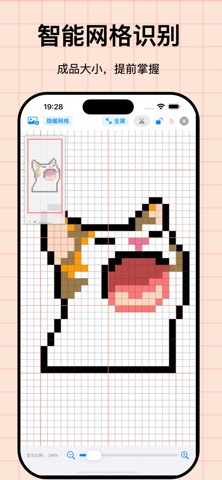
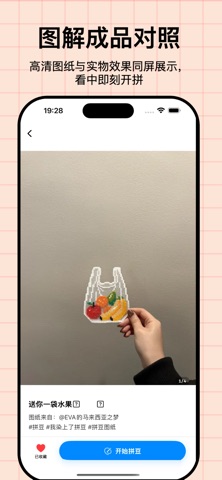
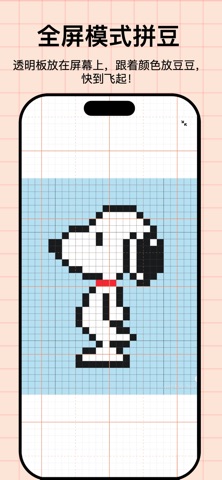
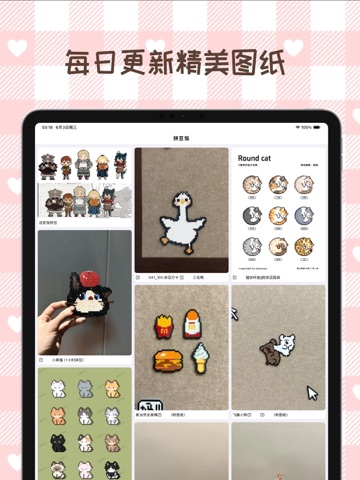
iPad screenshots

Icon palette
About this app
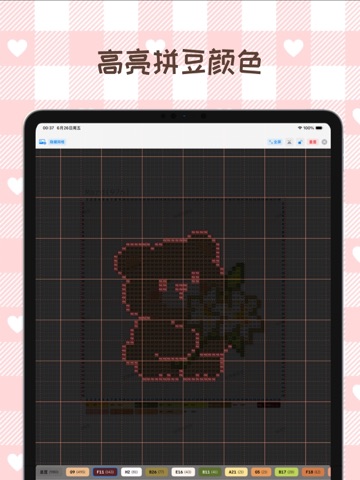
拼豆女孩的效率黑科技,让每一次拼豆都充满治愈! 还在一边盯着屏幕,一边辛苦地数格子吗? 眼花缭乱数到头晕,拼错一个又要全盘拆掉重来? 去手工店拼豆按小时计费,每次超时心都在滴血? 别再折磨你的眼睛和钱包啦!【拼豆饭】 专为拼豆爱好者打造,带你进入“无脑对齐”的快乐创作时代! 为什么你会爱上【拼豆饭】? 【预览成品的真实大小,拼豆颜色高亮显示】 不用买什么智能拼豆板,采用智能识别算法,选择拼豆颜色就可高亮显示,打开图纸就是成品大小,只需把透明拼豆板往手机/iPad上一放,豆豆位置与屏幕像素严丝合缝,再也不用数格子,效率原地起飞 300%! 【图纸导入不用等,完全免费无广告】 AI智能识别图纸颜色,拼豆高亮显示,不怕拼错行,操作更简单。还可以从小红书链接导入图纸。 【海量拼豆图纸,拒绝 AI 废图】 这里的每一张图解都经过人工像素级精修,并由手工达人实物验证。没有AI 生成的难拼图纸。配色精准、逻辑科学,确保你买得齐豆子,拼得出成品。 【全屏沉浸模式,专注手作时光】 一键开启纯净全屏,右上角半透明退出按钮,不遮挡任何像素。…
App details
What you can learn from 拼豆饭 - 不数格子的拼豆提速神器
Every shipping app on the App Store has gone through the same decisions you're working through right now: which screenshot goes first, what caption sits over it, which device frame to show, what color the background should be. The 8 screenshots above are 拼豆饭 - 不数格子的拼豆提速神器's answers to those questions — they're public, they're real, and they made it through Apple's review.
What the numbers say: 拼豆饭 - 不数格子的拼豆提速神器 runs a light set with one background colour (#FCE4D4) carried across every screenshot — the listing reads as a single poster when the shots sit side by side in search results. The accent colour we picked up, #FC3C3C, is the one to reuse for badges, arrows and highlighted words if you borrow this look. Hit Use this style to open the editor with these exact colours and drop your own screenshot in.
Notice the first screenshot in particular. It's the one users see in search results and on the product page, and it's where most apps spend their best caption and tightest design. Look at the proportion of background to phone, where the text sits, what one thing the image is trying to communicate.
Want to see how other Graphics & Design apps approach the same problem? Browse more Graphics & Design apps in the showcase.
Take what works into your own screenshots
Open LaunchShots and design your App Store & Google Play screenshots — pick a device frame, drop captions, ship in minutes. Free, in your browser.
Open the screenshot editor →Apps with a similar look
Closest background + accent colours among the listings we've analysed — useful when you want to see the same palette handled by a different team.