Screenshot style breakdown
Sampled from 4 of Sherlock • AI Face Search's App Store screenshots — background, accent and theme, measured by LaunchShots (not something Apple publishes).
#FCBC24 bg
#DDA51F
#743C14 accent
#111111 text
Screenshots

Icon palette
About this app
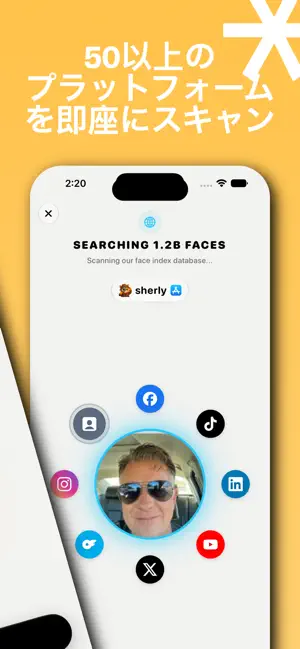
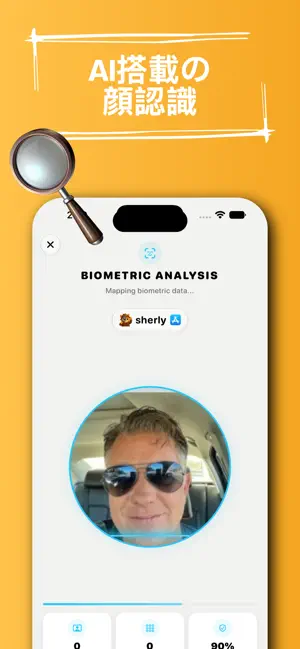
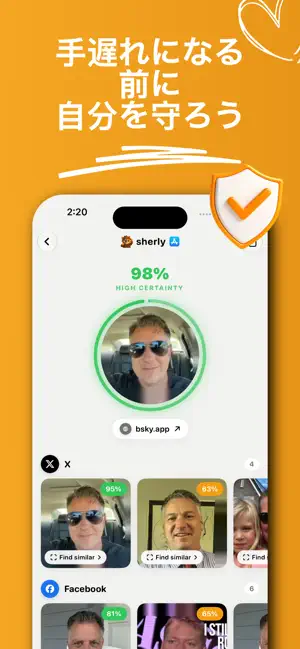
Sherlock — AI顔検索・人物検索 写真一枚で誰でも検索できます。Sherlockの高度なAI顔認識が、インターネット上の10億以上の登録済みの顔を解析し、SNSプロフィール、ニュース記事、ブログ掲載、動画を数秒で見つけ出します。 顔から人物を検索 写真をアップロードまたは撮影するだけで、Sherlockが一致する顔をウェブ上から即座に検索します。本人確認、再会、プロフィールの真偽の確認をすばやく行えます。 なりすましと詐欺を防ぐ マッチングアプリの相手が怪しいと感じたら、スクリーンショットをアップロードしてください。Sherlockが偽プロフィール、ロマンス詐欺、不正アカウントを手遅れになる前に暴きます。 本人確認を瞬時に • 相手が本人かどうかを確認 • 顔に紐づくSNSプロフィールを発見 • ニュース、ブログ、動画での露出を確認 • 写真一枚であらゆるプラットフォームを横断検索 画像検索を超える精度 • 顔の一部や角度のある写真にも対応 • 通常の画像検索よりはるかに高精度 • 数分ではなく数秒で結果を表示 • 継続的に向上するAI精度 使い方 1…
App details
What you can learn from Sherlock • AI Face Search
Every shipping app on the App Store has gone through the same decisions you're working through right now: which screenshot goes first, what caption sits over it, which device frame to show, what color the background should be. The 4 screenshots above are Sherlock • AI Face Search's answers to those questions — they're public, they're real, and they made it through Apple's review.
What the numbers say: Sherlock • AI Face Search runs a light set where the background shifts from screenshot to screenshot (first shot #FCBC24) — each image has to stand on its own, so the captions carry more of the story. The accent colour we picked up, #743C14, is the one to reuse for badges, arrows and highlighted words if you borrow this look. Hit Use this style to open the editor with these exact colours and drop your own screenshot in.
Notice the first screenshot in particular. It's the one users see in search results and on the product page, and it's where most apps spend their best caption and tightest design. Look at the proportion of background to phone, where the text sits, what one thing the image is trying to communicate.
Want to see how other Utilities apps approach the same problem? Browse more Utilities apps in the showcase.
Take what works into your own screenshots
Open LaunchShots and design your App Store & Google Play screenshots — pick a device frame, drop captions, ship in minutes. Free, in your browser.
Open the screenshot editor →Apps with a similar look
Closest background + accent colours among the listings we've analysed — useful when you want to see the same palette handled by a different team.