Screenshot style breakdown
Sampled from 4 of Tanga: Talent Scout's App Store screenshots — background, accent and theme, measured by LaunchShots (not something Apple publishes).
#EC1CA4 bg
#EE3BB0
#9C1CD4 accent
#FFFFFF text
Screenshots

Icon palette
About this app
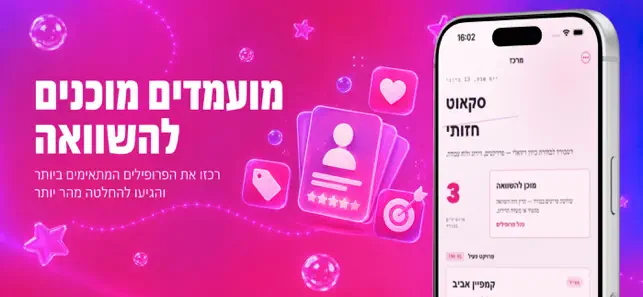
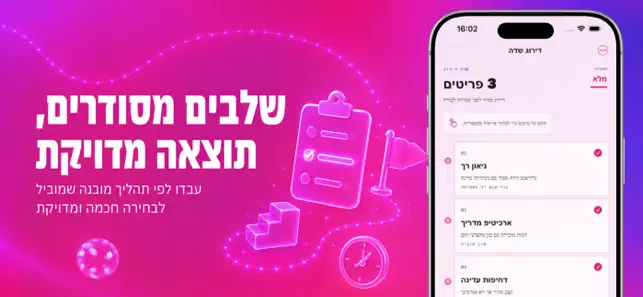
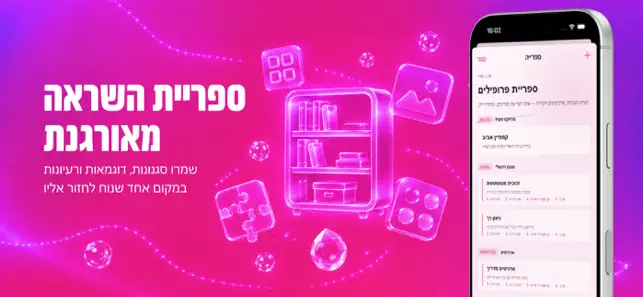
כשבונים רעיון ויזואלי לפרויקט תוכן, רוב הזמן החומרים נופלים לפיזור: שמות, תמונות והערות נשארים בכל פינה והבחירה נהיית אינטואיטיבית מדי במקום מדויקת. זה יוצר בלבול בין גרסאות, במיוחד כשצריך להחליט במהירות על זהות חזותית שמשדרת כיוון אחיד. ב־Tanga: Talent Scout אתה פותח את החלון המרכזי, בוחר פרויקט ורואה מיד סטייל־פרופילים מוכנים לניתוח מיידי. מתוך הקולקציה אתה מתרגל 3–4 פרמטרים לכל פרופיל, שומר אותם לבורד ומעביר אותם להשוואה בזמן אמת. במקום לסרוק אינסוף מקורות, אתה מקבל תהליך אחיד של בחירה: מה לראות, למה לדרג, ומה להחזיק כבסיס לעיצוב הבא. לאחר פעולה קצרה מתקבל לך דוח החלטה ברור: שלושה פרופילים עליונים, נקודות חיזוק, ורשימת התאמות לשלב הבא, כך שניתן לשוב לחדר העבודה עם תכלית מדויקת. האפליקציה שונה מכלליות של טריירים או דשבורדים סטטיים כי היא מייצרת תוצאה שימושית בפועל — לוח פרופילים שמסוגל להוביל ליצירה, לא רק להראות סטטיסטיקה.
App details
What you can learn from Tanga: Talent Scout
Every shipping app on the App Store has gone through the same decisions you're working through right now: which screenshot goes first, what caption sits over it, which device frame to show, what color the background should be. The 4 screenshots above are Tanga: Talent Scout's answers to those questions — they're public, they're real, and they made it through Apple's review.
What the numbers say: Tanga: Talent Scout runs a mixed light-and-dark set where the background shifts from screenshot to screenshot (first shot #EC1CA4) — each image has to stand on its own, so the captions carry more of the story. The accent colour we picked up, #9C1CD4, is the one to reuse for badges, arrows and highlighted words if you borrow this look. Hit Use this style to open the editor with these exact colours and drop your own screenshot in.
Notice the first screenshot in particular. It's the one users see in search results and on the product page, and it's where most apps spend their best caption and tightest design. Look at the proportion of background to phone, where the text sits, what one thing the image is trying to communicate.
Want to see how other Entertainment apps approach the same problem? Browse more Entertainment apps in the showcase.
Take what works into your own screenshots
Open LaunchShots and design your App Store & Google Play screenshots — pick a device frame, drop captions, ship in minutes. Free, in your browser.
Open the screenshot editor →Apps with a similar look
Closest background + accent colours among the listings we've analysed — useful when you want to see the same palette handled by a different team.