Screenshot style breakdown
Sampled from 4 of 涂鸦躲猫猫's App Store screenshots — background, accent and theme, measured by LaunchShots (not something Apple publishes).
#74044C bg
#872765
#04047C accent
#FFFFFF text
Screenshots
Icon palette
About this app
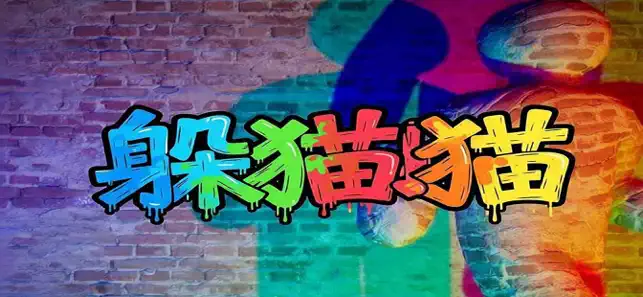
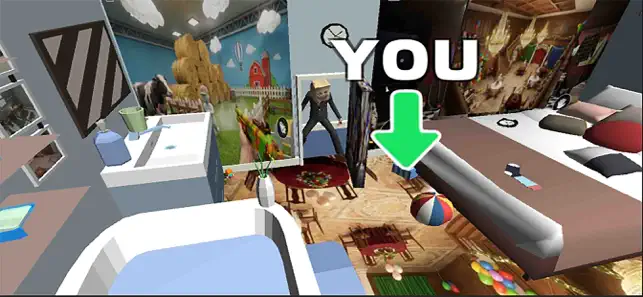
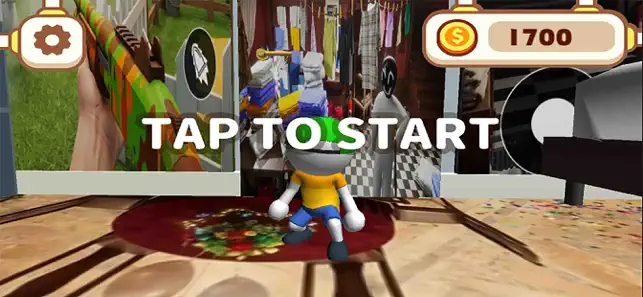
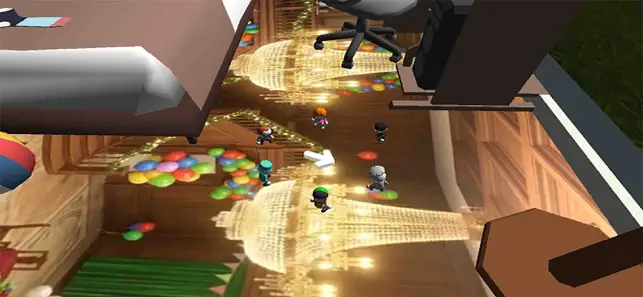
涂鸦躲猫猫手机版是一款休闲躲猫猫类型的变色龙躲猫猫游戏,玩家可以在游戏中开展一系列的躲猫猫的挑战,玩家可以通过涂鸦的方式来隐藏自己的角色,并可以在多个场景中开展游戏闯关,大家可恶意进入到游戏的各种不同场景之中来体验游戏! Yeah! 超级“捉迷藏” 规则很简单。分为追捕者队伍和躲藏者队伍进行捉迷藏。 追捕者在规定时间内找到所有人即获胜。 躲藏方式有点特殊。在自己纯白的身体上作画,融入舞台吧。就像变色龙一样。 躲藏地点、姿势!
App details
What you can learn from 涂鸦躲猫猫
Every shipping app on the App Store has gone through the same decisions you're working through right now: which screenshot goes first, what caption sits over it, which device frame to show, what color the background should be. The 4 screenshots above are 涂鸦躲猫猫's answers to those questions — they're public, they're real, and they made it through Apple's review.
What the numbers say: 涂鸦躲猫猫 runs a dark set where the background shifts from screenshot to screenshot (first shot #74044C) — each image has to stand on its own, so the captions carry more of the story. The accent colour we picked up, #04047C, is the one to reuse for badges, arrows and highlighted words if you borrow this look. Hit Use this style to open the editor with these exact colours and drop your own screenshot in.
Notice the first screenshot in particular. It's the one users see in search results and on the product page, and it's where most apps spend their best caption and tightest design. Look at the proportion of background to phone, where the text sits, what one thing the image is trying to communicate.
Want to see how other Entertainment apps approach the same problem? Browse more Entertainment apps in the showcase.
Take what works into your own screenshots
Open LaunchShots and design your App Store & Google Play screenshots — pick a device frame, drop captions, ship in minutes. Free, in your browser.
Open the screenshot editor →Apps with a similar look
Closest background + accent colours among the listings we've analysed — useful when you want to see the same palette handled by a different team.